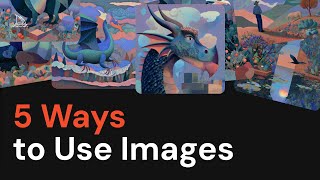
5 Ways to Use Images in Midjourney
Key Takeaways
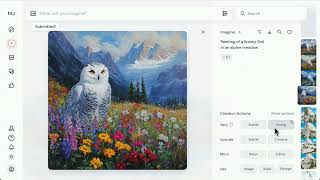
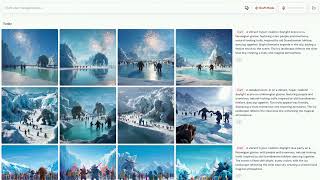
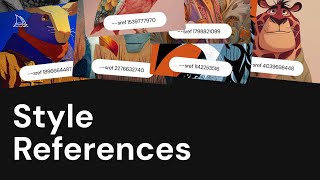
The video demonstrates 5 ways to utilize images in Midjourney, including creating videos from images, blending images into prompts, using style references, curating moodboards, and creating characters with Omni Reference.
Original Description
Use images to make more images and videos:
1. Make videos from images
2. Blend images into prompts
3. Style References to drive specific visuals
4. Curate them into Moodboards
5. Create characters and objects with Omni Reference
Learn more at https://docs.midjourney.com
Watch on YouTube ↗
(saves to browser)
Sign in to unlock AI tutor explanation · ⚡30
Playlist
Uploads from Midjourney · Midjourney · 13 of 14
1
 2
2
 3
3
 4
4
 5
5
 6
6
 7
7
 8
8
 9
9
 10
10
 11
11
 12
12
 ▶
▶
 14
14
Midjourney Web is Live
Midjourney
Introducing Draft Mode for Midjourney V7
Midjourney
Introducing Midjourney V1 Video
Midjourney
Beginner's Guide to Style References (sref)
Midjourney
How to Use Stylize Parameters
Midjourney
Create and Use Moodboards to Make Images
Midjourney
Get Better Images with Personalization
Midjourney
An Underrated Feature: Chaos / Variety
Midjourney
Create Your First Video
Midjourney
How to Organize Your Creations
Midjourney
Start Here: Making your First Image
Midjourney
Discover Different Creation Modes
Midjourney
5 Ways to Use Images in Midjourney
Midjourney
Midjourney TV 24/7
Midjourney
More on: Image Generation Basics
View skill →


![Qwen 2.5 AI: Complete Beginner Tutorial [100% Free and OpenSource]](https://i.ytimg.com/vi/kdSSgMDk_QE/mqdefault.jpg)



Related Reads
📰
📰
📰
📰
Building a color replacer: why RGB matching fails on photos and how HSV fixes it
Dev.to · Irrational Apps
I Built an Image Steganography Tool — Hide Any File Inside a PNG with AES-256 Encryption
Dev.to · Rishu
Histogram-constrained Image Generation
ArXiv cs.AI
FREE AI Sin City Photo Generator — Turn Any Photo Into High-Contrast Noir Art (2026)
Dev.to AI
🎓
Tutor Explanation

 DeepCamp AI