Image Generation Basics
Generate images with Midjourney, DALL-E 3, and Stable Diffusion.
0%
Confidence · no data yet
After this skill you can…
- Generate photorealistic and stylised images with prompts
- Use negative prompts and style parameters
- Understand model differences (Midjourney vs SD vs DALL-E)
Watch (10 videos)
Google Flow Turns Any Photo Into A Video | A Drone Shot
→ Turn photos into videos→ Create cinematic drone shots→ Use Google Flow for image AI

This Free Chinese AI Designs Better Than Claude
→ Design better images with AI→ Use a free Chinese AI model for design purposes
Higgsfield AI Review: The "Unlimited" Plan Is Not What You Think (2026)
→ Generate AI videos→ Compare AI models→ Understand pricing plans
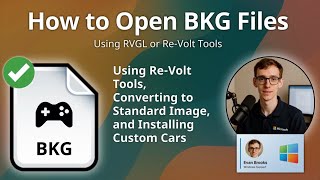
How to Open BKG Files (Re-Volt Car Texture)
→ Open BKG files→ Convert BKG files to standard image formats→ Install custom car textures in Re-Volt

What exactly is Stable Diffusion?
→ Generate images using Stable Diffusion→ Understand the basics of diffusion-based image synthesis
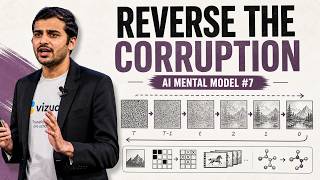
Diffusion: AI Mental Model #7
→ Generate images using diffusion-based models→ Understand the concept of reversing corruption in AI mental models
Image Generation and Editing with Google AI Studio & Imagen
→ Generate high-quality images using AI→ Edit images using natural language→ Create ad variants in seconds
Apple now has spatial reframing
→ Edit photos using spatial reframing→ Adjust photo perspectives with AI→ Generate new content to fill gaps in photos
How to Make Your First AI Movie (Full Guide)
→ Generate AI video prompts→ Create a cinematic AI short film
How to Open TXP Files (Photoshop Tex-Mex Plugin)
→ Open TXP files→ Use texture plugins in Photoshop→ Troubleshoot compatibility issues
 DeepCamp AI