Figma Tutorial: How to create Anchor Links
Skills:
UI Design80%
Key Takeaways
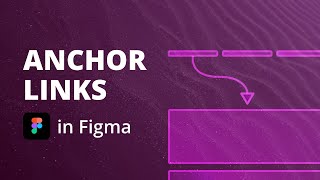
Creates anchor links between a sticky navigation and different sections on the page using Figma
Original Description
In this Figma UI Design tutorial I will show you how to create animated anchor links between a sticky navigation and different sections on the page.
Watch on YouTube ↗
(saves to browser)
Sign in to unlock AI tutor explanation · ⚡30
Playlist
Uploads from UX&D · UX&D · 4 of 4
← Previous
Next →


More on: UI Design
View skill →









Related Reads
📰
📰
📰
📰
What a Messy Dashboard Taught Me About UI Ownership
Medium · Programming
Building IRIS: An Adaptive Accessibility Companion
Dev.to · Bernadette Akinyi
When Everyday Tech Stops Being Invisible: The Real Engineering Behind “Satisfying” Machines
Dev.to · James LIN
AI + Figma: The Features and Plugins That Actually Save Time
Medium · UX Design
🎓
Tutor Explanation

 DeepCamp AI