How to put together your first workflow in Brand Studio
A single generated image is rarely production-ready without some tinkering. Maybe it needs to fit a banner, or a detail needs to change for a specific market.
That’s what workflows are for. Instead of re-generating from scratch over and over, we’ll get one image to the finish line in three steps.
What you'll learn:
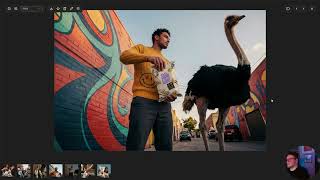
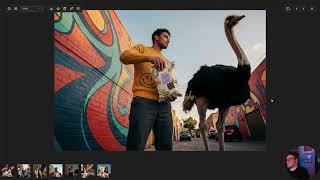
✂️ Step 1: Remove the Background: Isolate your subject as a transparent PNG with original lighting intact. Use the Remove tool to clean up any edges before moving on.
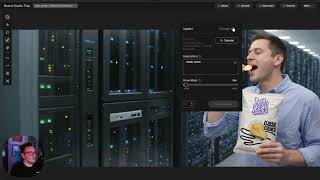
🌄 Step 2: Expand and Recompose: Use Outpaint to extend the original image to your target ratio (21:9, landscape, whatever you need), then use Quick Select to cleanly pull the subject out and leave an empty background.
🔍 Step 3: Upscale to Production Quality: One click takes your final composition from 2K to 4K, getting you to pixel-perfect.
Once you start thinking in workflows, the tools you already know get a lot more powerful.
🔗 Follow along in Brand Studio → https://bit.ly/4vg00yP
Watch on YouTube ↗
(saves to browser)
Sign in to unlock AI tutor explanation · ⚡30
Playlist
Uploads from Stability AI · Stability AI · 7 of 8
1
 2
2
 3
3
 4
4
 5
5
 6
6
 ▶
▶
 8
8
Stability Seconds: Using Stable Diffusion 3.5 and Stable Image Ultra in ComfyUI
Stability AI
Stability Seconds: How to Improve Your Prompts
Stability AI
What To Expect When You're Expected to Adopt AI
Stability AI
Introducing Brand Studio | The creative platform powered by your brand
Stability AI
Quick Guide to Getting Started with Brand Studio
Stability AI
Change exactly what you wanted with precision editing in Brand Studio
Stability AI
How to put together your first workflow in Brand Studio
Stability AI
Tips for creating smarter, not harder in Brand Studio
Stability AI
Related AI Lessons
⚡
⚡
⚡
⚡
How to Write Better AI Image Prompts for Midjourney (With Examples That Actually Work)
Medium · ChatGPT
Image to Video AI: The Complete Workflow Playbook That Actually Produces Results
Medium · AI
Image Harvest v1.0.2: Internationalization, Free Pro Trial & Quality-of-Life Improvements
Dev.to · kyriewen
Pix2Pix: Image-to-Image Translation using Conditional GANs
Medium · Deep Learning
🎓
Tutor Explanation

 DeepCamp AI