WEKA Tutorial #1.1 - How to Build a Data Mining Model from Scratch
Key Takeaways
This video tutorial covers the basics of data science and demonstrates how to build a data mining model from scratch using the WEKA data mining software, including downloading and installing the software.
Full Transcript
welcome back to the data professor I'm Tennant I said a mad and in this episode I'm going to give you a quick introduction about what is data science and how you can go about building your very first prediction model so without further ado let's get started data is ubiquitous and in this day and age we have an ever-increasing amount of data infamously known as big data which we can use to analyze to get insights and to drive the decision-making process so what exactly is data data pertains to information about entities of interest for example health parameters of a human being such as the red and white blood cell count the blood profile lipid profile and other parameters that describes the health status of an individual characteristics of cars such as the top speed that it can go and fuel consumption rates properties of drugs such as the molecular size solubility electronic and hydrophobic properties of the drug simply put data science is a very big field that encompasses several smaller disciplines such as statistics mathematics data visualization programming data mining machine learning so as you can see data mining is a subset of data science and it refers to the specific process of making use of the data in order to build a prediction model and extracting knowledge from the data while machine learning refers to the learning algorithms that are used to create the prediction models inside the data mining process so there you have it a very brief introduction to data science now comes the fun part let's get started in building our very first prediction model Vica is a program for performing data mining it has an intuitive graphical user interface that allows you to pre-process transform the data as well as construct the prediction model using a variety of machine learning algorithms and it was created by two developers in Witten and EEP Frank from the University of Waikato so let's begin by first installing weeka onto your computer so what you need to do is go to a go to Google and then search for weeka and then click on the first link so notice that the URL is coming from the University of Waikato so click on the link so it's the pace that was open a couple of seconds ago so let's get started by downloading the program so click on the download button and then scroll down you'll notice that they they're going to have several versions here snapshot is when they have a like a beta version which is not stable yet but what you want is the stable version right here or they also have the developer version where they also provide new features which are not yet stable but are included for your usage here if you're into the latest feature you might want to try this one but if you're starting out I would recommend using the stable version so it has for many platform on the windows platform for the Mac platform and also for Linux platform as well so before you begin you will have to select one of the four links right here so what are they well the first link is the week program right here version 3 point 8 point three and it also comes with a java virtual environment as you can see from the final name for the 64-bit version however the second file is the weaker program alone as you can see here by the name of weeka and the version number three eight three and then x64 would mean it is built for the 64-bit version of Windows but it does not come with the Java Virtual Machine so therefore you don't see that JRE in the file name and the third file are is similar to the first file in which it has the weaker program along with the java virtual machine but it is built for the 32-bit version of your windows and the fourth file is the weaker program built for the 32-bit version so if you are wondering which version should you go with well let's check out what is the version of your computer's but it is 64 or 32 bit oh it's right here properties and then notice the 64-bit version right here so this computer has 64-bit so I'm going to go for it with the 64-bit version however I will have to identify whether I want to have Java or without Java so in order to do that let's check whether my computer has Java or not and you can do the same by going to the search icon type in CMD and click on the command prompt and then then and then you will see this command prompt window coming up type in Java and if it says that Java is not recognize that it means that your computer does not have Java installed so let's go with the first file which has Java prepackaged along with the weakest software so let's click on here and that will take you to the download link wait a bit ok and then your download have started so it's a hundred and fifteen megabytes so that should take you a little while ok so the internet speed is going up and we are a couple of seconds away from downloading the program ok so it's finished and let's install so click on the installation file and it will ask whether you want to allow this program to make changes to your device so I'll click on yes and then the next step is pretty easy and straightforward so click on the next button and we are close to completion and now it's going to install the java virtual machine you so click on the install button click on ok wait some more ok so we're almost there ok so Java has successfully been installed and I will click on the close button and then weeka say it's ok it is completed so once it's a complete head or click on the next button and then it has to take for us to take on start Riga and click on finished so until next time I'm telling nontox in amman on the data professor channel and if you haven't subscribed to add please consider subscribing and clicking on the notification bell so that you will be notified on the next video so I'll see you in the next one [Music]
Original Description
In this Part 1 video (of a 3 part series), you will learn about (1) the big concept of data science in 2 minutes and (2) how to build your first data mining model from scratch using the WEKA data mining software (Part 1 covers the downloading and installation of the WEKA software). This 3 part video series is made for the absolute beginner as we guide you step-by-step on building a data mining model from scratch.
🌟 Buy me a coffee: https://www.buymeacoffee.com/dataprofessor
⭕ Playlist:
Check out our other videos in the following playlists.
✅ Data Science 101: https://bit.ly/dataprofessor-ds101
✅ Data Science YouTuber Podcast: https://bit.ly/datascience-youtuber-podcast
✅ Data Science Virtual Internship: https://bit.ly/dataprofessor-internship
✅ Bioinformatics: http://bit.ly/dataprofessor-bioinformatics
✅ Data Science Toolbox: https://bit.ly/dataprofessor-datasciencetoolbox
✅ Streamlit (Web App in Python): https://bit.ly/dataprofessor-streamlit
✅ Shiny (Web App in R): https://bit.ly/dataprofessor-shiny
✅ Google Colab Tips and Tricks: https://bit.ly/dataprofessor-google-colab
✅ Pandas Tips and Tricks: https://bit.ly/dataprofessor-pandas
✅ Python Data Science Project: https://bit.ly/dataprofessor-python-ds
✅ R Data Science Project: https://bit.ly/dataprofessor-r-ds
⭕ Subscribe:
If you're new here, it would mean the world to me if you would consider subscribing to this channel.
✅ Subscribe: https://www.youtube.com/dataprofessor?sub_confirmation=1
⭕ Recommended Tools:
Kite is a FREE AI-powered coding assistant that will help you code faster and smarter. The Kite plugin integrates with all the top editors and IDEs to give you smart completions and documentation while you’re typing. I've been using Kite and I love it!
✅ Check out Kite: https://www.kite.com/get-kite/?utm_medium=referral&utm_source=youtube&utm_campaign=dataprofessor&utm_content=description-only
⭕ Recommended Books:
✅ Hands-On Machine Learning with Scikit-Learn : https://amzn.to/3hTKuTt
✅ Data Science
Playlist
Uploads from Data Professor · Data Professor · 2 of 60
1
 ▶
▶
 3
3
 4
4
 5
5
 6
6
 7
7
 8
8
 9
9
 10
10
 11
11
 12
12
 13
13
 14
14
 15
15
 16
16
 17
17
 18
18
 19
19
 20
20
 21
21
 22
22
 23
23
 24
24
 25
25
 26
26
 27
27
 28
28
 29
29
 30
30
 31
31
 32
32
 33
33
 34
34
 35
35
 36
36
 37
37
 38
38
![Making Scatter Plots in R [Data Visualisation in R series]](https://i.ytimg.com/vi/5Sekjv0aouI/mqdefault.jpg) 39
39
 40
40
 41
41
 42
42
 43
43
 44
44
 45
45
 46
46
 47
47
 48
48
 49
49
 50
50
 51
51
 52
52
 53
53
 54
54
 55
55
 56
56
 57
57
 58
58
 59
59
 60
60

How a Biologist became a Data Scientist
Data Professor
WEKA Tutorial #1.1 - How to Build a Data Mining Model from Scratch
Data Professor
WEKA Tutorial #1.2 - How to Build a Data Mining Model from Scratch
Data Professor
WEKA Tutorial #1.3 - How to Build a Data Mining Model from Scratch
Data Professor
Computational Drug Discovery: Machine Learning for Making Sense of Big Data in Drug Discovery
Data Professor
Quotes #1 on Big Data and Data Science
Data Professor
Quotes #2 on Big Data and Data Science
Data Professor
Quotes #3 on Big Data and Data Science
Data Professor
Quotes #4 on Big Data and Data Science
Data Professor
Quotes #5 on Big Data and Data Science
Data Professor
Data Science 101: Starting a Data Science / Data Mining Project
Data Professor
Data Science 101: CRISP-DM - Data Mining / Data Science in 6 Steps
Data Professor
R Programming 101: How to Define Variables
Data Professor
R Programming 101: Read and Write CSV files
Data Professor
Data Science 101: Basic Command-Line for Data Science
Data Professor
Strategies for Learning Data Science in 2020 (Data Science 101)
Data Professor
Building your Data Science Portfolio with GitHub (Data Science 101)
Data Professor
R Programming 101: Setting up R programming environment (R, RStudio and RStudio.cloud)
Data Professor
Exploratory Data Analysis in R: Towards Data Understanding
Data Professor
Exploratory Data Analysis in R: Quick Dive into Data Visualization
Data Professor
Machine Learning in R: Building a Classification Model
Data Professor
Machine Learning in R: Repurpose Machine Learning Code for New Data
Data Professor
Data Science 101: Deploying your Machine Learning Model
Data Professor
Machine Learning in R: Deploy Machine Learning Model using RDS
Data Professor
Data Pre-processing in R: Handling Missing Data
Data Professor
Machine Learning in R: Speed up Model Building with Parallel Computing
Data Professor
Data Science 101: Overview of Machine Learning Model Building Process
Data Professor
Web Apps in R: Building your First Web Application in R | Shiny Tutorial Ep 1
Data Professor
Web Apps in R: Build Interactive Histogram Web Application in R | Shiny Tutorial Ep 2
Data Professor
Web Apps in R: Building Data-Driven Web Application in R | Shiny Tutorial Ep 3
Data Professor
Web Apps in R: Building the Machine Learning Web Application in R | Shiny Tutorial Ep 4
Data Professor
Web Apps in R: Build BMI Calculator web application in R for health monitoring | Shiny Tutorial Ep 5
Data Professor
Machine Learning in R: Building a Linear Regression Model
Data Professor
What programming language to learn for Data Science? R versus Python
Data Professor
How to Become a Data Scientist (Learning Path and Skill Sets Needed)
Data Professor
Using Python in R
Data Professor
Interpretable Machine Learning Models
Data Professor
Making Scatter Plots in R [Data Visualisation in R series]
Data Professor
Machine Learning in Python: Building a Classification Model
Data Professor
Compare Machine Learning Classifiers in Python
Data Professor
Hyperparameter Tuning of Machine Learning Model in Python
Data Professor
Practical Introduction to Google Colab for Data Science
Data Professor
File Handling in Google Colab for Data Science
Data Professor
Pandas for Data Science: Create and Combine DataFrames / Rename Columns
Data Professor
Machine Learning in Python: Building a Linear Regression Model
Data Professor
Machine Learning in Python: Principal Component Analysis (PCA) for Handling High-Dimensional Data
Data Professor
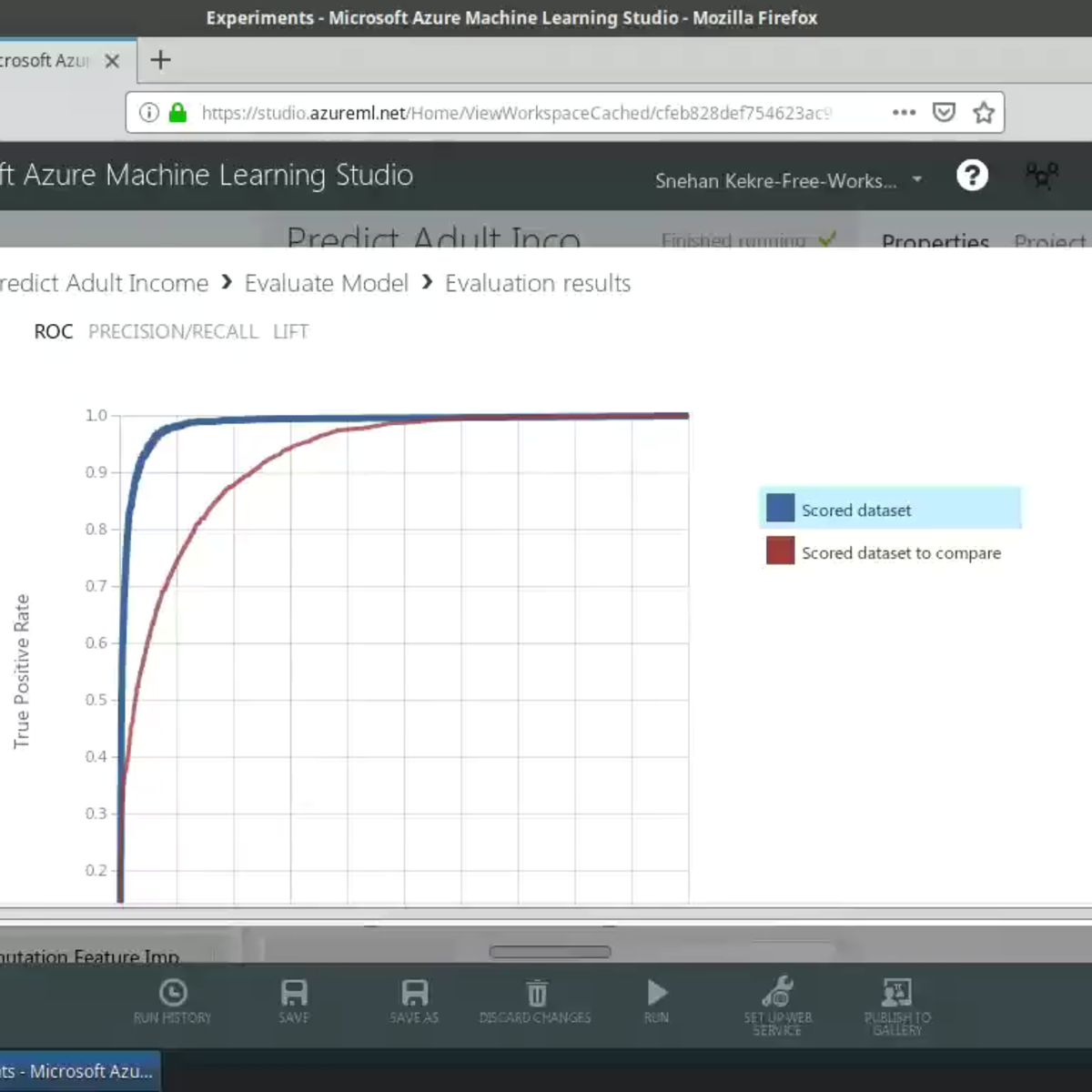
How to Plot an ROC Curve in Python | Machine Learning in Python
Data Professor
Installing conda on Google Colab for Data Science
Data Professor
Use native R on Google Colab for Data Science
Data Professor
How to Save and Download files from Google Colab
Data Professor
Easy Web Scraping in Python using Pandas for Data Science
Data Professor
Data Science for Computational Drug Discovery using Python (Part 1)
Data Professor
Pandas Profiling for Data Science (Quick and Easy Exploratory Data Analysis)
Data Professor
Exploratory Data Analysis in Python using pandas
Data Professor
Quick tour of PyCaret (a low-code machine learning library in Python)
Data Professor
How to Upload Files to Google Colab
Data Professor
How to Install and Use Pandas Profiling on Google Colab
Data Professor
How to Adjust the Style of Pandas DataFrame
Data Professor
How to use Bamboolib for Data Wrangling in Data Science
Data Professor
How to use Pandas Profiling on Kaggle
Data Professor
More on: ML Pipelines
View skill →





Related Reads
📰
📰
📰
📰
AI Evaluation Is Becoming the New Testing
Medium · AI
I Built a Sentiment Classifier That Reads Movie Reviews — Here’s What 87% Accuracy Actually Looks…
Medium · Machine Learning
I Built a Sentiment Classifier That Reads Movie Reviews — Here’s What 87% Accuracy Actually Looks…
Medium · Python
Optuna: How to Stop Running GridSearch and Start Actually Optimizing
Medium · Machine Learning
🎓
Tutor Explanation
 DeepCamp AI