Student's T Distribution
Skills:
ML Maths Basics80%
Key Takeaways
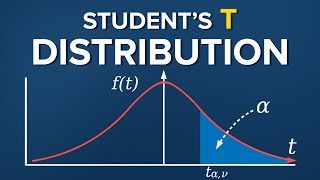
The video discusses Student's T Distribution, its history, and application in statistics, covering the concept, formula, and characteristics of the T statistic, as well as its relationship to the standard normal distribution and Z statistic.
Full Transcript
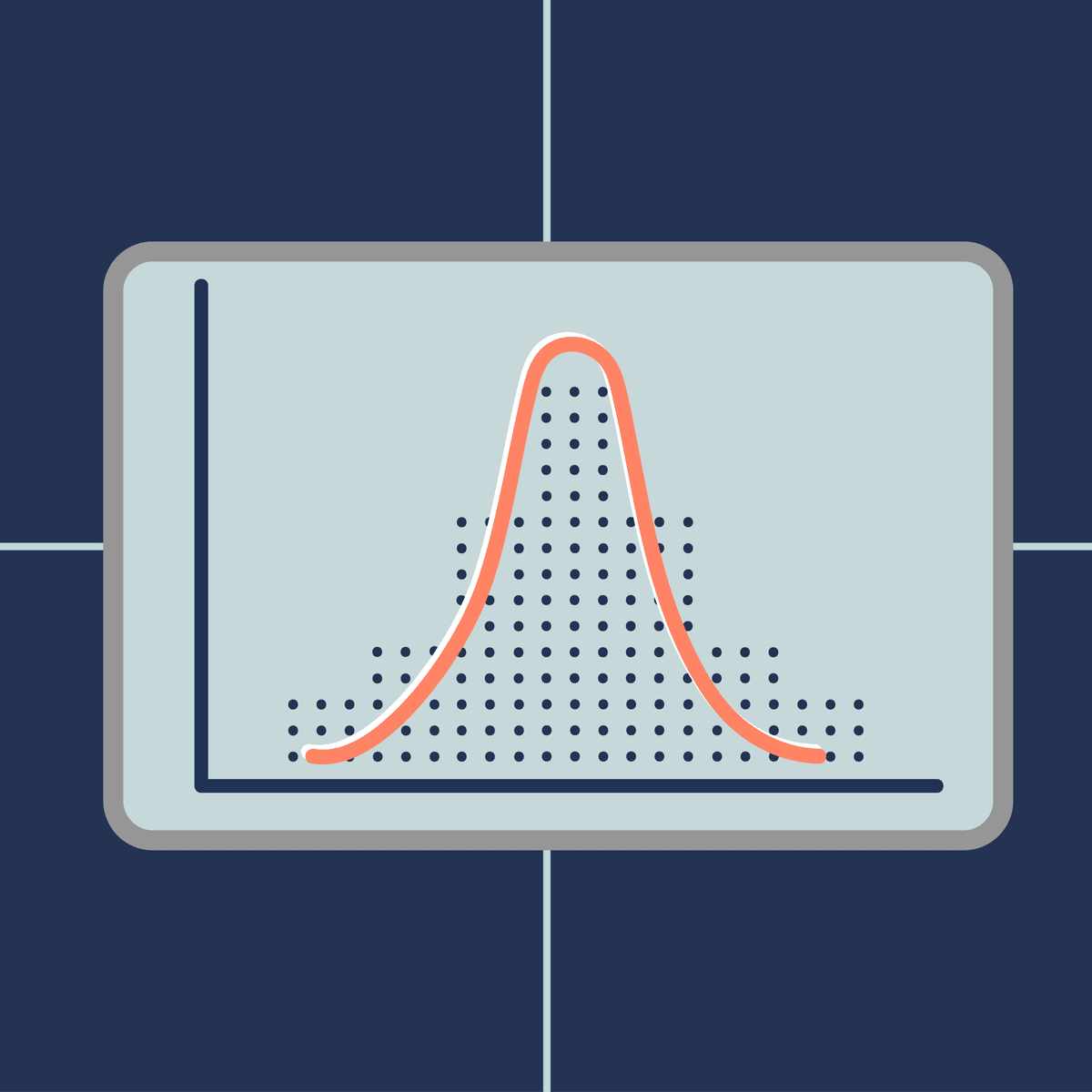
William Gossett was an English statistician who worked for the brewery of Guinness he developed different methods for the selection of the best yielding varieties of barley an important ingredient when making beer Gossett found big samples tedious so he was trying to develop a way to extract small samples but still come up with meaningful predictions he was a curious and productive researcher and published a number of papers that are still relevant today however due to the Guinness company policy he was not allowed to sign the papers with his own name therefore all of his work was under the pen name student later on a friend of his and a famous statistician Ronald Fisher stepping on the findings of Gossett introduced the t-statistic and the name that stuck with the corresponding distribution even today is students tea the student's t-distribution is one of the biggest breakthroughs in statistics as it allowed inference through small samples with an unknown population variance this setting can be applied to a big part of statistical problems we face today and is an important part of this course all right visually the student's t-distribution looks much like a normal distribution but generally has fatter tails fatter tails as you may remember allows for a higher dispersion of variables as there is more uncertainty in the same way that the z statistic is related to the standard normal distribution the T statistic is related to the student's t-distribution the formula that allows us to calculate it is T with n minus 1 degrees of freedom and a significance level of alpha equals the sample mean minus the population mean divided by the standard error of the sample as you can see it is very similar to the Z statistic after all this is an approximation of the normal distribution the last characteristic of the students T statistic is that there are degrees of freedom usually for a sample of n we have n minus 1 degrees of freedom so for a sample of 20 observation the degrees of freedom are 19 much like the standard normal distribution table we also have a student's tea table here it is the rows indicate different degrees of freedom abbreviated as DF while the columns common alphas please note that after the 30th row the numbers don't vary that much actually after 30 degrees of freedom the t-statistic table becomes almost the same as the Z statistic as the degrees of freedom depend on the sample in essence the bigger the sample the closer we get to the actual numbers a common rule of thumb is that for a sample containing more than 50 observations we use the Z table instead of the T table for more videos like this one please subscribe [Music]
Original Description
🥳Access all 365 Data Science courses 100% for free — November 6–21! ➡ https://bit.ly/43aatiY
👉Sign up for Our Complete Data Science Training with 57% OFF: https://bit.ly/3sJATc9
👉 Download Our Free Data Science Career Guide: https://bit.ly/47Eh6d5
Student's T Distribution – we would like to tell you a story!
William Gosset was an English statistician who worked for the brewery of Guinness. He developed different methods for the selection of the best yielding varieties of barley – an important ingredient when making beer. Gosset found big samples tedious, so he was trying to develop a way to extract small samples but still come up with meaningful predictions.
He was a curious and productive researcher and published a number of papers that are still relevant today. However, due to the Guinness company policy, he was not allowed to sign the papers with his own name. Therefore, all of his work was under the pen name: Student.
Later on, a friend of his and a famous statistician, Ronald Fisher, stepping on the findings of Gosset, introduced the t-statistic, and the name that stuck with the corresponding distribution even today is Student’s t.
The Student’s t distribution is one of the biggest breakthroughs in statistics, as it allowed inference through small samples with an unknown population variance. This setting can be applied to a big part of the statistical problems we face today and is an important part of this course.
Video Timestamps:
► Consider hitting the SUBSCRIBE button if you LIKE the content: https://www.youtube.com/c/365DataScience?sub_confirmation=1
► VISIT our website: https://bit.ly/365ds
🤝 Connect with us LinkedIn: https://www.linkedin.com/company/365datascience/
365 Data Science is an online educational career website that offers the incredible opportunity to find your way into the data science world no matter your previous knowledge and experience. We have prepared numerous courses that suit the needs of aspiring BI analysts, D
Playlist
Uploads from 365 Data Science · 365 Data Science · 8 of 60
1
 2
2
 3
3
 4
4
 5
5
 6
6
 7
7
 ▶
▶
 9
9
 10
10
 11
11
 12
12
 13
13
![INDEX and MATCH application of the two functions separately and combined [Advanced Excel]](https://i.ytimg.com/vi/9vrIFfMdYng/mqdefault.jpg) 14
14
![INDIRECT Excel Function: How it works and when to use it [Advanced Excel]](https://i.ytimg.com/vi/kDkS8rNCoBM/mqdefault.jpg) 15
15
![VLOOKUP and MATCH another useful functions combination [Advanced Excel]](https://i.ytimg.com/vi/2435x9FV6qY/mqdefault.jpg) 16
16
![VLOOKUP COLUMN and ROW - Handle large data tables with ease [Advanced Excel]](https://i.ytimg.com/vi/ToUaAqevy9E/mqdefault.jpg) 17
17
![The ELIF keyword [Python Fundamentals]](https://i.ytimg.com/vi/h3Vi9mtw2Jo/mqdefault.jpg) 18
18
 19
19
 20
20
 21
21
 22
22
 23
23
 24
24
 25
25
 26
26
 27
27
 28
28
 29
29
 30
30
 31
31
 32
32
 33
33
 34
34
 35
35
 36
36
 37
37
 38
38
 39
39
 40
40
 41
41
 42
42
 43
43
 44
44
 45
45
 46
46
 47
47
 48
48
 49
49
 50
50
 51
51
 52
52
 53
53
 54
54
 55
55
 56
56
 57
57
 58
58
 59
59
 60
60

Population vs Sample
365 Data Science
Data Science & Statistics: Levels of measurement
365 Data Science
Statistics Tutorials: Mean, median and mode
365 Data Science
Skewness
365 Data Science
What is a distribution?
365 Data Science
The Normal Distribution
365 Data Science
Central limit theorem
365 Data Science
Student's T Distribution
365 Data Science
Type I error vs Type II error
365 Data Science
Hypothesis testing. Null vs alternative
365 Data Science
The linear regression model
365 Data Science
Simple linear regression model. Geometrical representation
365 Data Science
INDEX and MATCH application of the two functions separately and combined [Advanced Excel]
365 Data Science
INDIRECT Excel Function: How it works and when to use it [Advanced Excel]
365 Data Science
VLOOKUP and MATCH another useful functions combination [Advanced Excel]
365 Data Science
VLOOKUP COLUMN and ROW - Handle large data tables with ease [Advanced Excel]
365 Data Science
The ELIF keyword [Python Fundamentals]
365 Data Science
Working with Tuples in Python
365 Data Science
Database Terminology - A Beginners Guide
365 Data Science
Relational Database Essentials
365 Data Science
Database vs Spreadsheet - Advantages and Disadvantages
365 Data Science
Conditional Statements and Loops
365 Data Science
Backpropagation – The Math Behind Optimization
365 Data Science
Monte Carlo: Forecasting Stock Prices Part I
365 Data Science
Monte Carlo: Forecasting Stock Prices Part II
365 Data Science
Monte Carlo: Forecasting Stock Prices Part III
365 Data Science
365 Data Science Online Program
365 Data Science
Data frames - Creating a data frame
365 Data Science
Data Science & Statistics: Slicing a matrix in R
365 Data Science
Data frames in R - Exporting data in R
365 Data Science
Data frames in R - Transforming data PART II
365 Data Science
Data Frames in R - Subsetting a data frame
365 Data Science
Data Science & Statistics: Matrix arithmetic in R
365 Data Science
Data Science & Statistics: Indexing an element from a matrix
365 Data Science
Data Frames in R - Extending a data frame
365 Data Science
Data Science & Statistics: Creating a matrix in R FASTER
365 Data Science
Data Science & Statistics: Creating a Matrix in R
365 Data Science
Data frames - Importing data in R
365 Data Science
Data frames in R - Getting a sense of your data
365 Data Science
Data frames in R - Transforming data PART I
365 Data Science
Data frames in R - Import a CSV in R
365 Data Science
Data Science & Statistics: Matrix operations in R
365 Data Science
Data Science & Statistics: Matrix recycling in R
365 Data Science
Tableau vs Excel: When to use Tableau and when to use Excel
365 Data Science
Download Tableau: Learn how to download Tableau Public
365 Data Science
Connecting data sources: Useful tips when connecting data sources to Tableau
365 Data Science
The Tableau interface: See how to navigate through the Tableau interface
365 Data Science
Tableau data visualization: Create your first Tableau visualization!
365 Data Science
Duplicating sheets: This is how to duplicate a sheet in Tableau
365 Data Science
Build a table in Tableau: The steps needed to create a simple table in Tableau
365 Data Science
Custom fields in Tableau: Using Tableau operators to create custom fields
365 Data Science
Custom fields in Tableau: Add calculations to tables through custom fields
365 Data Science
Totals in Tableau: Learn how to display subtotals and totals in Tableau
365 Data Science
Gross Margin calculation in Tableau
365 Data Science
What is a filter in Tableau: Set up a filter in Tableau to specify the data you want to show
365 Data Science
Joins in Tableau: Inner, outer, left, or a right join in Tableau
365 Data Science
Building a Tableau dashboard: Three types of charts you want to have in a Tableau dashboard
365 Data Science
Creating great looking charts in Tableau: Real life Exercise on charts in Tableau
365 Data Science
Joins in Tableau: Choose the correct join type
365 Data Science
How to make a data check in Tableau: A quick data check is better than no data check
365 Data Science
More on: ML Maths Basics
View skill →

![AI With Python Full Course 2026 [FREE] | Learn Artificial Intelligence With Python | Simplilearn](https://img.youtube.com/vi/IvFW-r_S6UI/mqdefault.jpg)

🎓
Tutor Explanation

 DeepCamp AI