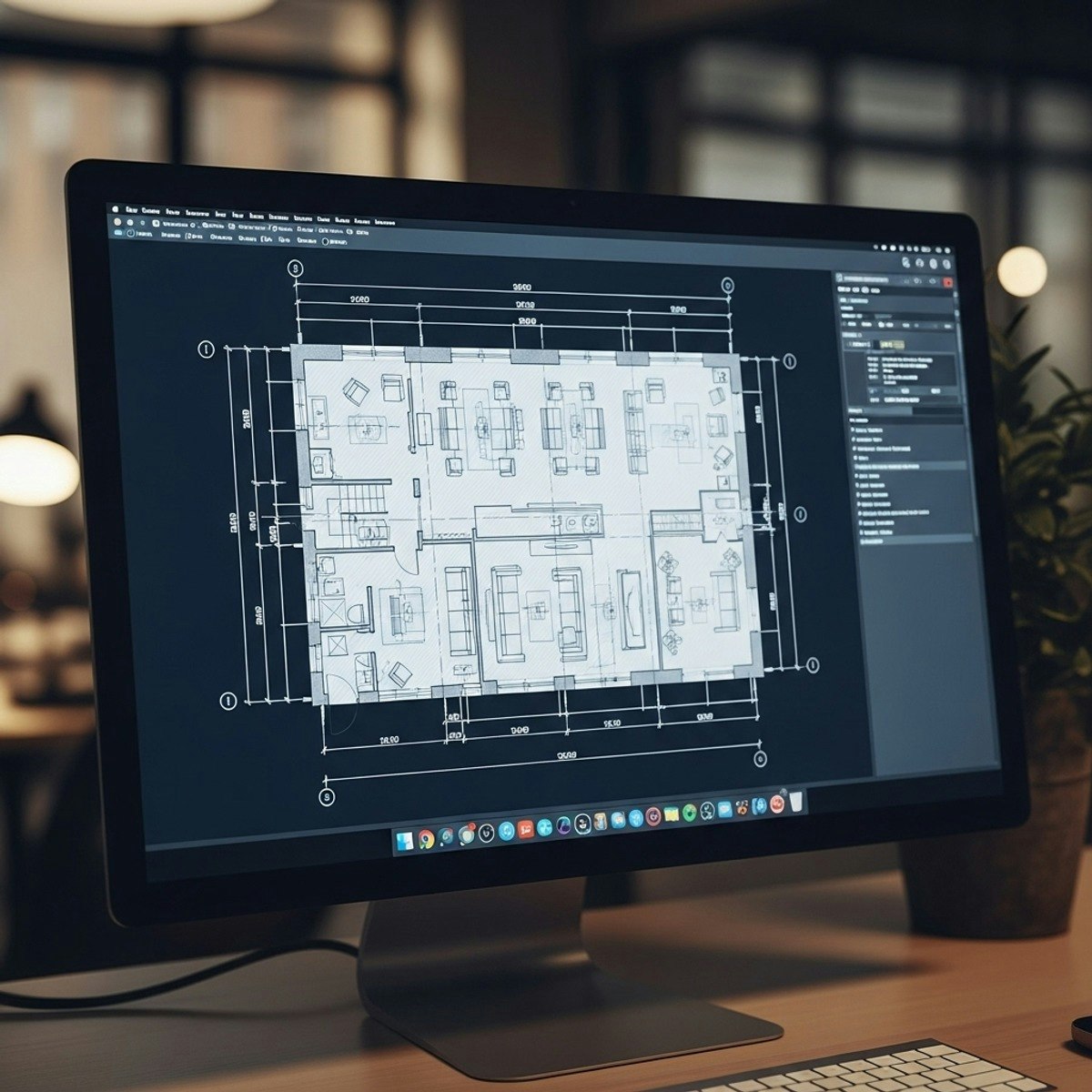
Master AutoCAD Corporate Layouts: Design & Drafting Skills
Skills:
UI Design60%
Learners will interpret architectural requirements, design multi-level layouts, and produce professional AutoCAD drawings for a complete corporate office project. This course equips participants with the practical skills to construct ground floor plans, organize basement parking systems, develop multi-storey floor layouts, and draft accurate elevations, refuge floors, and terrace-level details.
By completing this course, learners gain hands-on experience working through a real-world corporate office case study—from initial planning to final multi-level documentation. They become confident in applying industry drafting standards, creating structurally aligned plans, and ensuring safety and service-zone compliance across all building levels. These skills directly enhance workplace readiness for careers in architecture, interior design, building planning, and CAD drafting.
What makes this course unique is its project-based approach: instead of learning isolated commands, learners apply AutoCAD tools within a continuous, realistic workflow that mirrors professional architectural practices. With guided demonstrations, structured modules, and step-by-step layout development, this course helps learners transform conceptual knowledge into job-ready technical competence—making it an ideal choice for beginners and emerging CAD professionals.
Watch on Coursera ↗
(saves to browser)
Sign in to unlock AI tutor explanation · ⚡30
More on: UI Design
View skill →









Related AI Lessons
⚡
⚡
⚡
⚡
35 ChatGPT Prompts for Wealth Managers: Strengthen Client Relationships, Sharpen Analysis, and Scale Your Practice
Dev.to AI
I Built an Open-Source AI Tools Directory with 850+ Tools — Here's Why and How
Dev.to AI
Your Tech Stack Has an AI Problem: How to Audit and Fix It in 2026
Dev.to · Lycore Development
If you follow my Linux and DevOps articles — this one is different. I built something. Let me tell you about it.
Dev.to AI
🎓
Tutor Explanation
 DeepCamp AI