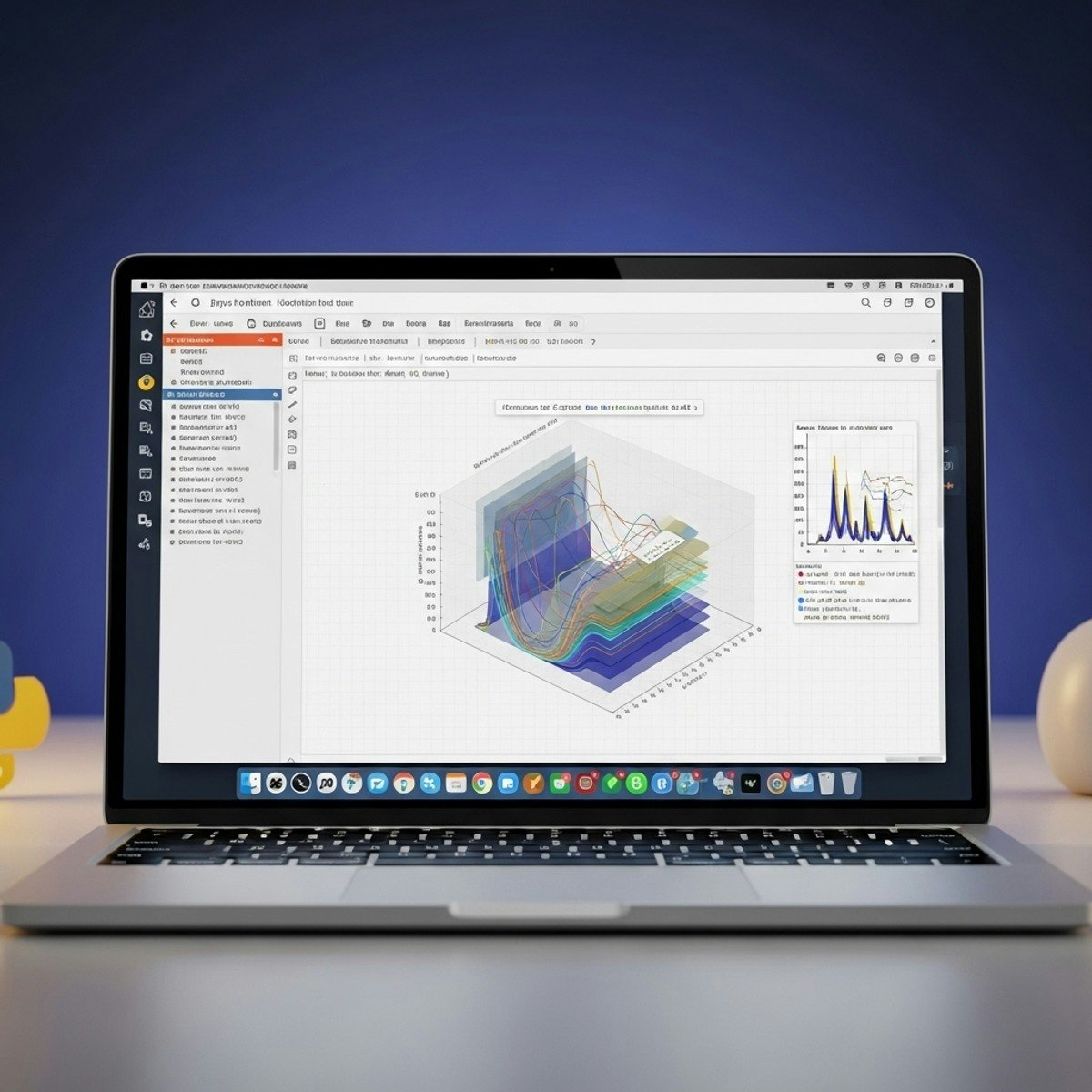
Jupyter & Python: Visualize, Optimize & Accelerate
Key Takeaways
Configures Jupyter and IPython environments, creates data visualizations with Matplotlib, and optimizes Python performance with profiling tools
Original Description
By the end of this course, learners will be able to configure Jupyter and IPython environments, create professional data visualizations with Matplotlib, enhance graphs with NumPy, and apply advanced scientific plotting techniques. They will also master IPython functionalities such as widgets, magic commands, kernels, and unit testing while optimizing Python performance with profiling tools, memory mapping, and conversions. Finally, learners will accelerate Python with Numba and Cython, implement parallel and distributed computing, and explore next-generation visualization with Seaborn, D3.js, and Julia.
This course uniquely integrates beginner to advanced skills in one streamlined pathway. Unlike typical introductions, it emphasizes both productivity and performance, enabling learners to go from setup and plotting fundamentals to high-performance computing workflows. With a hands-on approach and a structured sequence of modules, students will gain not just technical knowledge but also the ability to apply these tools to real-world scenarios in data science, research, and analytics.
Whether you are a beginner exploring Jupyter or a practitioner aiming to optimize workflows, this course equips you with the skills to analyze, visualize, and accelerate data-driven applications.
Watch on External: Coursera ↗
(saves to browser)
Sign in to unlock AI tutor explanation · ⚡30
More on: Data Literacy
View skill →









Related AI Lessons
⚡
⚡
⚡
⚡
The HiPPO is always right
Dev.to · Sharmin Sirajudeen
How to Extract Saudi Arabia Property Data Across Bayut.sa, Wasalt.sa, Aqar.fm and PropertyFinder.sa
Dev.to · Omar Eldeeb
Norway vs France (1:4) — A 97% Crime Index Anomaly: When Ruthless Efficiency Buries the xG Evidence
Medium · Data Science
How to Build an H-1B Salary Database by Employer (the Real Data Source + Python)
Dev.to · Omar Eldeeb
🎓
Tutor Explanation

 DeepCamp AI