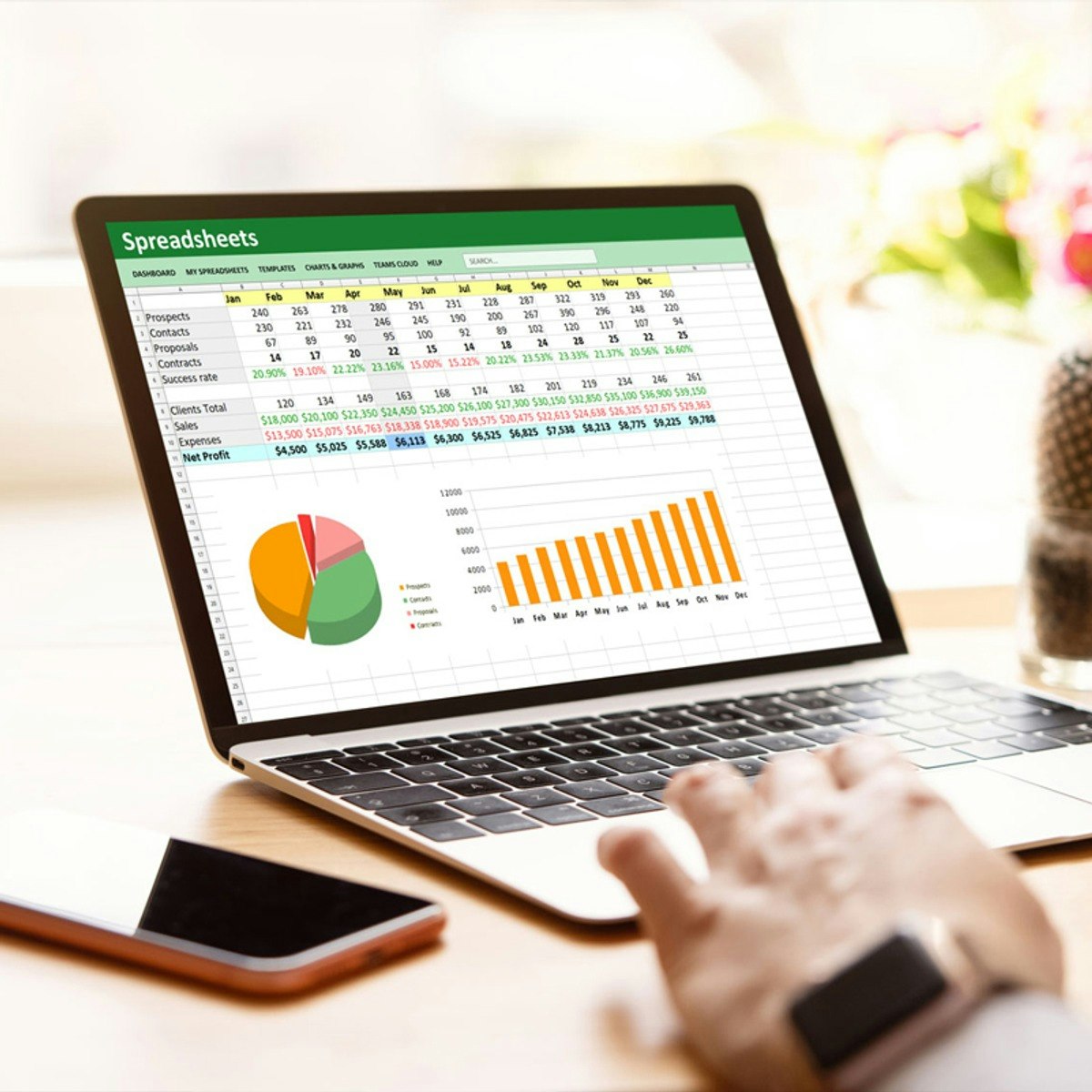
Excel and Google Sheets for Data Analysis Training
Skills:
Data Literacy90%
Key Takeaways
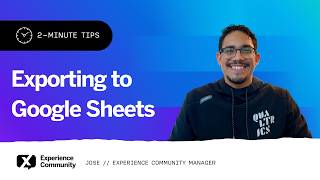
Trains in Microsoft Excel and Google Sheets for data analysis, including spreadsheet management and data visualization
Original Description
This comprehensive Microsoft Excel & Google Sheets for Data Analysis Training course builds essential skills in spreadsheet management, data preparation, business reporting, and data visualization using Microsoft Excel and Google Sheets. Learn to organize, clean, analyze, and visualize data using advanced Excel functions, PivotTables, dashboards, and Google Sheets collaboration features to support data-driven business decisions.
By the end of this course, you will be able to:
- Master Spreadsheet Management: Create, organize, and manage workbooks and worksheets in Microsoft Excel
- Prepare and Clean Data: Format, validate, and clean datasets for accurate business analysis
- Analyze Data with Advanced Excel: Use XLOOKUP, INDEX, MATCH, OFFSET, PivotTables, and advanced formulas
- Build Reports and Dashboards: Create PivotTables, dashboards, and visual reports to uncover business insights
- Collaborate with Google Sheets: Manipulate, analyze, visualize, and share data using Google Sheets collaboration tools
- Apply Practical Business Skills: Demonstrate spreadsheet management and data analysis skills through hands-on activities and real-world business challenges
Ideal for beginners, students, job seekers, business professionals, office administrators, analysts, and anyone looking to build practical Microsoft Excel, Google Sheets, business reporting, data analysis, and data visualization skills.
AI explanation not available for this lesson yet
This lesson is still being prepared for the AI tutor. In the meantime, explore lessons that are ready.
Browse explainer-ready lessons →
More on: Data Literacy
View skill →




Related Reads
📰
📰
📰
📰
How Data Science Courses Encourage a Habit of Continuous Learning
Medium · Data Science
Modelling, Data Generator, and Analysis Class Motivation and Expectation
Medium · Data Science
Should We Put Data Centers in Antarctica or Space?
Medium · AI
Best Data Science Course in Hyderabad
Medium · Machine Learning
🎓
Tutor Explanation
 DeepCamp AI