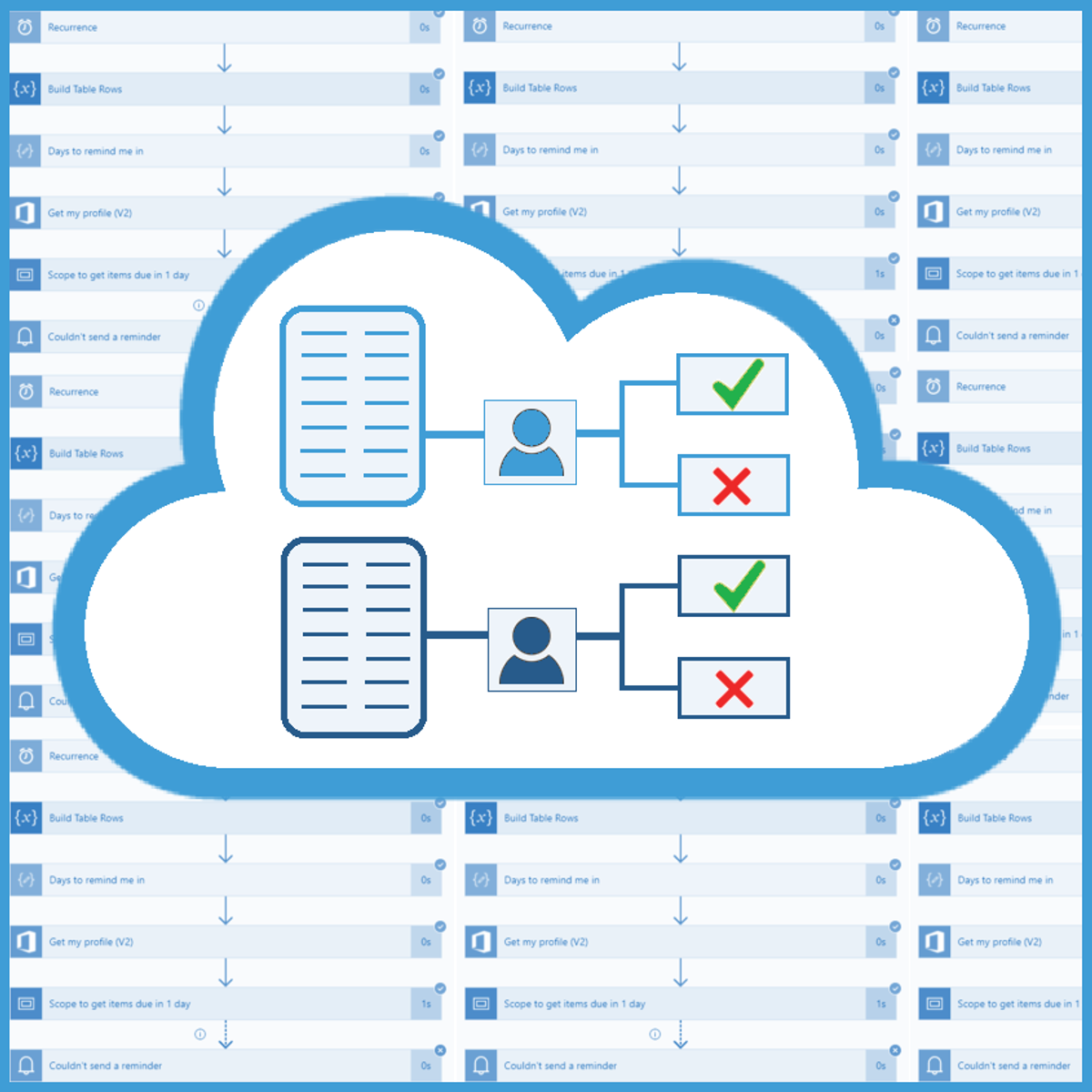
Automate Doc Review Process with SharePoint & Power Automate
Skills:
AI Workflow Automation80%
Every company must create various documents or reports and show them to responsible colleagues, mostly their supervisors, so they can approve or reject the document. Employees spend a lot of time chasing those responsible colleagues all over the company or sending them multiple emails to remind them about the documents waiting to be checked.
For example, a junior business analyst creates a business offer document and of course, it needs to be reviewed and approved by a senior business analyst, a CEO, or another superior. You can imagine how exhausting and time consuming it can be for the employee to find the corresponding colleague and get the wanted feedback on the document, or to send them repetitive emails each morning reminding them about it. Thankfully, we can leverage Power Automate and SharePoint functionalities and automate the whole process after the document is created. An employee will just create the document, upload it to the SharePoint document library and Power Automate will handle the rest automatically. This might be a huge timesaver for the employee since they don’t need to chase colleagues or send them emails anymore.
This Guided Project "Automate Doc Review Process with SharePoint & Power Automate" is for any business professional who is looking to automate any kind of document or report approval.
In this Guided Project, you will learn how to create a SharePoint site, document library and list, and how to use Power Automate to automate the process of sending requests for document approval to the corresponding employees. What’s great about SharePoint and Power Automate is that anyone can learn to use them regardless of their educational background.
Since this project uses Power Automate (part of the Microsoft Power Platform) and SharePoint, you will need access to a Microsoft account and a Microsoft 365 Developer Program subscription. In the video at the beginning of the project you will be given instructions on how to sign up for both.
If y
Watch on Coursera ↗
(saves to browser)
Sign in to unlock AI tutor explanation · ⚡30
More on: AI Workflow Automation
View skill →









Related AI Lessons
⚡
⚡
⚡
⚡
Does Claude Help in Photo Editing? Here is the Honest Truth
Medium · AI
AI Video Editing Tools Are Changing Content Creation in 2026
Medium · AI
"I Got Tired of Rewriting 4 AI CLI Config Files. So I Put Setup Behind One Button"
Dev.to · CodeKing
PBIFORGE: The First AI Tool to Generate Full Power BI Dashboards from a Text Prompt
Dev.to · suddhasheel bhatt
🎓
Tutor Explanation

 DeepCamp AI