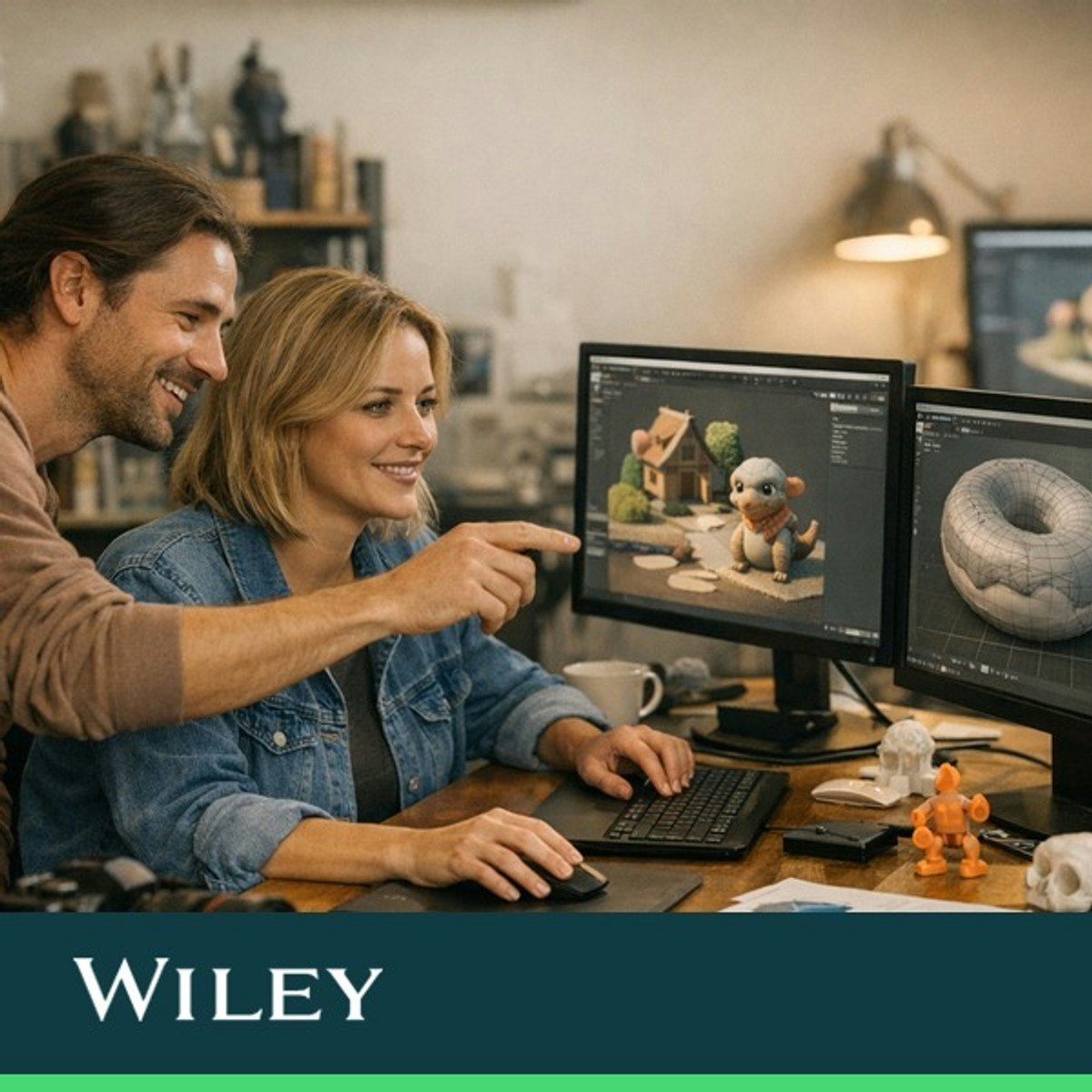
Animation, Effects, and Advanced Workflows in Blender
Key Takeaways
Creates professional-quality animations using Blender through animation, rigging, effects, and advanced workflows
Original Description
This course teaches how to bring Blender projects to life through animation, rigging, effects, and advanced workflows. Mastering these skills allows creators to produce professional-quality animations and integrate 2D and 3D elements seamlessly.
Learners will animate objects, rig characters, simulate physics, and work with hair and fluids. The course also covers Grease Pencil for 2D animation, video editing, compositing, motion tracking, and Python scripting to streamline workflows.
What sets this course apart is its practical, example-driven approach that combines theory with real-world applications. Learners gain hands-on experience with sophisticated Blender tools and techniques.
This course benefits 3D artists, animators, and motion designers with basic Blender knowledge, aiming to elevate their animation and visual effects capabilities.
This course is part three of a three-course Specialization designed to provide a comprehensive learning pathway in this subject area. While it delivers standalone value and practical skills, learners seeking a more integrated and in-depth progression may benefit from completing the full Specialization.
This Specialization is based on the book, Blender All-in-One For Dummies, by Jason van Gumster.
From Blender All-in-One For Dummies Copyright © 2024 by John Wiley & Sons, Inc., Hoboken, New Jersey Used by arrangement with John Wiley & Sons, Inc.
Watch on External: Coursera ↗
(saves to browser)
Sign in to unlock AI tutor explanation · ⚡30
More on: UI Design
View skill →









Related Reads
📰
📰
📰
📰
We Run a Design Agency. Here’s What We Actually Let AI Do.
Medium · Startup
The Individual Artifact-Led Workflow: Designer Edition
Medium · UX Design
Flutter Performance Optimization: How to Reduce Unnecessary Widget Rebuilds
Medium · Programming
Dependency Injection Patterns in Vue: A Complete Beginner-to-Intermediate Guide
Medium · Programming
🎓
Tutor Explanation

 DeepCamp AI