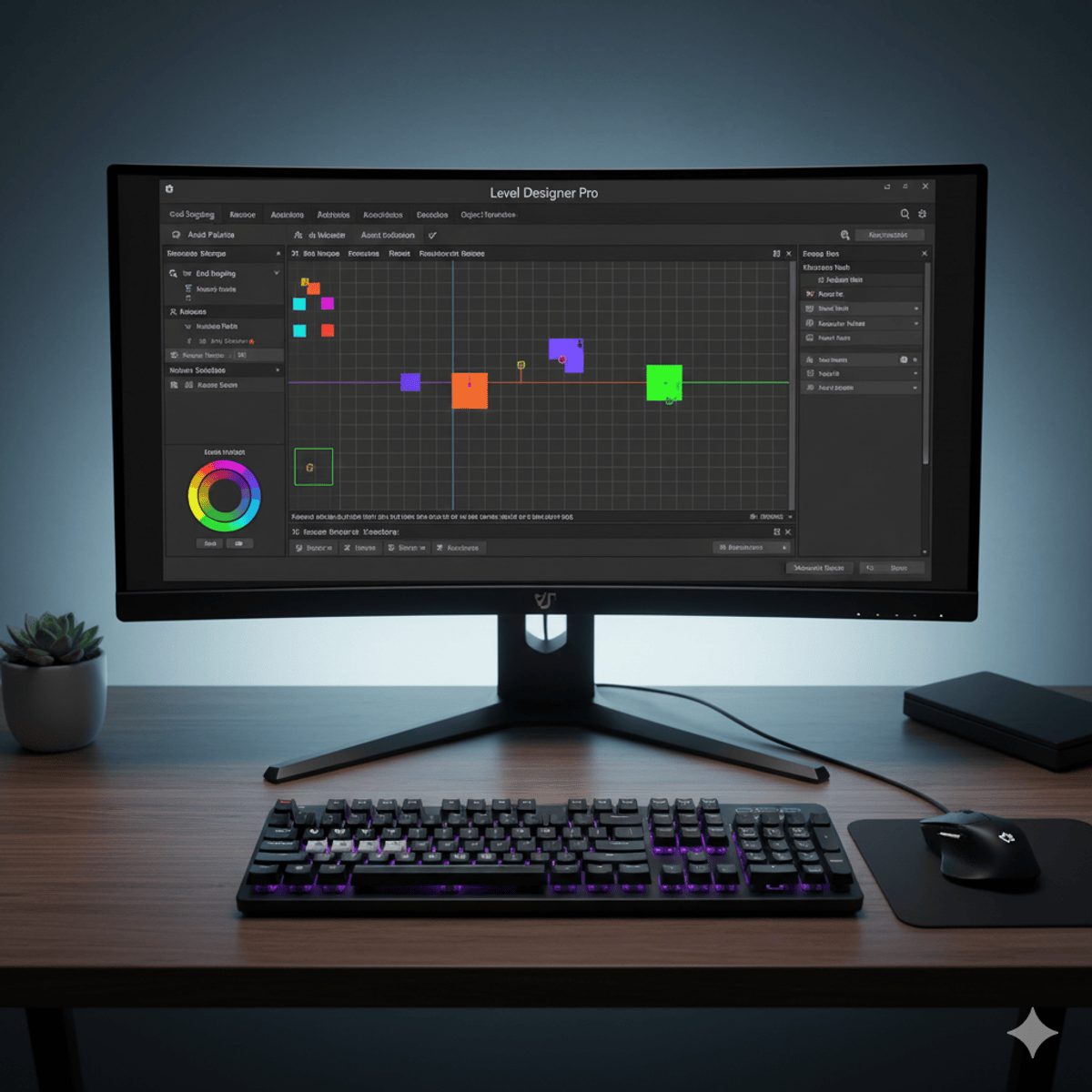
Unity Editor Scripting: Design & Customize Tools
Key Takeaways
Teaches Unity editor scripting for designing and customizing tools
Original Description
By the end of this course, learners will be able to design custom inspectors, implement property and decorator drawers, integrate palettes, apply editor events, and distribute professional Unity editor tools. Through hands-on projects, they will extend Unity’s editor environment to streamline workflows, manage assets more efficiently, and build reusable tools for collaborative development.
This course is designed to guide beginners through advanced editor scripting, starting with foundational concepts such as Gizmos, grid snapping, and test levels, before moving into custom inspectors, property drawers, GUI skins, and editor modes. Intermediate modules cover reusable level settings, DLL creation, and texture importers, while advanced modules focus on building object modifier tools, integrating version control, and packaging tools for distribution.
What makes this course unique is its practical, project-based approach: every concept is applied to real Unity editor scenarios, ensuring learners not only understand scripting principles but also produce tools that can be directly used in their projects. By completing this course, students will transform the Unity editor into a customized environment tailored to their creative and production needs.
Watch on External: Coursera ↗
(saves to browser)
Sign in to unlock AI tutor explanation · ⚡30
More on: AI Workflow Automation
View skill →









Related Reads
📰
📰
📰
📰
Math Homework: Step-by-Step Solver & Scanner
Medium · AI
Passports, Playbooks, and Platforms: How Emerging Tech Is Changing Travel and Sports
Medium · AI
Wi-Fi Sensing: Your Router Is Becoming a Motion Detector
Dev.to · Haven Messenger
Sifting Through Existence, OR, Why You Can’t Trust AI with Your Bibliography
Medium · AI
🎓
Tutor Explanation

 DeepCamp AI