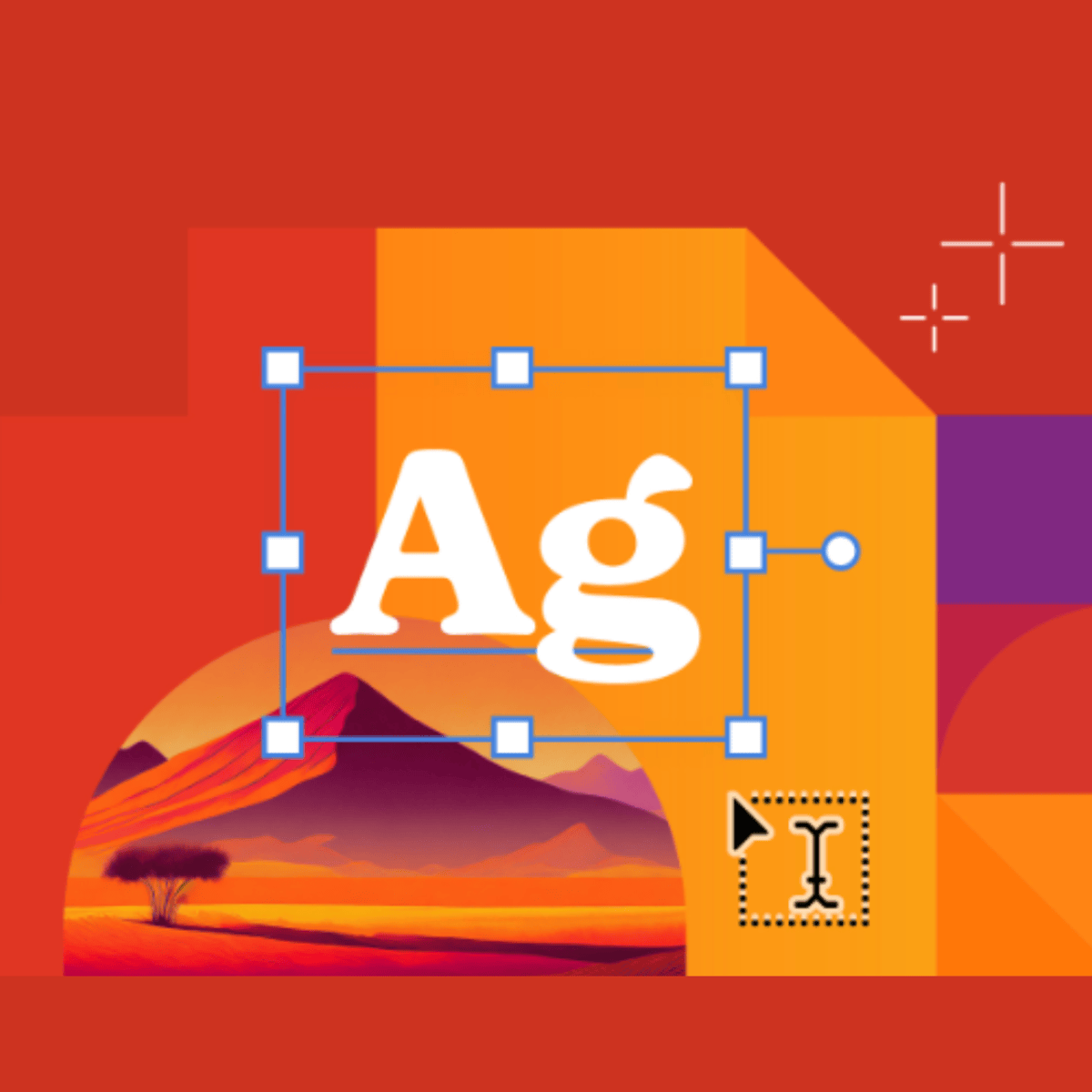
Typography and Layout
Skills:
UI Design90%
Key Takeaways
Explores typography and layout using Adobe Illustrator, including type tools and grids
Original Description
Typography is more than choosing fonts—it’s about giving words personality and structure. In this course, you’ll explore how type conveys mood, hierarchy, and meaning, and how thoughtful layouts guide the eye through content. Working in Adobe Illustrator, you’ll experiment with type tools, grids, and alignment to create designs that feel intentional and expressive. Each module builds your skills step-by-step—from understanding typographic basics to composing complete layouts that balance type, image, and space. You’ll leave the course with the confidence to design visual compositions where words and visuals work seamlessly together, communicating clearly and beautifully across any medium.
Watch on External: Coursera ↗
(saves to browser)
Sign in to unlock AI tutor explanation · ⚡30
More on: UI Design
View skill →









Related Reads
📰
📰
📰
📰
Build an iOS-style segmented control with a sliding thumb
Dev.to · Devanshu Biswas
3 hard truths about the future of Product Design
Medium · UX Design
Serious Games vs Gamification: What''s the Difference?
Dev.to · Ocean View Games
Cheapest Graphic Design Tools for Solopreneurs 2026: 8 Picks I Actually Tested
Dev.to AI
🎓
Tutor Explanation

 DeepCamp AI