Spreadsheet Automation Projects
Key Takeaways
Builds real-world Excel VBA automation projects for business productivity and reporting
Original Description
Master Excel VBA automation by building real-world macro projects for business productivity and reporting. Learn how to automate repetitive Excel tasks, create dashboards, and manage workflows efficiently using VBA macros.
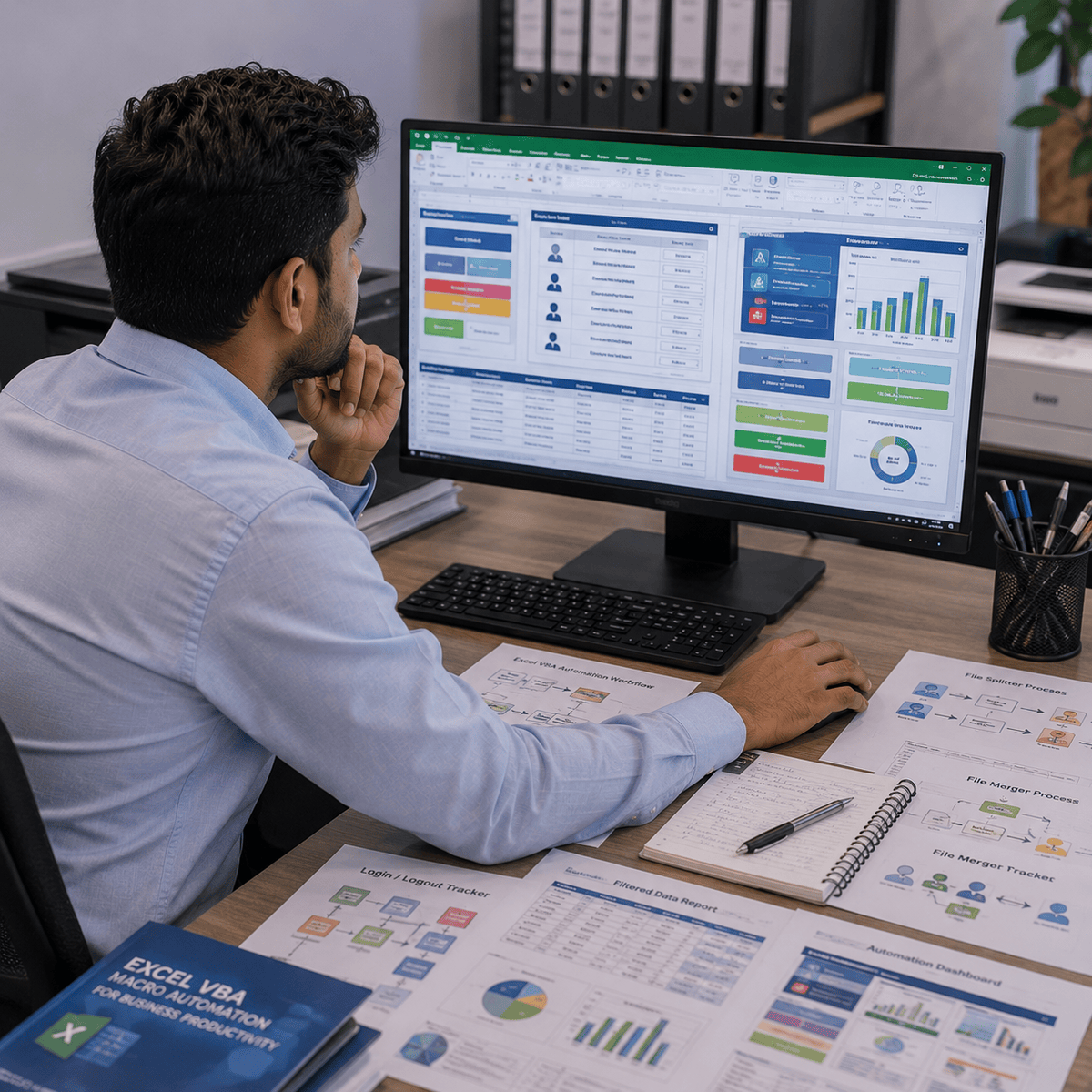
This hands-on course teaches practical Excel VBA development through business-focused projects such as login/logout trackers, file splitter automation, file merger systems, and interactive dashboards. Learners will understand how to use VBA coding, loops, variables, filters, workbook automation, and macro recording to streamline daily operations.
By the end of the course, learners will be able to create automated Excel solutions that reduce manual effort, improve productivity, and support business reporting workflows. Whether you are an Excel beginner or a working professional, this course provides practical VBA automation skills that can be applied immediately in real workplace scenarios.
Watch on External: Coursera ↗
(saves to browser)
Sign in to unlock AI tutor explanation · ⚡30
More on: Data Literacy
View skill →









🎓
Tutor Explanation

 DeepCamp AI