
Prototype to Success: Figma Prototyping Essentials
Key Takeaways
Figma prototyping essentials for interactive design and validation
Original Description
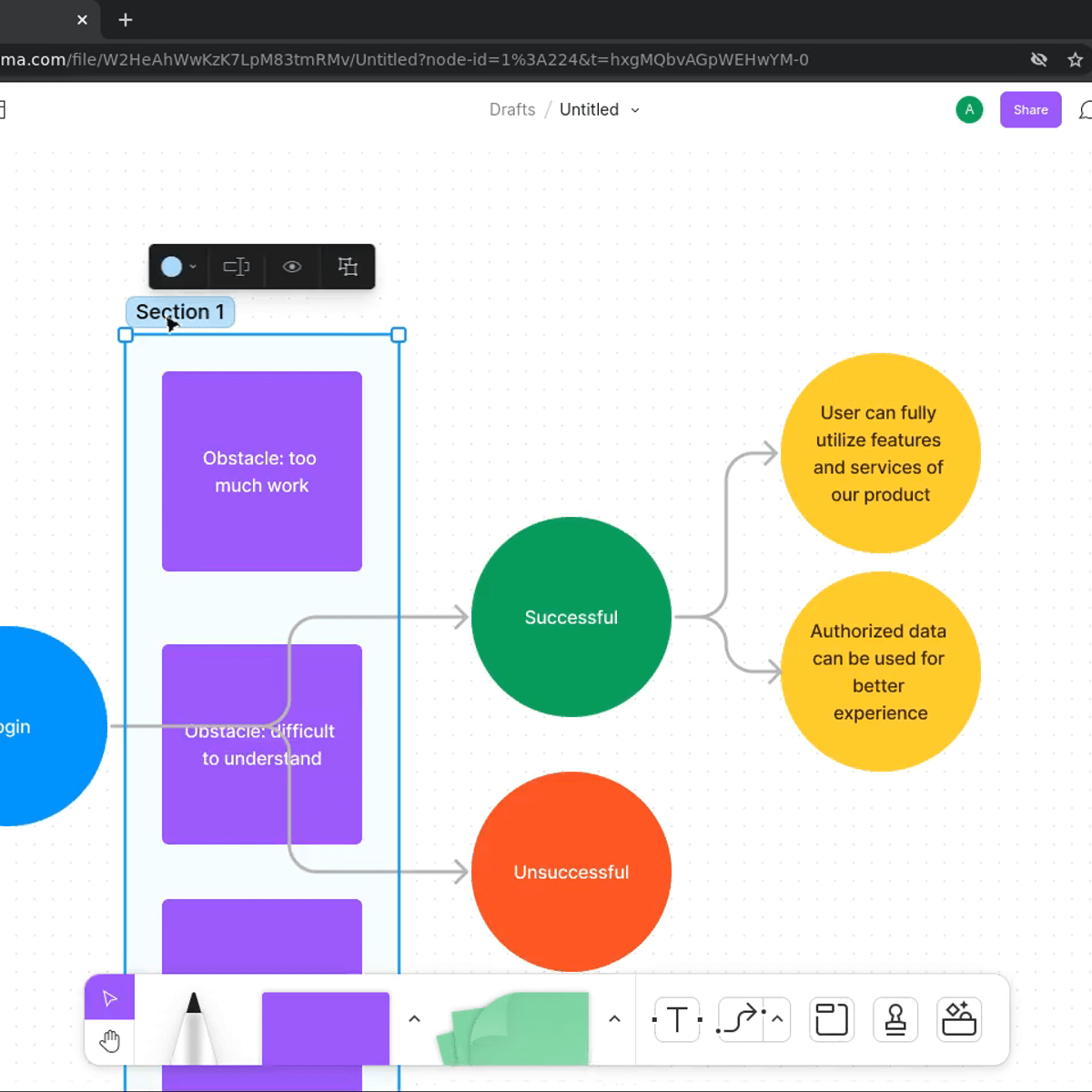
In this course, you'll dive into the powerful world of interactive prototyping using Figma's comprehensive prototyping tools. We'll demystify the concepts behind low-fidelity prototyping, exploring how to bring static designs to life and validate design concepts through interactive experiences. You'll gain a clear understanding of the prototyping process, from connecting wireframes to creating realistic user interactions that simulate the final product experience. You'll be introduced to the specific prototyping capabilities of Figma within the UX design ecosystem, including transitions, overlays, and interactive components. We'll showcase how Figma harnesses the power of collaborative design to improve your productivity when building and sharing prototypes with stakeholders and team members. You'll discover the myriad ways Figma's prototyping features can enhance your design validation and communication workflow.
By the end of this course, you'll be able to:
- Create interactive prototypes using Figma's prototyping tools and features.
- Design realistic user interactions including transitions, animations, and overlays.
- Test and validate design concepts through interactive prototyping.
- Utilize Figma's collaborative features for prototype sharing and stakeholder feedback.
Watch on External: Coursera ↗
(saves to browser)
Sign in to unlock AI tutor explanation · ⚡30
More on: Prototyping
View skill →






Related Reads
📰
📰
📰
📰
The Vue 3 Project Structure That Scales to 100 Components Without Becoming a Maze
Medium · Programming
The Vue 3 Project Structure That Scales to 100 Components Without Becoming a Maze
Medium · JavaScript
How I Turned a Client Journey Map Into a Reusable AI Skill
Medium · UX Design
Google rebuilt search and nobody noticed
Medium · UX Design
🎓
Tutor Explanation

 DeepCamp AI