
Interaction Intelligence: Advanced Prototyping with Figma
Key Takeaways
Applies Figma for advanced prototyping and interaction design
Original Description
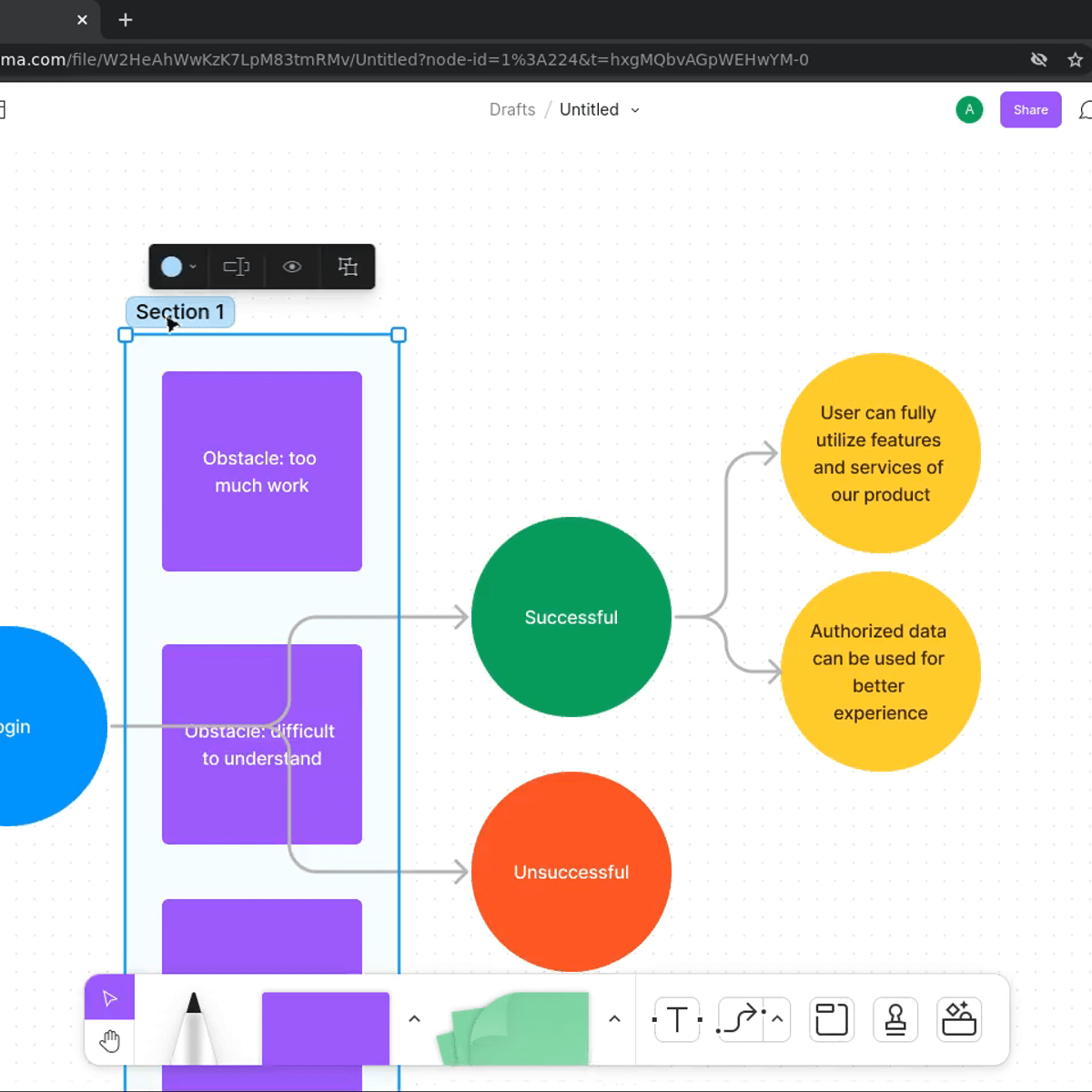
In this course, learners will elevate their UX design skills by immersing themselves in advanced prototyping techniques using Figma's sophisticated interaction and animation capabilities. They will learn how to create complex interactive experiences, implement advanced transitions and micro-interactions, and build prototypes that closely simulate real application behavior. Throughout the course, learners will develop highly interactive prototypes that demonstrate advanced user flows and engaging interface behaviors using Figma's most powerful prototyping features.
By the end of this course, learners will be able to:
- Create complex interactive prototypes using Figma's advanced prototyping features and capabilities
- Implement sophisticated animations, transitions, and micro-interactions to enhance user experience
- Design multi-layered interactions including overlays, component states, and conditional logic
- Build realistic prototypes that accurately simulate final product behavior and functionality
AI explanation not available for this lesson yet
This lesson is still being prepared for the AI tutor. In the meantime, explore lessons that are ready.
Browse explainer-ready lessons →
More on: Prototyping
View skill →






Related Reads
🎓
Tutor Explanation

 DeepCamp AI