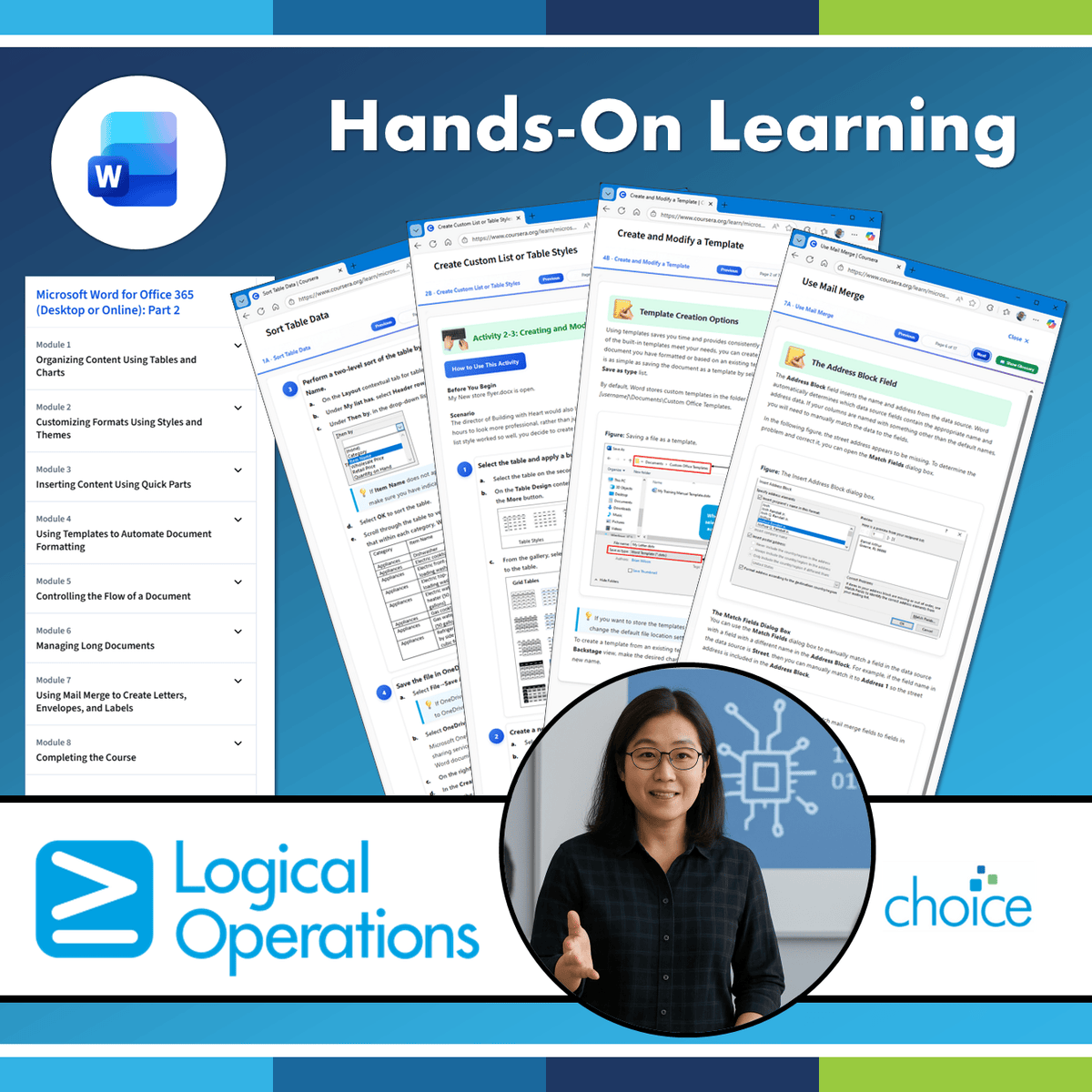
Microsoft Word for Office 365 (Desktop or Online): Part 2
Skills:
AI Productivity Tools50%
After you master the basics of using Microsoft® Word such as creating, editing, and saving
documents; navigating through a document; and printing, you're ready to move on to
tackling the more advanced features. These features enable you to create complex and
professional documents with a consistent look and feel. They also enable you to automate
tedious tasks such as preparing a letter to send to every customer of your organization.
Creating professional-looking documents can help you give your organization a competitive
edge. Implementing time-saving features such as document templates and automated
mailings helps your organization reduce expenses. Mastering these techniques will make you
a valued employee in your organization.
Note: Most Office users perform the majority of their daily tasks using the desktop version
of the Office software, so that is the focus of this training. The course material will also
enable you to access and effectively utilize many web-based resources provided with your
Microsoft 365 subscription. This includes brief coverage of key skills for using Word for the
Web and OneDrive®. Helpful notes throughout the material alert you to cases where the
online version of the application may function differently from the primary, desktop
version.
This course may be a useful component in your preparation for the Microsoft Word
(Microsoft 365 Apps): Exam MO-110 and Microsoft Word Expert (Microsoft 365
Apps): Exam MO-111 certification exams.
This course is designed for students who wish to use Microsoft Word to create and modify
complex documents and use tools that allow them to customize those documents.
In this course, you will learn fundamental Word skills. You will:
• Organize content using tables and charts.
• Customize formats using styles and themes.
• Insert content using Quick Parts.
• Use templates to automate document formatting.
• Control the flow of a document.
• Simplify and manage long documents.
• Use mail merge to create letters
Watch on Coursera ↗
(saves to browser)
Sign in to unlock AI tutor explanation · ⚡30
More on: AI Productivity Tools
View skill →








Related AI Lessons
⚡
⚡
⚡
⚡
Why StarRocks Is Better Than Elasticsearch for RAG and AI-Powered Vector Search Analytics
Medium · LLM
Production RAG: Shipping a RAG System Into an Enterprise Product
Medium · RAG
HyDE: Search With the Answer You Wish You Had
Medium · RAG
Hierarchical Indices: Find the Section First, Then Find the Sentence
Medium · RAG
🎓
Tutor Explanation

 DeepCamp AI