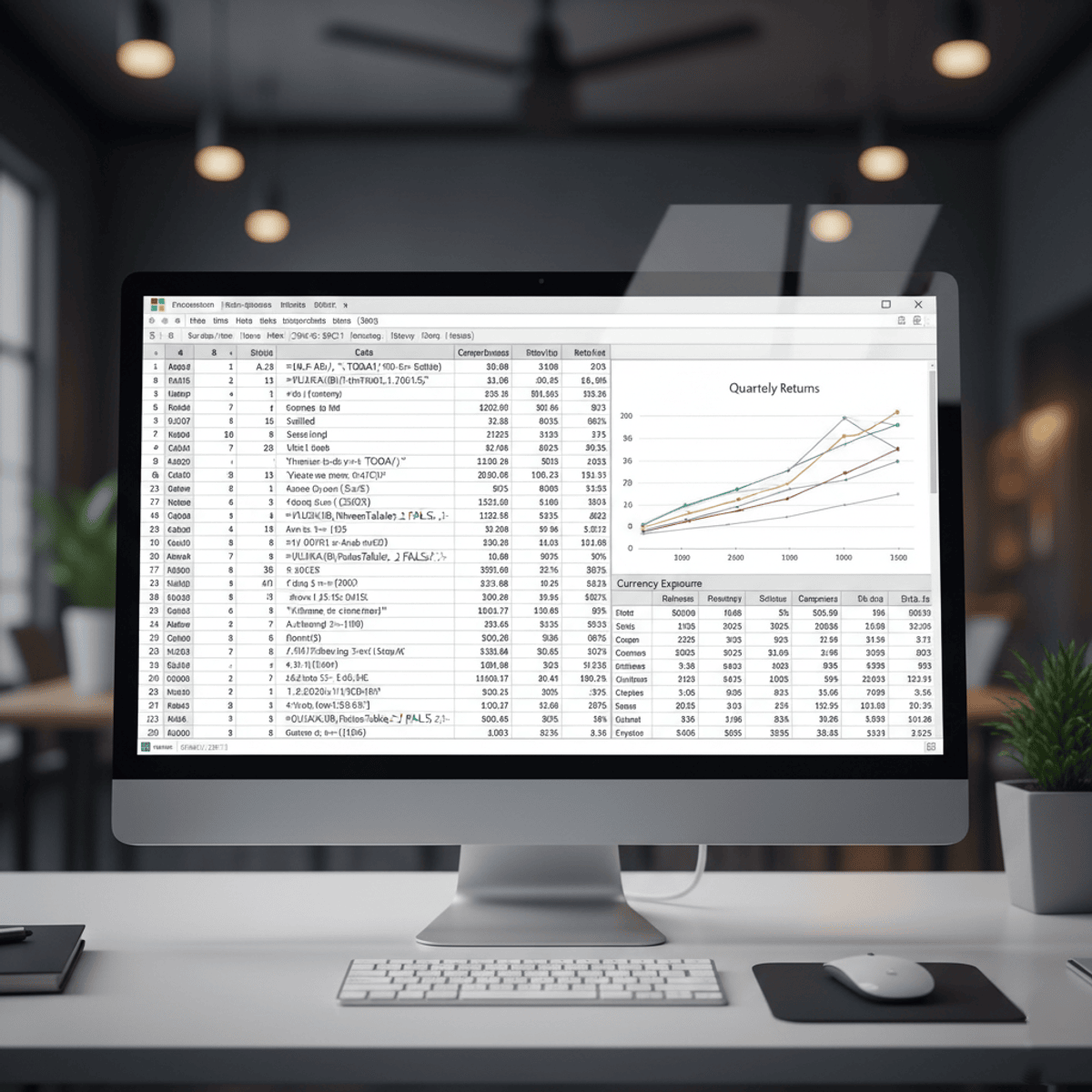
Master Advanced Excel Functions to Analyze & Automate Data
Key Takeaways
Masters advanced Excel functions for data analysis and automation, including financial functions and Pivot Table summaries
Original Description
Learners will apply advanced Excel financial functions, analyze data using conditional logic, and execute dynamic lookup and sorting operations to solve real-world analytical challenges. This course equips professionals with the ability to calculate complex financial metrics, perform multi-criteria summations, build powerful Pivot Table summaries, and retrieve information efficiently using modern functions like SORT and VLOOKUP.
By completing this course, learners will gain practical, industry-relevant skills to enhance productivity, strengthen decision-making, and streamline data workflows across financial analysis, reporting, and business intelligence tasks. The hands-on demonstrations, real-dataset examples, and step-by-step walkthroughs ensure that learners not only understand each function but can confidently integrate them into daily work.
What makes this course unique is its function-by-function mastery approach—each lesson transforms a challenging Excel formula into an easy-to-apply tool. With structured modules, clear learning paths, and practice-ready examples, learners rapidly progress from foundational formulas to advanced analytical techniques. Whether preparing reports, evaluating financial performance, or building automated sheets, learners finish the course ready to excel with Excel.
Watch on External: Coursera ↗
(saves to browser)
Sign in to unlock AI tutor explanation · ⚡30
More on: Data Literacy
View skill →








Related Reads
📰
📰
📰
📰
I Tracked Every Horse Ride for a Month. The Data Embarrassed Me.
Medium · Data Science
Turning GitHub Trending Into a Weekly Open-Source Signal
Medium · Data Science
Why server-side tagging is becoming standard for data teams
Dev.to AI
Join the Best Data Science Course in Delhi with Placements Today
Medium · Data Science
🎓
Tutor Explanation
 DeepCamp AI