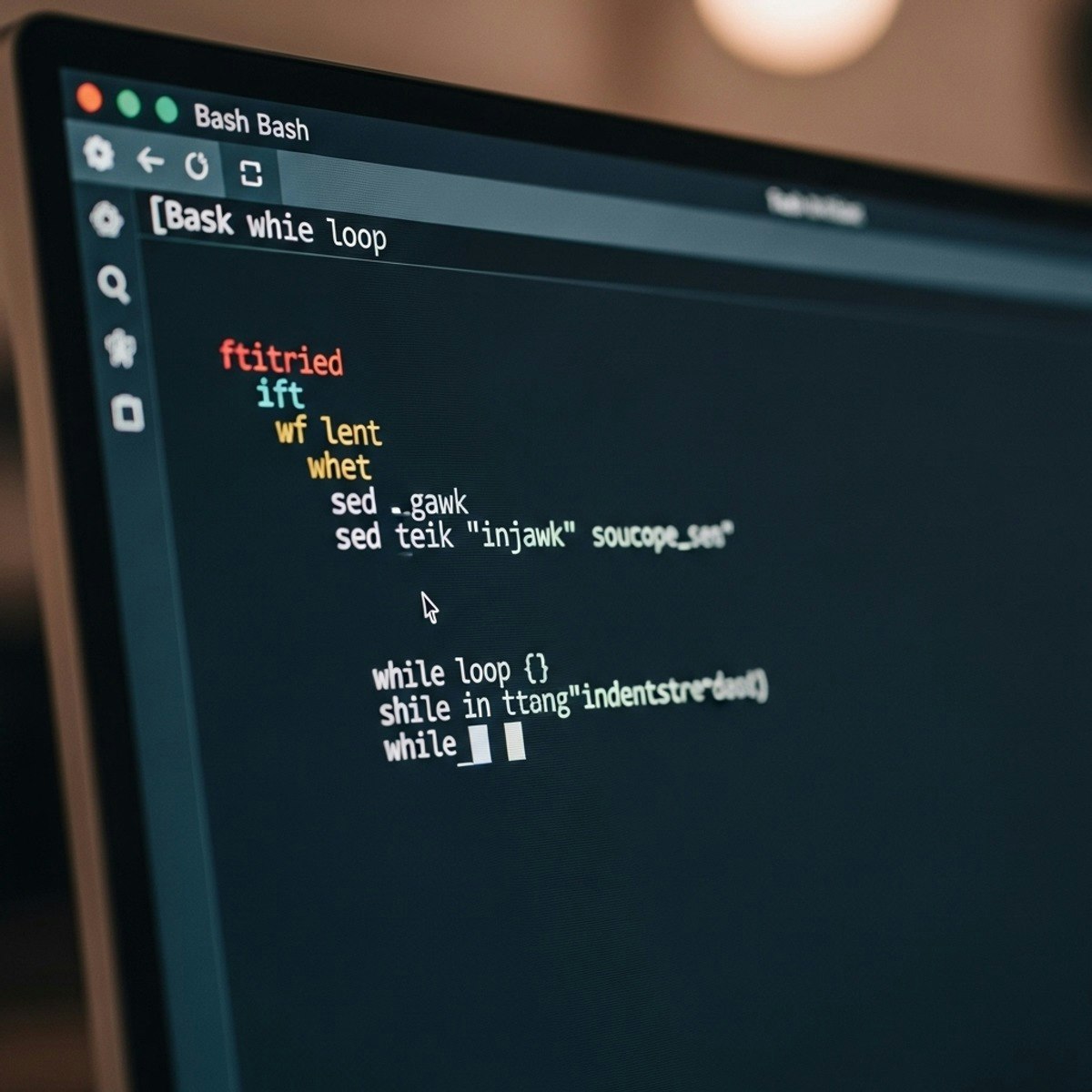
Linux Bash: Automate, Debug & Process Text
Skills:
Linux & CLI90%
Key Takeaways
Covers Linux Bash fundamentals for automation, debugging, and text processing
Original Description
By completing this course, learners will define Bash fundamentals, construct and debug scripts, implement automation techniques, and execute advanced text processing with sed and gawk. Each module is designed to build skills progressively, from understanding shell basics to creating reusable automation scripts for real-world Linux tasks.
This course equips participants with hands-on knowledge of built-in commands, environment customization, parameter handling, regular expressions, and backup scripting, enabling them to confidently manage Linux systems. Through practical exercises, learners will not only enhance productivity but also reduce repetitive tasks by leveraging Bash automation.
Unlike generic Linux tutorials, this course emphasizes practical scripting for system automation—helping learners connect Bash theory with day-to-day administrative tasks. By the end, learners will master sed and gawk for advanced text manipulation, making them efficient in processing logs, reports, and data streams.
Whether you are a beginner aiming to strengthen your command-line foundation or an IT professional seeking to streamline workflows, this course provides the essential skills to automate tasks, debug scripts, and optimize Linux environments effectively.
Watch on External: Coursera ↗
(saves to browser)
Sign in to unlock AI tutor explanation · ⚡30
More on: Linux & CLI
View skill →





![MITRE CTF 2019 - Linux [50] Escaping RBASH with SSH](https://i.ytimg.com/vi/MEGBY3XAe_4/mqdefault.jpg)


Related Reads
📰
📰
📰
📰
Three ranking currencies and zero overlap: what 2025 Juejin AI roundups actually disagree about
Dev.to AI
How to Use Poe for Case Studies in 2026
Dev.to AI
10 Ways to Make Money Using AI Tools in 2026
Medium · AI
I got tired of switching AI SDKs every time I wanted to try a new model
Dev.to · zhongqiyue
🎓
Tutor Explanation

 DeepCamp AI