Leading Creative Projects with AI
Key Takeaways
Teaches designers to use generative AI as a creative partner for experimentation and personal expression
Original Description
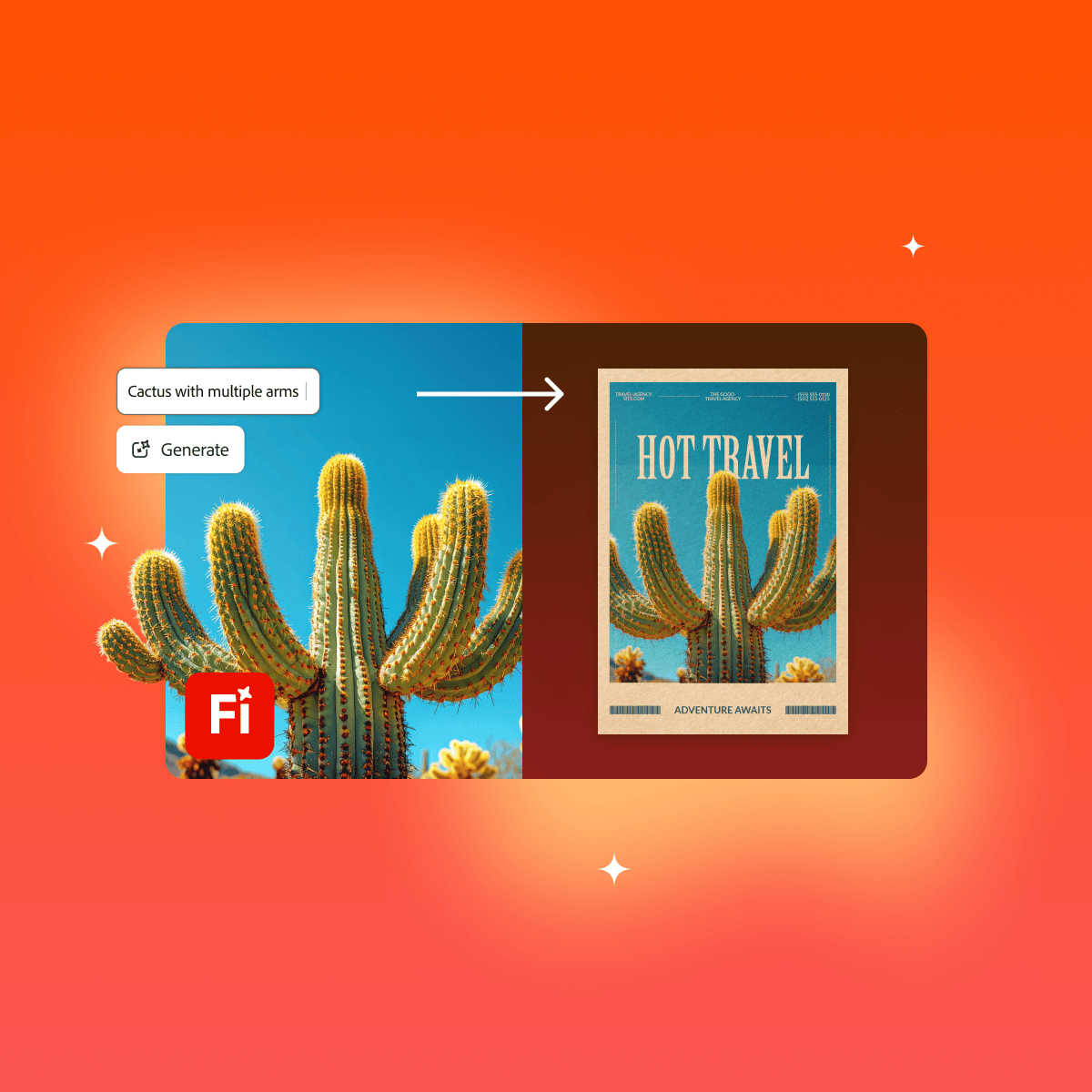
Whether you're new to design or looking to reignite your creative spark, this course gives you practical ways to explore, create, and grow with AI. You’ll learn how to use generative AI as a creative partner that supports experimentation, accessibility, and personal expression. Through real-world examples and hands-on practice, you’ll discover how AI can help you overcome creative blocks, build confidence, and design more inclusively. Tools like Adobe Firefly and Adobe Express will help you ideate, iterate, and bring your vision to life across formats and platforms.
Watch on External: Coursera ↗
(saves to browser)
Sign in to unlock AI tutor explanation · ⚡30
Related Reads
📰
📰
📰
📰
Holistic Design Approach: Build Better Business Websites
Medium · UX Design
Figma to Code in 2026: React, React Native & HTML (The Complete Guide)
Dev.to · Balram Kapoor
The Image Accessibility Task Everyone Puts Off
Medium · AI
QR Code vs Kode Presensi: Apa yang Kami Pelajari dari A/B Testing dan Usability Testing Prototipe…
Medium · UX Design
🎓
Tutor Explanation

 DeepCamp AI