Foundations of Visual Design Using Canva
Key Takeaways
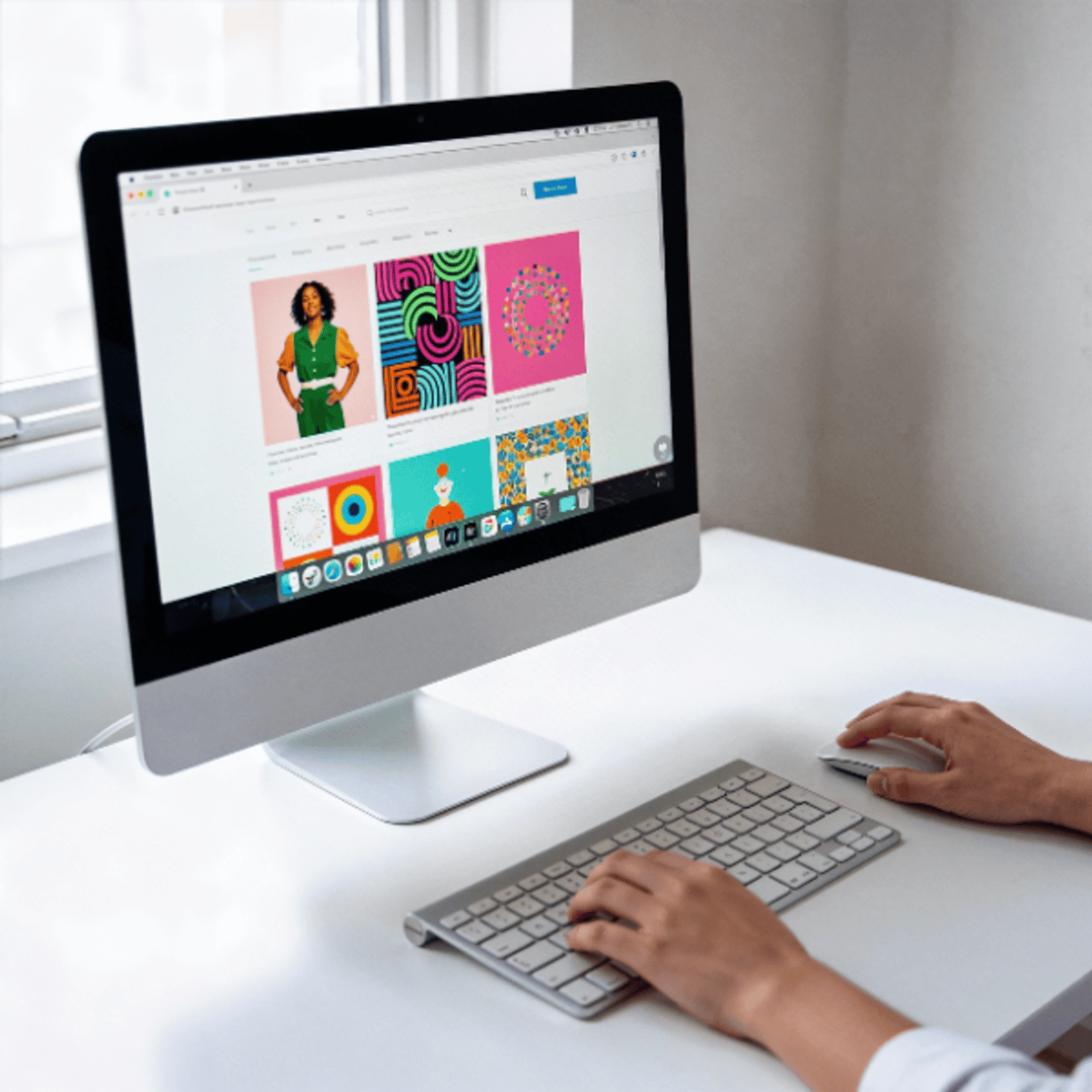
Uses Canva to teach visual design foundations, including layout, typography, color, and structure
Original Description
Great design isn’t about talent - it’s about understanding layout, typography, colour, and structure. This beginner-friendly course helps you build strong visual foundations using Canva, even if you’ve never designed before.
You’ll begin by learning how to navigate Canva’s workspace, manage assets, and follow clean design workflows. You’ll practice creating layouts, exporting designs correctly, and organizing projects for real-world use across marketing, business, education, and freelancing.
Next, you’ll explore layout composition and visual hierarchy, learning how grids, spacing, alignment, and reading patterns guide attention. You’ll apply these principles to build clear, scannable designs that communicate effectively.
You’ll then master typography fundamentals, including font selection, pairing, hierarchy, and readability. You’ll learn how to create consistent type systems that match audience tone and improve visual clarity.
Finally, you’ll work with colour, imagery, and templates, building harmonious palettes, selecting visuals strategically, and transforming Canva templates into original designs. You’ll also explore Canva’s AI tools (Magic Studio) to accelerate your workflow while maintaining creative control and ethical design practices.
By the end of this course, you will be able to:
• Create structured layouts using grids, spacing, and hierarchy
• Apply typography and colour principles for clarity and accessibility
• Customize templates into original designs
• Use Canva AI tools responsibly alongside design fundamentals
Disclaimer: This course is an independent educational resource developed by Board Infinity and is not affiliated with, endorsed by, sponsored by, or officially associated with Canva Pty Ltd. This course is not an official preparation material of Canva Pty Ltd. All trademarks, service marks, and company names mentioned are the property of their respective owners and are used for identification purposes only.
Watch on External: Coursera ↗
(saves to browser)
Sign in to unlock AI tutor explanation · ⚡30
More on: UI Design
View skill →









Related Reads
📰
📰
📰
📰
Nem Todo Problema de UX Precisa de um Redesign
Medium · UX Design
Why User Experience Matters More Than Perfect Code
Medium · Startup
Numbers, Not Mockups: How To Connect UX With Business Metrics
Forbes Innovation
AI Won’t Replace Product Designers. It Will Replace Pixel Pushers.
Medium · UX Design
🎓
Tutor Explanation

 DeepCamp AI