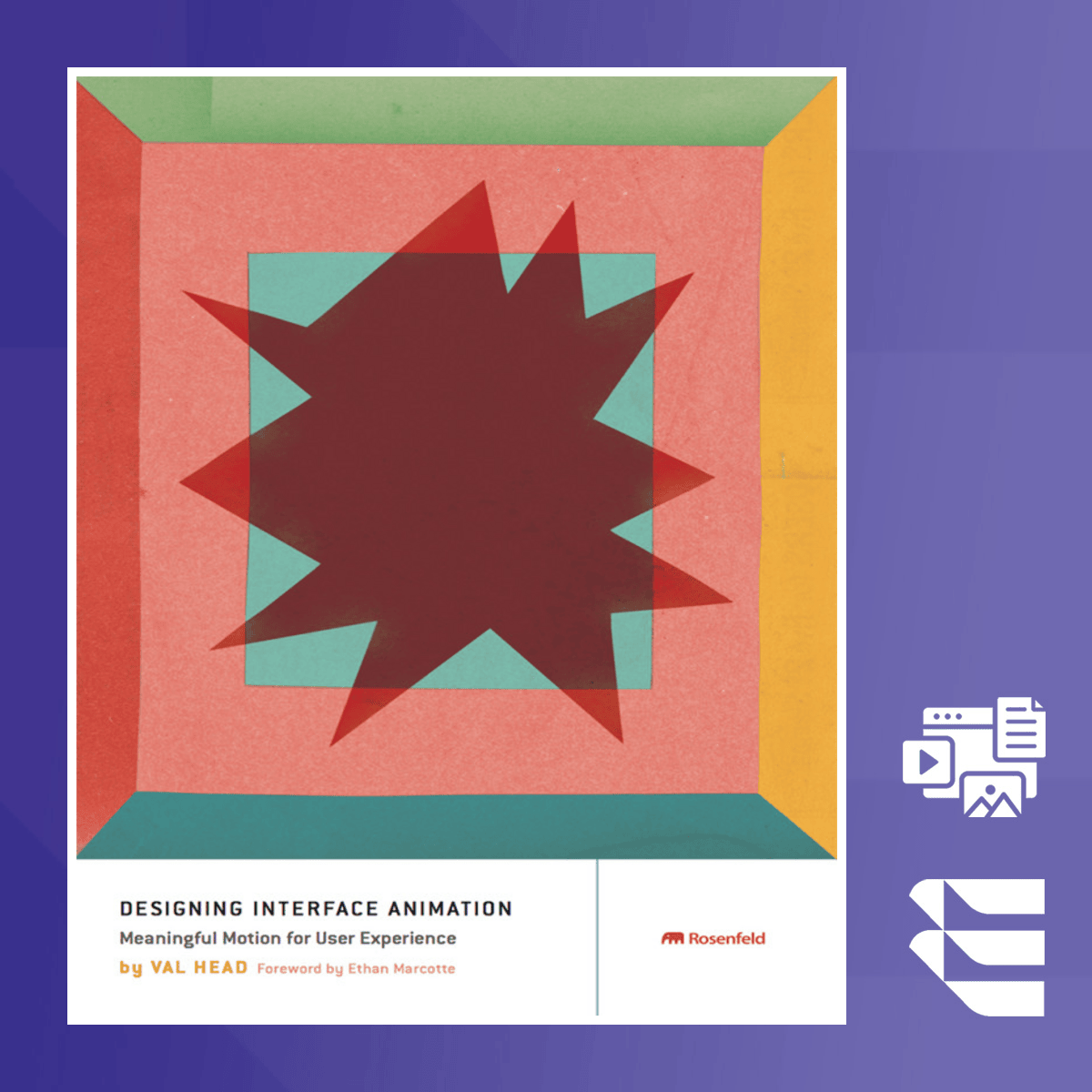
Designing Meaningful Interface Animation for UX
Key Takeaways
Designs meaningful interface animation for UX using motion and interaction design
Original Description
This course explores how animation can be used to enhance user experience by improving clarity, focus, and interaction design. It provides practical strategies for incorporating motion into digital interfaces, making content more engaging and easier to navigate. By applying animation effectively, designers can create more intuitive and responsive interfaces that resonate with users.
In this course, learners will gain practical skills that improve their design workflows. You will learn how to integrate motion design principles to elevate user interaction, enhance clarity, and improve usability across web applications. The course covers both conceptual principles and actionable techniques.
What sets this course apart is its focus on integrating motion purposefully into UI design, with real-world applications. You’ll be introduced to animation frameworks, and practical steps will be taken to help you apply these concepts directly to your projects.
This course is ideal for interface designers, UX professionals, and front-end developers who want to expand their motion design skills. A basic understanding of web design and UI principles is recommended.
Copyright @ 2016 Val Head. All rights reserved. Originally published by Rosenfeld Media, LLC.
This course edition is published by Packt Publishing under license from Rosenfeld Media LLC. No part of this material may be reproduced, distributed, or transmitted in any form or by any means - electronic, mechanical, photocopying, recording, or otherwise - without prior written permission from the author or the publisher.
Watch on External: Coursera ↗
(saves to browser)
Sign in to unlock AI tutor explanation · ⚡30
More on: UI Design
View skill →









Related Reads
📰
📰
📰
📰
Five checks for a useful browser-based crosshair preview
Dev.to · 张文超
Part 3: Stop Syncing Props Into State (you probably don't need that useEffect)
Dev.to · Alejandro
How to Screenshot a Specific Element on a Page (With a CSS Selector)
Dev.to · Nico Acosta
How Much Do AI Logo Makers Really Cost? We Read the Fine Print on All 15
Dev.to · Appscribed
🎓
Tutor Explanation

 DeepCamp AI