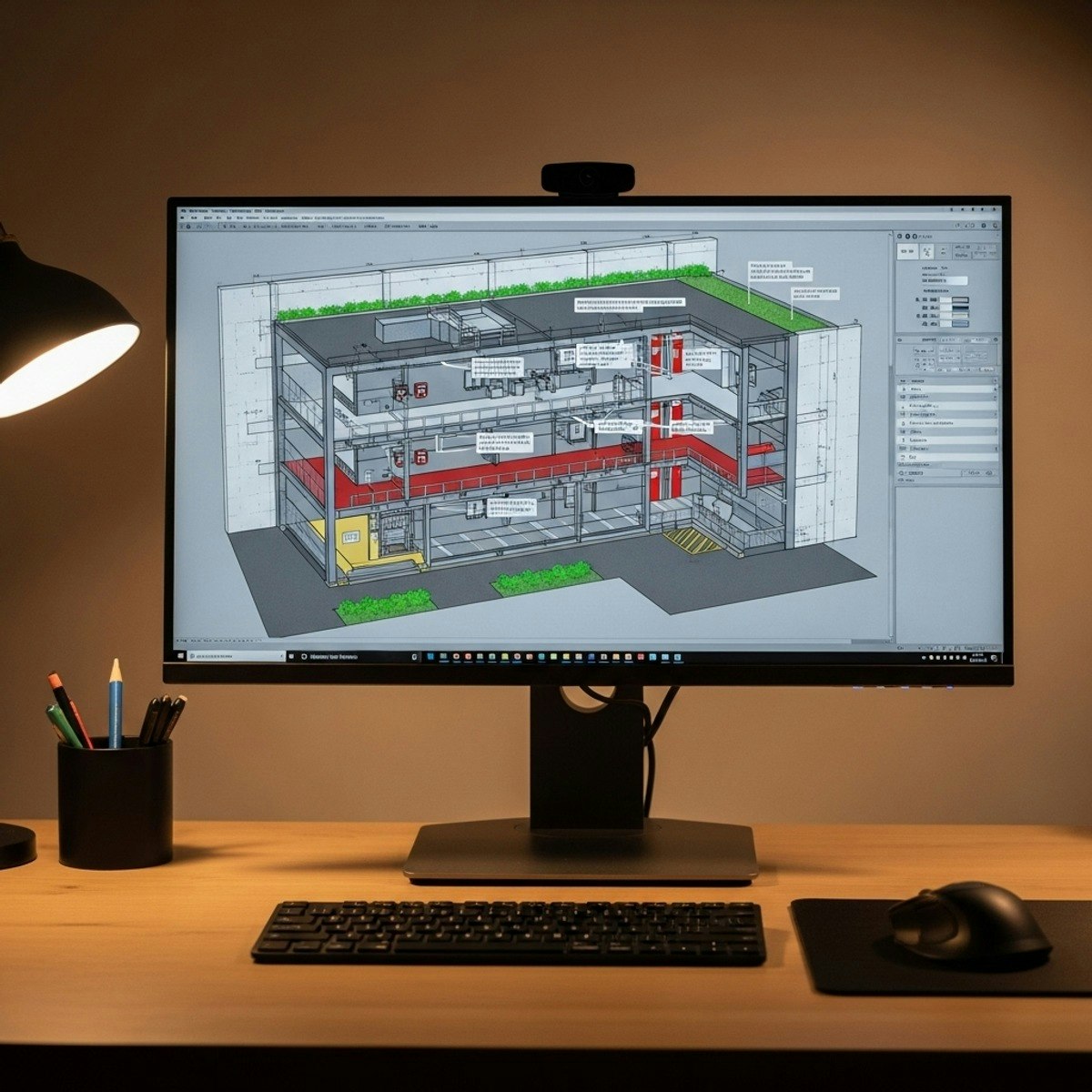
Design and Optimize Basement Parking Layouts in AutoCAD
Skills:
AI Productivity Tools80%
Learn how to design, analyze, and optimize professional basement parking layouts using AutoCAD. In this course, learners will gain the skills to create architectural foundations, draft structural and circulation components, develop functional zoning plans, evaluate multilevel parking systems, and integrate essential fire safety elements. By the end of the course, learners will be able to produce a fully refined, technically accurate, and construction-ready basement parking drawing.
Learners benefit from a highly practical, case-study-driven approach that mirrors real-world architectural and engineering workflows. Each step—from initial project setup to final drawing validation—is demonstrated using industry-relevant techniques, ensuring learners build confidence and competence in solving authentic design challenges.
What makes this course unique is its complete, end-to-end workflow, covering single-level and multilevel parking design, sectional drafting, fire protection strategy, and final project refinement. Whether you are an architecture student, budding designer, or AutoCAD professional, this course equips you with job-ready, portfolio-worthy skills essential for modern building design projects.
Watch on Coursera ↗
(saves to browser)
Sign in to unlock AI tutor explanation · ⚡30
More on: AI Productivity Tools
View skill →








Related AI Lessons
⚡
⚡
⚡
⚡
If you follow my Linux and DevOps articles — this one is different. I built something. Let me tell you about it.
Dev.to AI
The Best AI Tools for Musicians in 2026 (That Actually Work)
Dev.to AI
35 ChatGPT Prompts for Mechanical Design Engineers: Accelerate Design, Analysis, and Documentation
Dev.to AI
AI Learned to Write From a Million People. Yours Wasn’t One of Them.
Medium · ChatGPT
🎓
Tutor Explanation

 DeepCamp AI