Data Visualization with Plotly Express
Key Takeaways
Creates interactive data visualizations with Plotly Express
Original Description
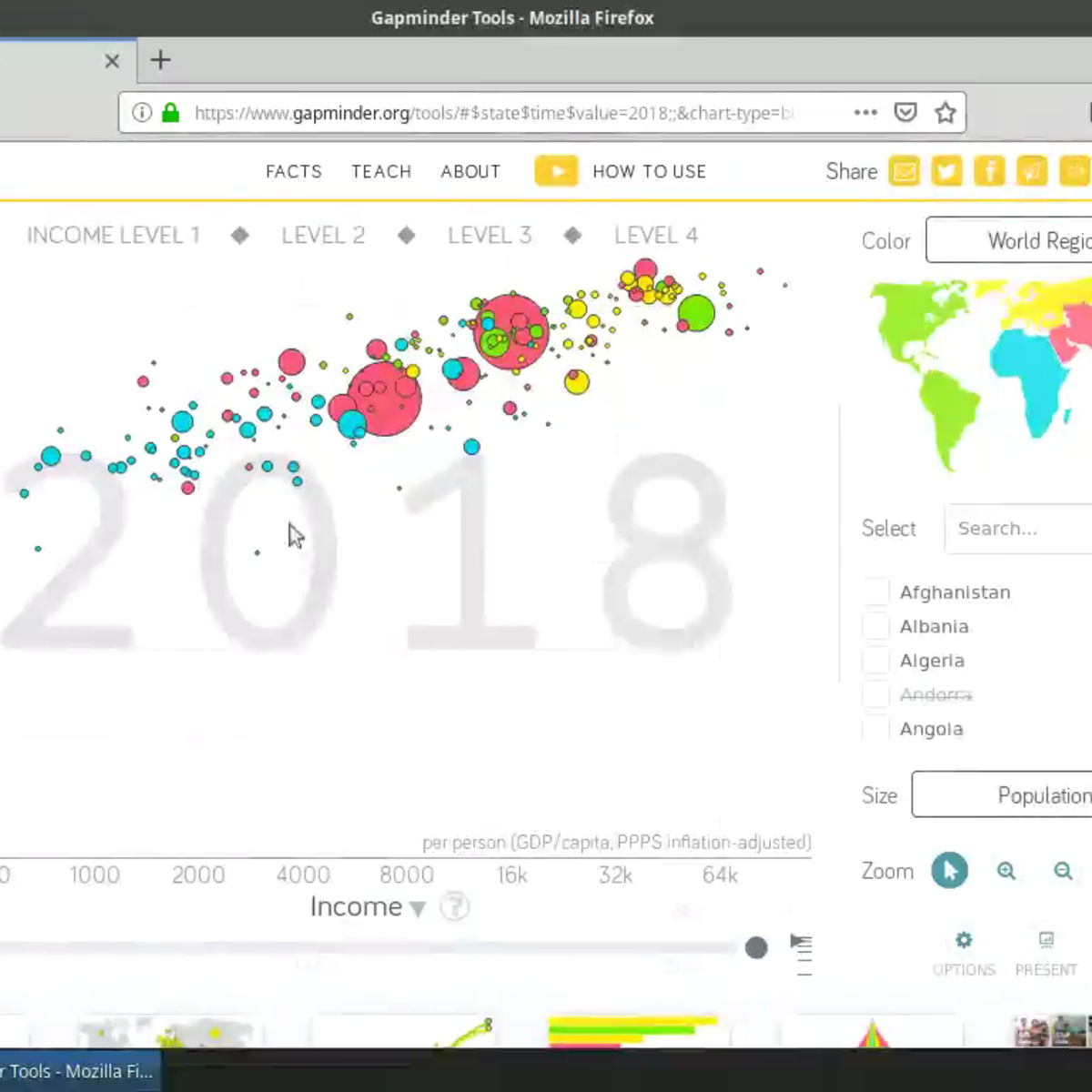
Welcome to this project-based course on Data Visualization with Plotly Express. In this project, you will create quick and interactive data visualizations with Plotly Express: a high-level data visualization library in Python inspired by Seaborn and ggplot2. You will explore the various features of the in-built Gapminder dataset, and produce interactive, publication-quality graphs to augment analysis.
This course runs on Coursera's hands-on project platform called Rhyme. On Rhyme, you do projects in a hands-on manner in your browser. You will get instant access to pre-configured cloud desktops containing all of the software and data you need for the project. Everything is already set up directly in your internet browser so you can just focus on learning. For this project, you’ll get instant access to a cloud desktop with Python, Jupyter, and Plotly Express pre-installed.
Notes:
- You will be able to access the cloud desktop 5 times. However, you will be able to access instructions videos as many times as you want.
- This course works best for learners who are based in the North America region. We’re currently working on providing the same experience in other regions.
AI explanation not available for this lesson yet
This lesson is still being prepared for the AI tutor. In the meantime, explore lessons that are ready.
Browse explainer-ready lessons →
More on: ML for Analytics
View skill →







Related Reads
📰
📰
📰
📰
AWS Introduces Specification Driven Composition for Flexible Data Workflows
InfoQ AI/ML
When Should a Data Agent Ask a Clarifying Question?
Dev.to AI
AWS buys DuckLabs, the people behind the popular in-process OLAP database
The Register
Data Analyst Training in Pondicherry | Course & Career Guide
Medium · Data Science
🎓
Tutor Explanation
 DeepCamp AI