Data Extract, Transform, and Load in Power BI
Skills:
Data Literacy80%
Key Takeaways
Extracts, transforms, and loads data in Power BI using Power Query
Original Description
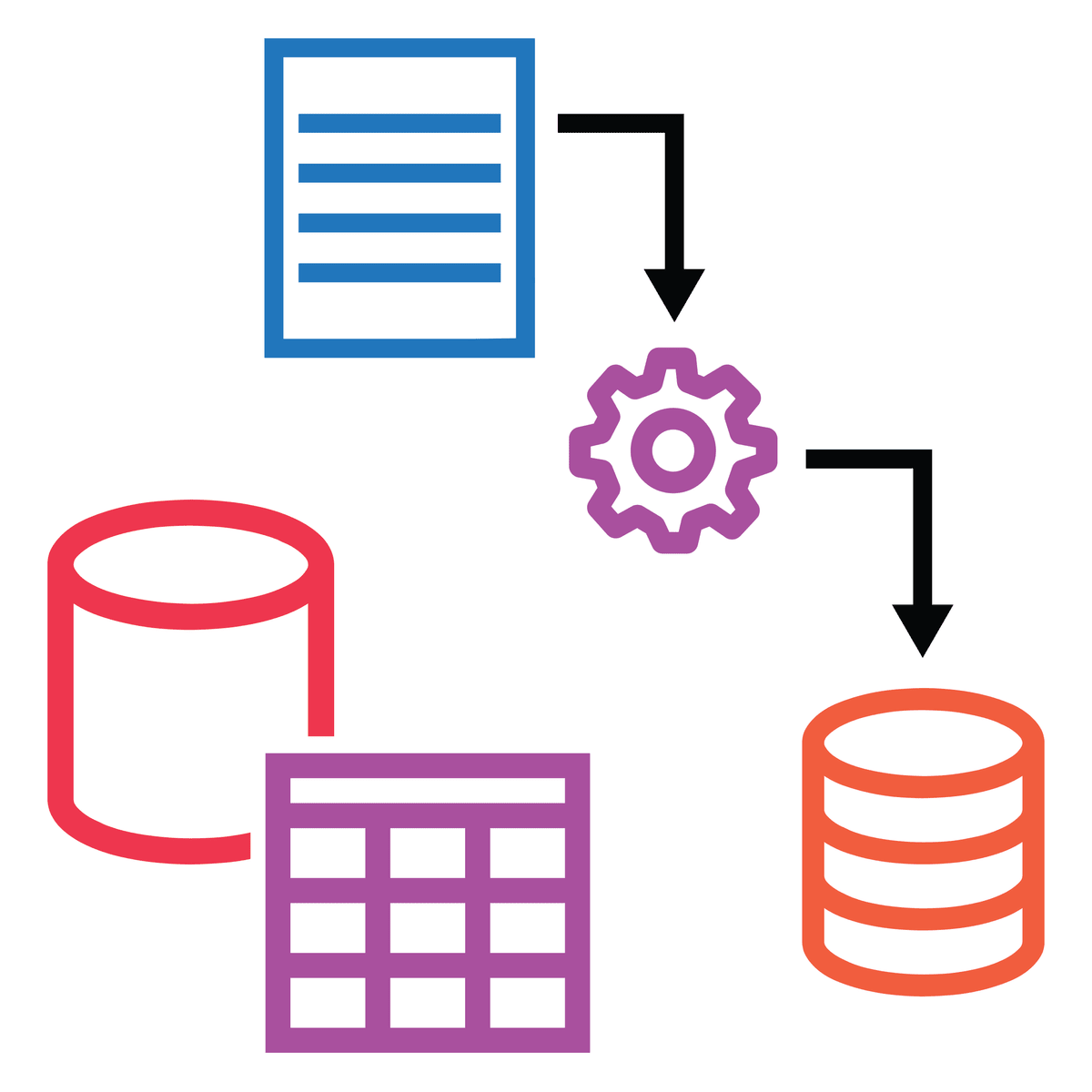
In this course, you will learn the process of Extract, Transform and Load or ETL. You will identify how to collect data from and configure multiple sources in Power BI and prepare and clean data using Power Query. You’ll also have the opportunity to inspect and analyze ingested data to ensure data integrity.
After completing this course, you’ll be able to:
• Identify, explain and configure multiple data sources in Power BI
• Clean and transform data using Power Query
• Inspect and analyze ingested data to ensure data integrity
Watch on External: Coursera ↗
(saves to browser)
Sign in to unlock AI tutor explanation · ⚡30
More on: Data Literacy
View skill →









Related Reads
📰
📰
📰
📰
GBase 8a unpivot Function: Turning Columns into Rows
Dev.to · Michael
Bulut Bilişim ve Veri Bilimi: Model Eğitiminden Canlıya Uzanan Bootcamp Yolculuğu
Medium · Data Science
10 Benefits of Enterprise AI Analytics Every Organization Should Know
Dev.to · Ravi Teja
Your rolling_std Is Lying — The 21,000× Error You Can’t See
Medium · Data Science
🎓
Tutor Explanation

 DeepCamp AI