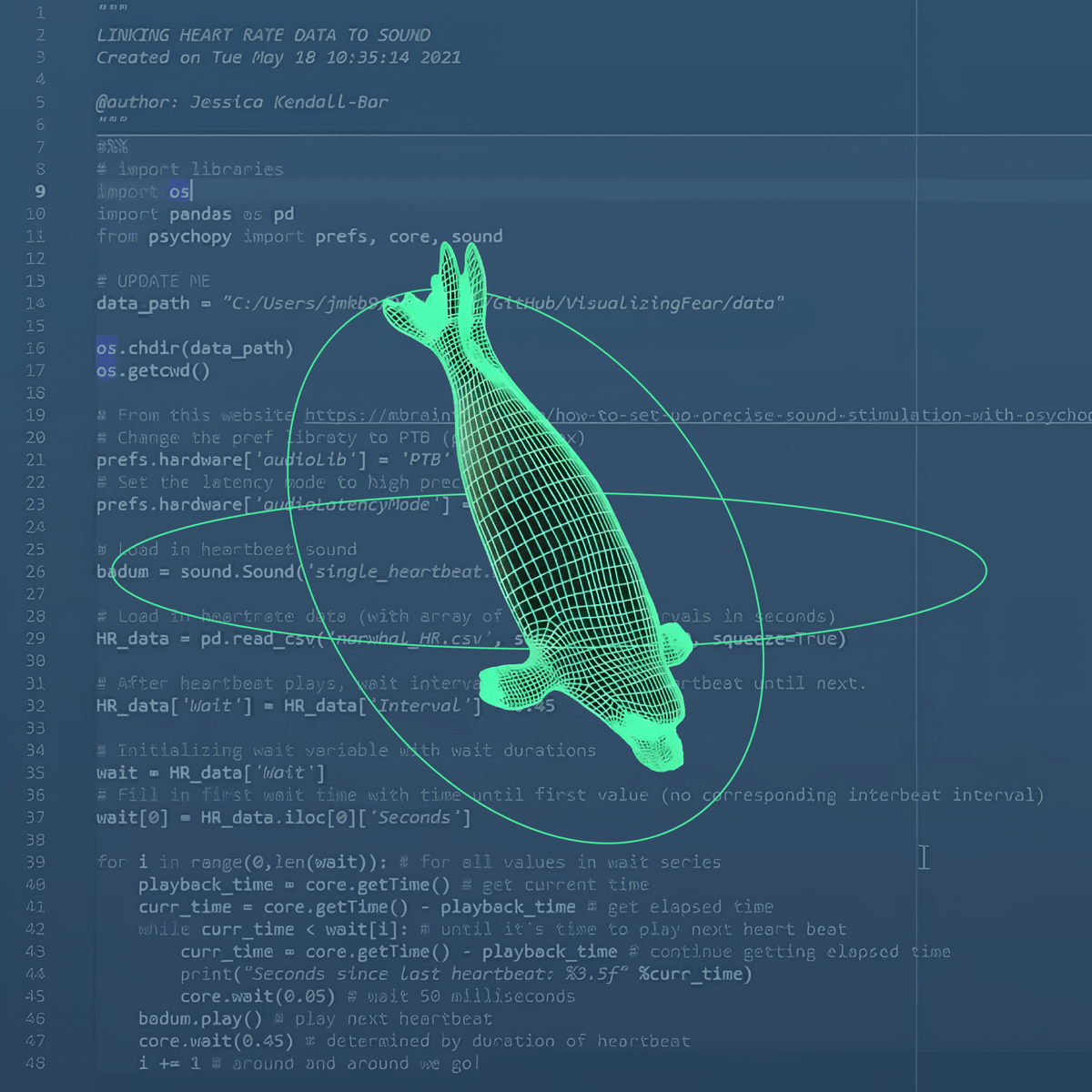
Data-Driven Animation for Science Communication
Skills:
Data Literacy80%
Key Takeaways
Teaches data-driven animation for science communication using programming, science writing, and technical animation skills
Original Description
In this course each student will create a scientific animation that tells a story with data to better communicate scientific results – along the way they will learn programming, science writing, and technical animation skills.
This course trains students in data-based storytelling that promotes research and science communication for the benefit of communities and policymakers on local and global scales. Students will draft a science writing script, create custom raster and vector graphics, data visualizations, and animations in Adobe Photoshop, Adobe Illustrator, Adobe After Effects, Adobe Premiere Pro, and Autodesk Maya. For their final project, students will assemble these data-driven assets into an animated video abstract.
Watch on External: Coursera ↗
(saves to browser)
Sign in to unlock AI tutor explanation · ⚡30
More on: Data Literacy
View skill →









Related AI Lessons
🎓
Tutor Explanation

 DeepCamp AI