Data Cleaning in Excel: Techniques to Clean Messy Data
Key Takeaways
Demonstrates techniques for cleaning messy data in Excel, including data cleansing and data analytics best practices
Original Description
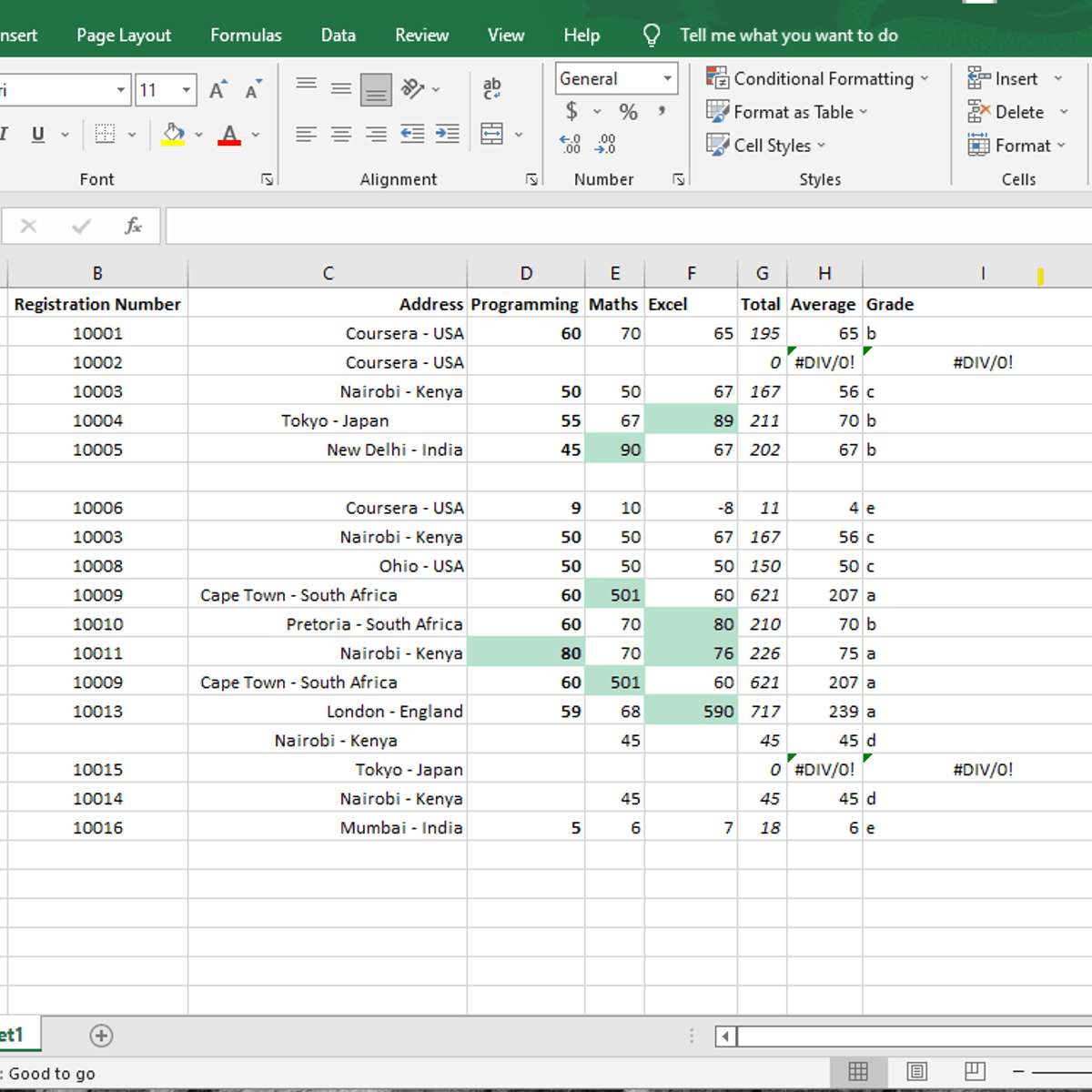
Rarely do analysts begin working with a dataset without cleansing it first. Having clean data will allow for the highest quality of information for strategic decision-making. Data cleaning is also a vital part of the data analytics process. Data Cleaning in Excel: Techniques to Clean Messy Data, is for a beginner audience with basic computing skills, typing, and using Excel web. In this 90-minute Guided Project, you will explore the principles of tidy data, apply built-in Excel features to clean data, and use Excel functions to perform text manipulation. To achieve this, we will clean up untidy data set of student data containing names, registration numbers, addresses, marks for three courses, averages, total, and grades. This project is unique because you will learn by doing through step-by-step instruction using a real-world scenario to equip you with foundational data analysis skills that are useful for reporting data. In order to be successful in this project, prerequisites include basic computing skills, familiarity with Windows, files and folders, and basic typing.
Watch on External: Coursera ↗
(saves to browser)
Sign in to unlock AI tutor explanation · ⚡30
More on: Data Literacy
View skill →









🎓
Tutor Explanation

 DeepCamp AI