Convert Word to PDF with SharePoint & Power Automate
Skills:
AI Workflow Automation80%
What's the best and quickest way to convert Word documents to PDF, get rid of the old version, automatically upload the new PDF version to the folder of our choice and get a notification about it, and all that in just a few clicks? With SharePoint and Power Automate, tools anyone can learn to use regardless of educational background!
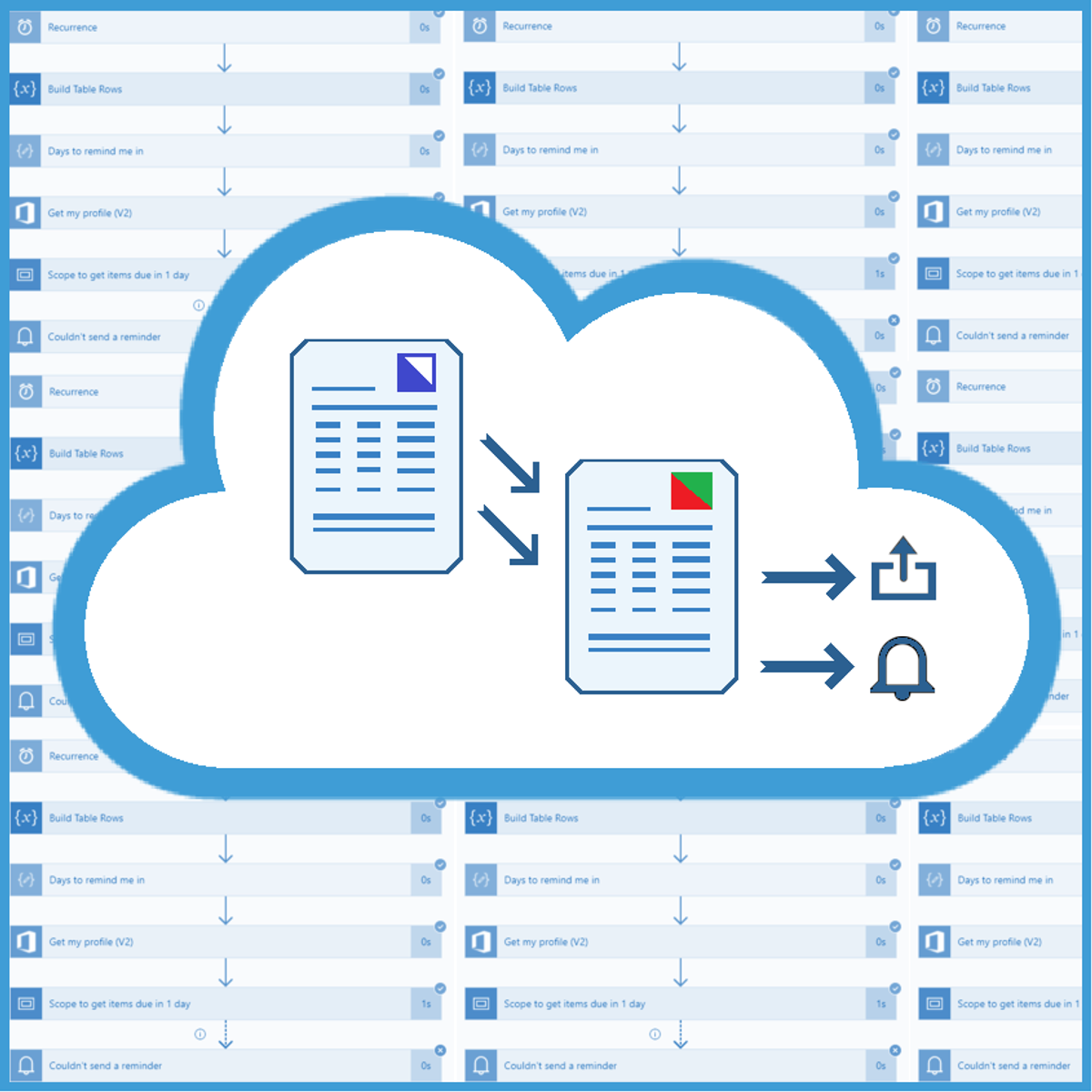
In this beginner-level guided project "Convert Word to PDF with SharePoint & Power Automate" we will create a SharePoint site and a SharePoint list that will contain data about the documents that need to be converted, as well as the Document folder in which all the converted files will be stored. We will make an Automated flow that will be triggered when a new Word document is uploaded to a specific folder. The flow will convert the document, delete the old Word version, upload the new PDF file to SharePoint and mark that document as converted. At the end we will get an email notification if the conversion was successful, as well as the link to the document.
The requirements for taking this project are having a free Microsoft account and a free Microsoft 365 Developer Program account. Instructions on how to sign up for both are provided in the Video segment of this project.
Let's get started!
Watch on Coursera ↗
(saves to browser)
Sign in to unlock AI tutor explanation · ⚡30
More on: AI Workflow Automation
View skill →









Related AI Lessons
⚡
⚡
⚡
⚡
Google Just Turned Search Into Something It Has Never Been Before
Medium · AI
Kordata Launches To Advance Neurotech-Powered Clinical Trials
Forbes Innovation
AI Is Making Mediocrity Look Like Genius
Medium · AI
AI Might Not Bring On A Job Crisis, But A Workforce ‘Mismatch’ Could
Forbes Innovation
🎓
Tutor Explanation

 DeepCamp AI