Build Dynamic Sales Dashboards in Excel
Skills:
Data Literacy90%
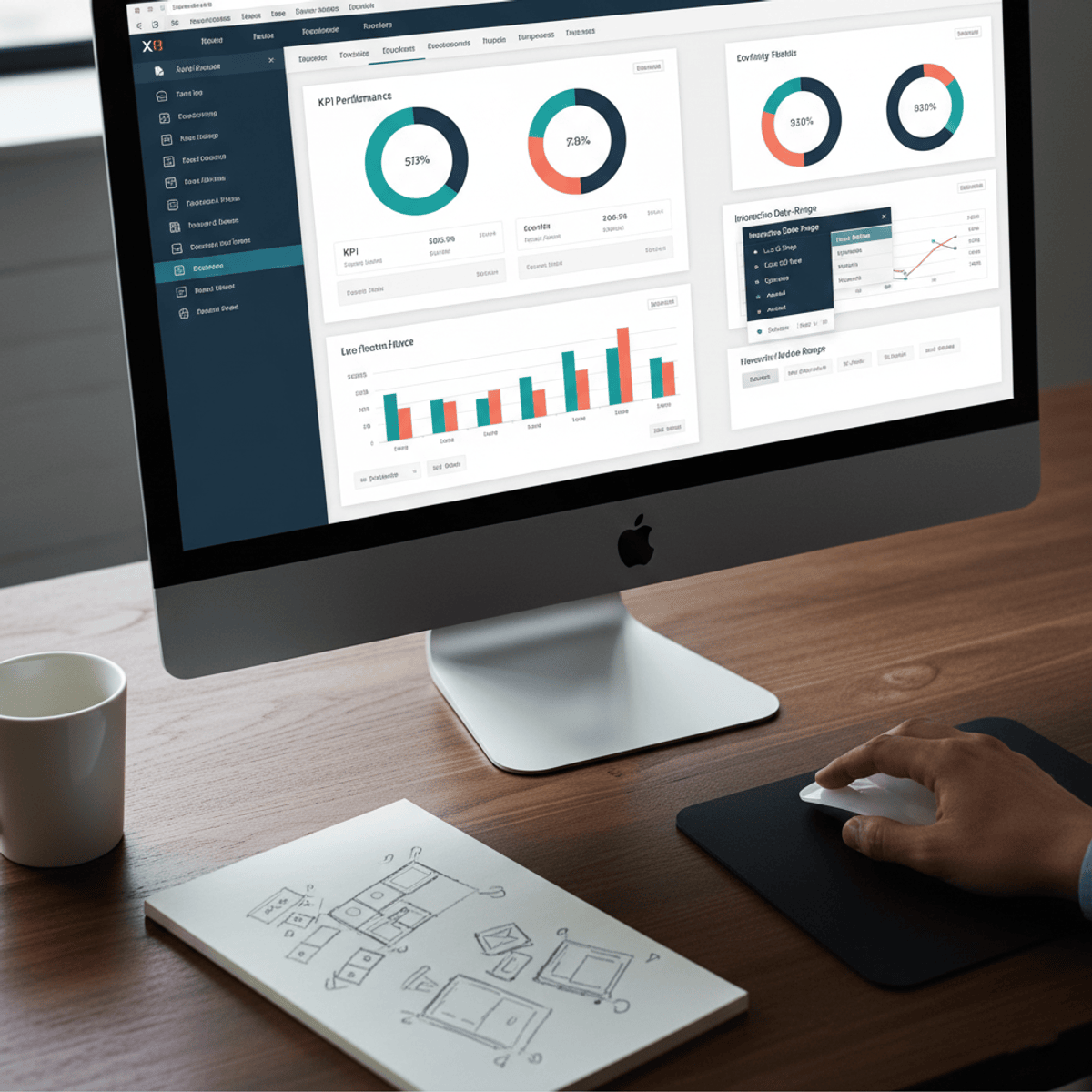
Master the skills needed to build interactive Excel sales dashboards that transform raw business data into powerful visual insights. Learn how to create dynamic reports, analyze sales performance, and design professional dashboards using Excel and VBA.
This course provides a practical, hands-on approach to dashboard creation and business analytics in Microsoft Excel. You’ll learn how to organize raw sales data, create Pivot Tables, apply advanced formulas, and design visual dashboards that help businesses monitor performance and make data-driven decisions.
As you progress, you’ll build a complete sales dashboard from scratch while learning how to use IF, SUMIFS, VLOOKUP, Pivot Tables, and dynamic charting techniques to analyze business performance effectively. The course also explores advanced dashboard interactivity through dropdowns, scroll bars, form controls, and VBA-driven automation that allow users to interact with reports in real time.
What makes this course unique is its project-based learning approach focused on real-world business scenarios. Instead of isolated Excel features, learners develop a fully functional dashboard that combines analytics, visualization, and automation into a professional reporting solution.
By the end of the course, you’ll be able to confidently create interactive Excel dashboards, automate reporting workflows, visualize KPIs, analyze sales trends, and generate actionable insights that support smarter business decisions.
Watch on Coursera ↗
(saves to browser)
Sign in to unlock AI tutor explanation · ⚡30
More on: Data Literacy
View skill →









Related AI Lessons
🎓
Tutor Explanation

 DeepCamp AI