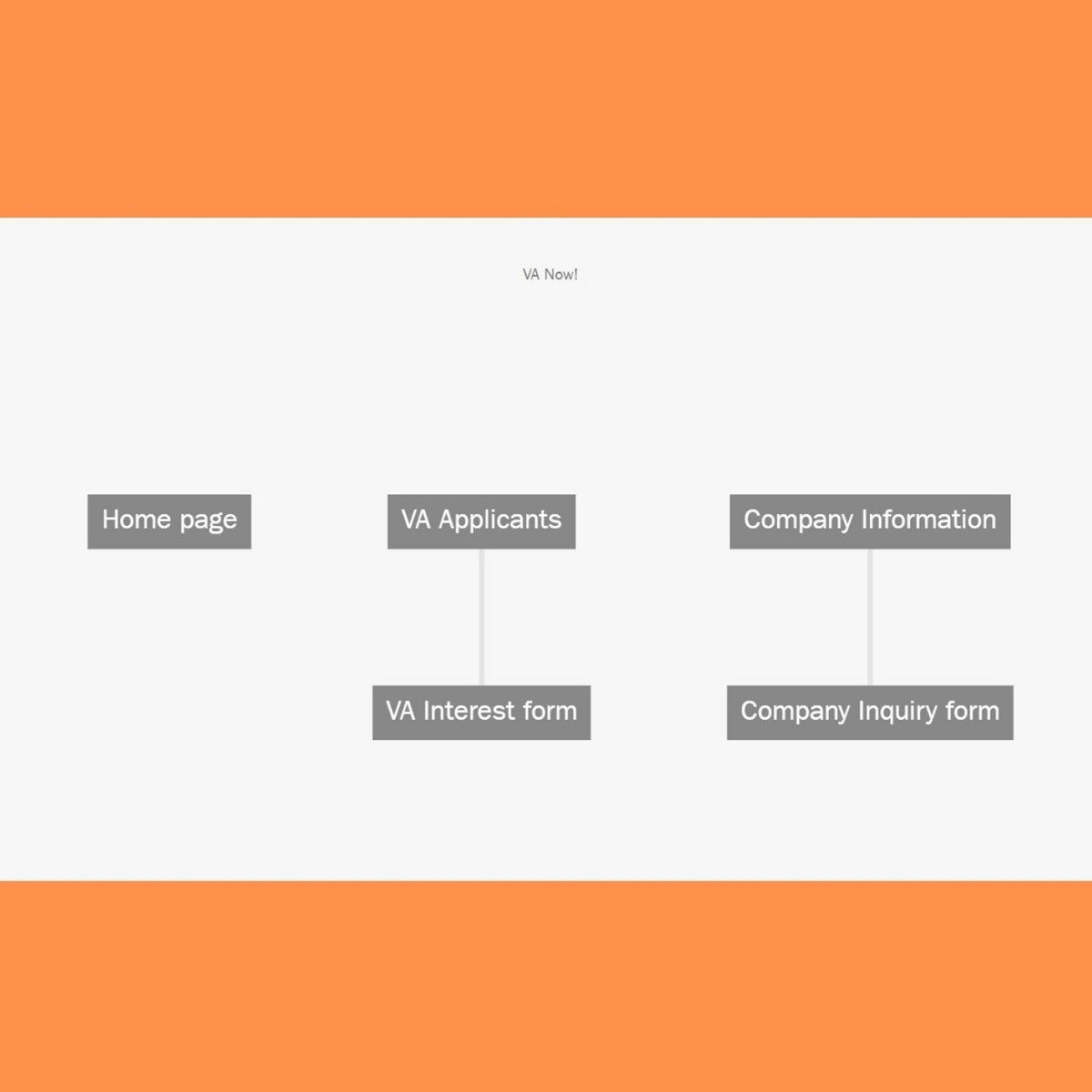
Build a Website Map with Jumpchart
Key Takeaways
Creates a website map using Jumpchart for user experience design and planning
Original Description
There are many tools to develop websites. Planning a website is an important step in the process. Without planning your site you may not meet all the user’s pain points and your user design will be flawed. Jumpchart lets you draft and export websites from your browser, then share your creations with others to collaborate. Drafts can be turned into wireframes, and Jumpchart takes your links, images, and files to produce your website. The sitemaps in Jumpchart will be built as you add pages to your website plan. In this project you will learn about how to use Jumpchart and create your website design.
Watch on External: Coursera ↗
(saves to browser)
Sign in to unlock AI tutor explanation · ⚡30
More on: UI Design
View skill →









Related AI Lessons
⚡
⚡
⚡
⚡
Commuters don’t distrust the city. They distrust the app.
Medium · UX Design
A Young Designer’s Question: What Are Companies Actually Hiring For?
Medium · UX Design
Why Clear Calls-to-Action Are Essential for Business Websites
Medium · UX Design
AI in Design: The Skill That Gets Scarce When Making Gets Cheap.
Medium · AI
🎓
Tutor Explanation

 DeepCamp AI