Beginning Custom Projects with Raspberry Pi
Skills:
AI Systems Design70%
Key Takeaways
Builds a network-connected project with sensors and motors using a Raspberry Pi 4 and accesses it from a smartphone
Original Description
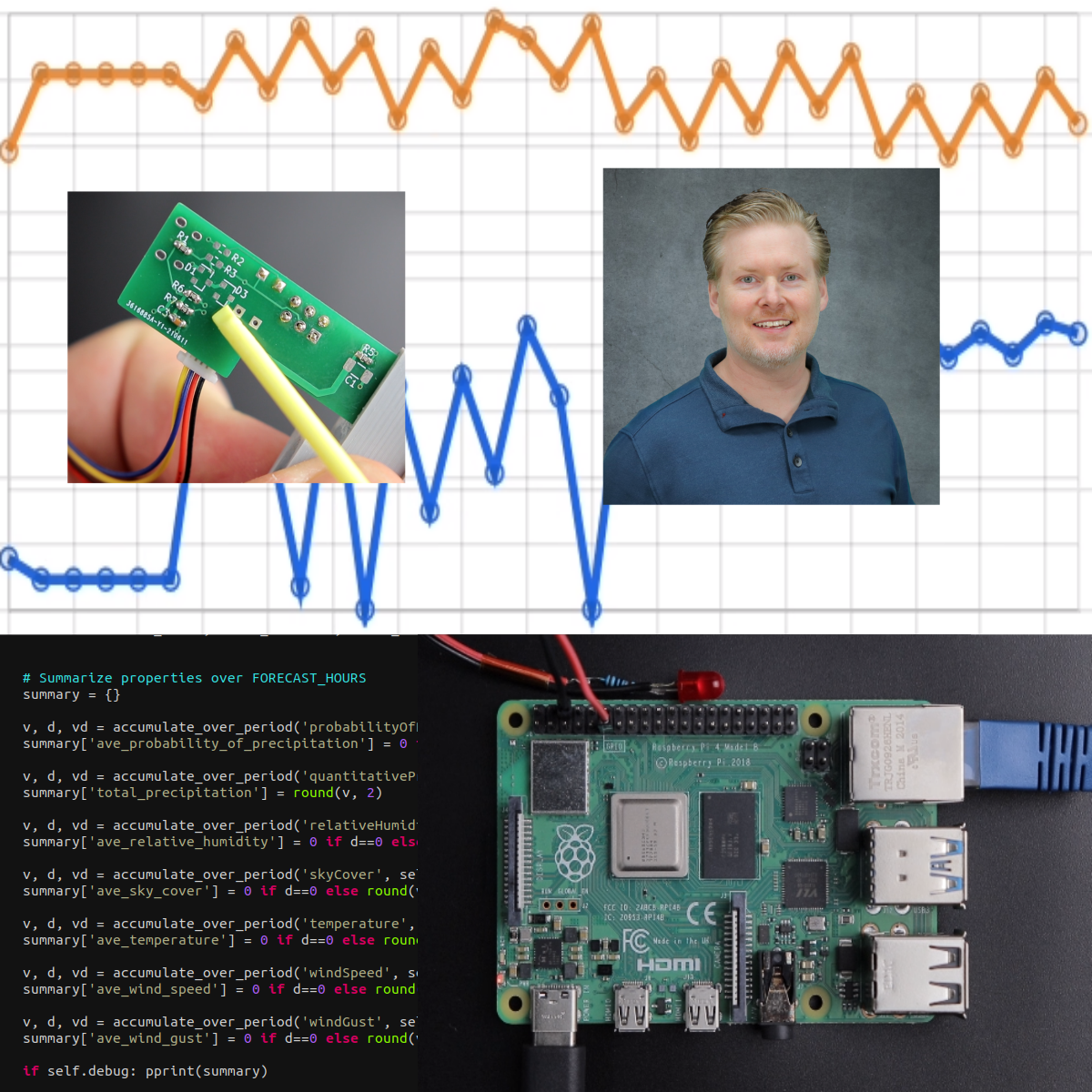
In this course you will use a Raspberry Pi 4 to build a complete network-connected project with sensors and motors and access it from your smartphone. We'll explore all the parts which make this work, so you can use this experience as a foundation for your own projects. We'll use the Raspberry Pi as an "embedded system" (as opposed to a desktop computer) so you're ready to build a Raspberry Pi into your projects as the brains that make it all work. Want to build your own Internet of Things (IoT) device? Home automation? Robotics? This is the class to learn how it all works, to get you building on your own. No experience in embedded systems, programming, or electronics is assumed, and optional bonus sections are provided for those who want a fast start in Python programming, Linux essentials, and basic electronics. The course is divided into four modules to explore each focus area with demontrations and extras along the way: 1) installing and configuring a Raspberry Pi, 2) accessing the Raspberry Pi over the network, 3) programmatically controlling external sensors and motors, and 4) accessing the embedded device through a web interface. After these four modules you'll get started building your own projects right away, and the three follow-on courses in this Coursera specialization dive into each area to really boost your skills and the complexity of your projects. I hope you enjoy all the courses and I hope you take your builds to the next level.
Watch on External: Coursera ↗
(saves to browser)
Sign in to unlock AI tutor explanation · ⚡30
More on: AI Systems Design
View skill →




Related Reads
📰
📰
📰
📰
How Yahoo Finance PR Works: A Complete Guide for Businesses and Startups
Medium · SEO
Top SEO Companies: How to Choose the Right SEO Partner for Sustainable Business Growth
Medium · SEO
After ‘Tokenmaxxing’, Token Spend Has Become The New Metric To Watch
Forbes Innovation
Inside Nasher Miles’ Marketing Strategy
Medium · Startup
🎓
Tutor Explanation

 DeepCamp AI