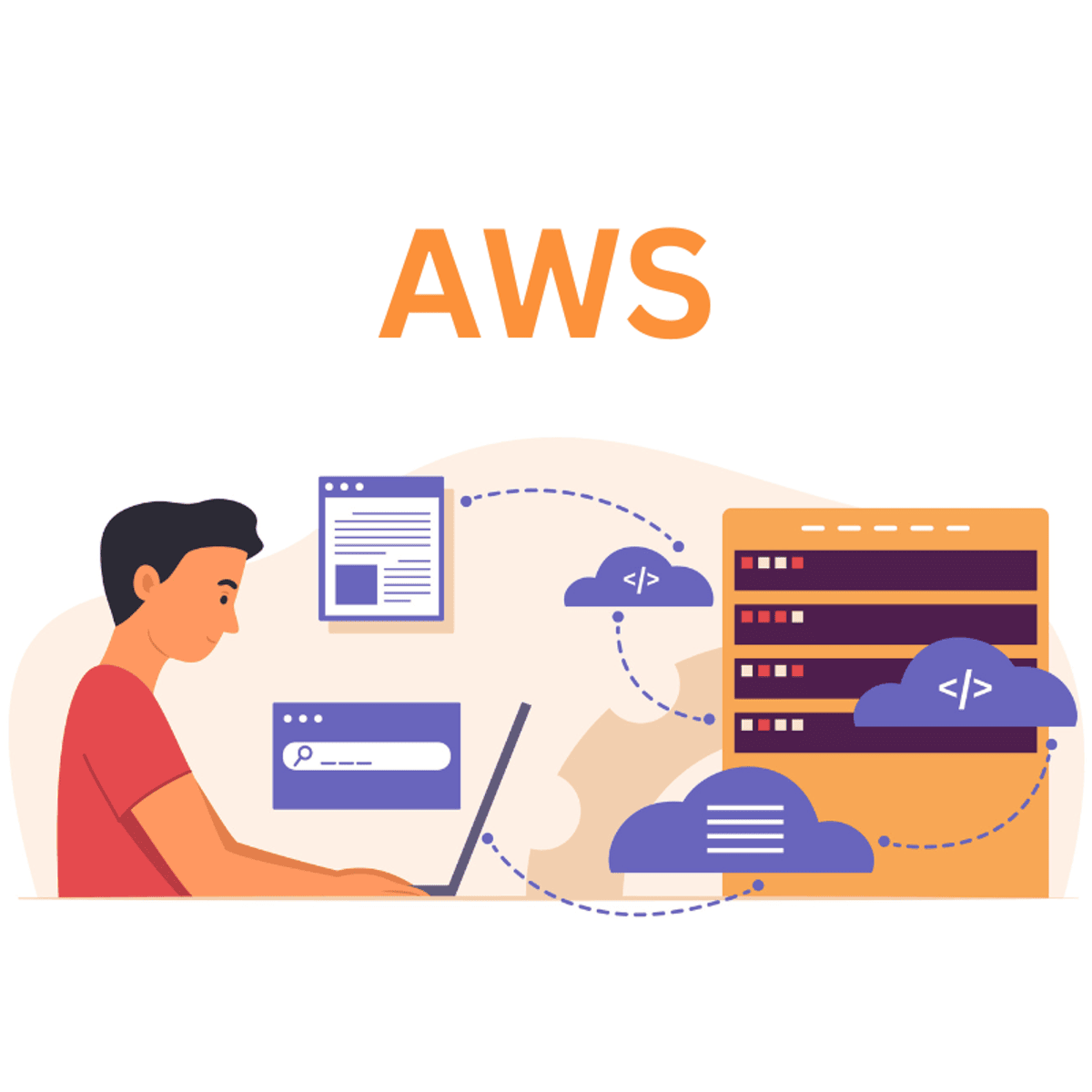
AWS Developer Essentials: Identity, Compute and Storage
Skills:
AI Systems Design80%
Key Takeaways
Covers AWS developer essentials including identity, compute, and storage services using hands-on assignments and real-world scenarios
Original Description
Want to start creating on AWS with confidence? Then, this AWS Developer Essentials is your first step into the world of cloud-native development. This course, designed for developers, DevOps experts, and cloud newbies, teaches you practical skills across core AWS services via demos, real-world scenarios, and hands-on assignments.
You will begin with Identity and Access Management (IAM) and learn how to create IAM users, define roles and policies, manage access keys, enable MFA, and federate identities securely. Next, start networking by creating Virtual Private Clouds (VPCs), defining subnets, and establishing VPC peering for scalable infrastructure architecture.
Explore AWS compute services by deploying EC2 instances, building AMIs, and configuring Auto Scaling Groups with alerts. Then, move on to storage options such as EBS volumes, EFS file systems, and access-controlled S3 buckets. You will even learn how to host a static website with Amazon S3.
By the end of this AWS Developer course, you'll know how to create, deploy, and manage real-world apps on AWS.
Enroll today and start building in the cloud with confidence.
Disclaimer: AWS and Amazon Web Services are trademarks of Amazon.com, Inc. or its affiliates. This course is not affiliated with or endorsed by AWS.
AI explanation not available for this lesson yet
This lesson is still being prepared for the AI tutor. In the meantime, explore lessons that are ready.
Browse explainer-ready lessons →
More on: AI Systems Design
View skill →




Related Reads
📰
📰
📰
📰
I Built a Two-Node Kubernetes Homelab. Here’s What Courses Couldn’t Teach Me
Medium · DevOps
The Strange Reason SSH Took 4 Minutes to Let Me Log In
Medium · DevOps
Slack Built Its Own EC2 Platform. Buying One Was the Harder Question.
Medium · DevOps
Engineering Culture Starts with Version Control — Building Trust, Ownership, and Collaboration at…
Medium · DevOps
🎓
Tutor Explanation
 DeepCamp AI