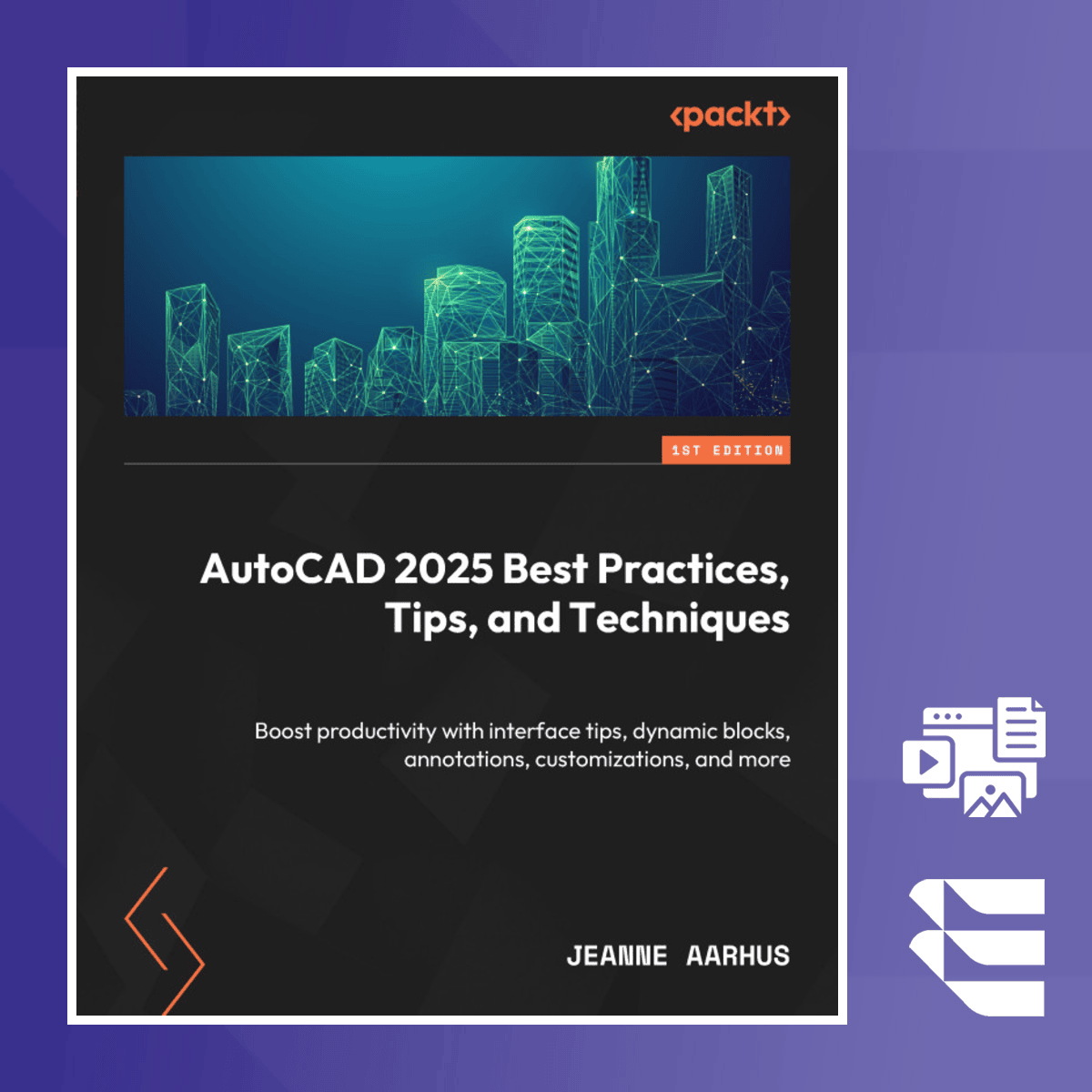
AutoCAD 2025 Best Practices, Tips, and Techniques
Skills:
AI Workflow Automation70%
This course equips learners with the tools and knowledge needed to maximize productivity and enhance AutoCAD skills in real-world scenarios. By focusing on advanced techniques and AutoCAD-specific best practices, this course empowers professionals to streamline workflows, improve efficiency, and master the interface with ease.
Throughout the course, learners will be introduced to powerful techniques for customizing AutoCAD’s environment and automating repetitive tasks. Practical examples and expert tips will guide students on how to optimize their use of dynamic blocks and commands, enabling them to work smarter and faster.
What sets this course apart is its combination of theoretical understanding and practical application. You will gain expert insights into AutoCAD's capabilities, with step-by-step instructions to help you apply what you’ve learned to your daily tasks.
Ideal for intermediate AutoCAD users, this course is designed for those who want to refine their skills and work more efficiently. A basic understanding of AutoCAD is recommended for maximum benefit.
Watch on Coursera ↗
(saves to browser)
Sign in to unlock AI tutor explanation · ⚡30
More on: AI Workflow Automation
View skill →









Related AI Lessons
⚡
⚡
⚡
⚡
The Best AI Tools for Small Business in 2026: An Independent Guide
Medium · AI
I Used AI for 7 Days Straight — Here’s How Much Time It Saved Me
Medium · AI
I Used AI for 7 Days Straight — Here’s How Much Time It Saved Me
Medium · Programming
Work Smarter with AI: How Artificial Intelligence is Transforming Modern Businesses | Powered by…
Medium · AI
🎓
Tutor Explanation

 DeepCamp AI