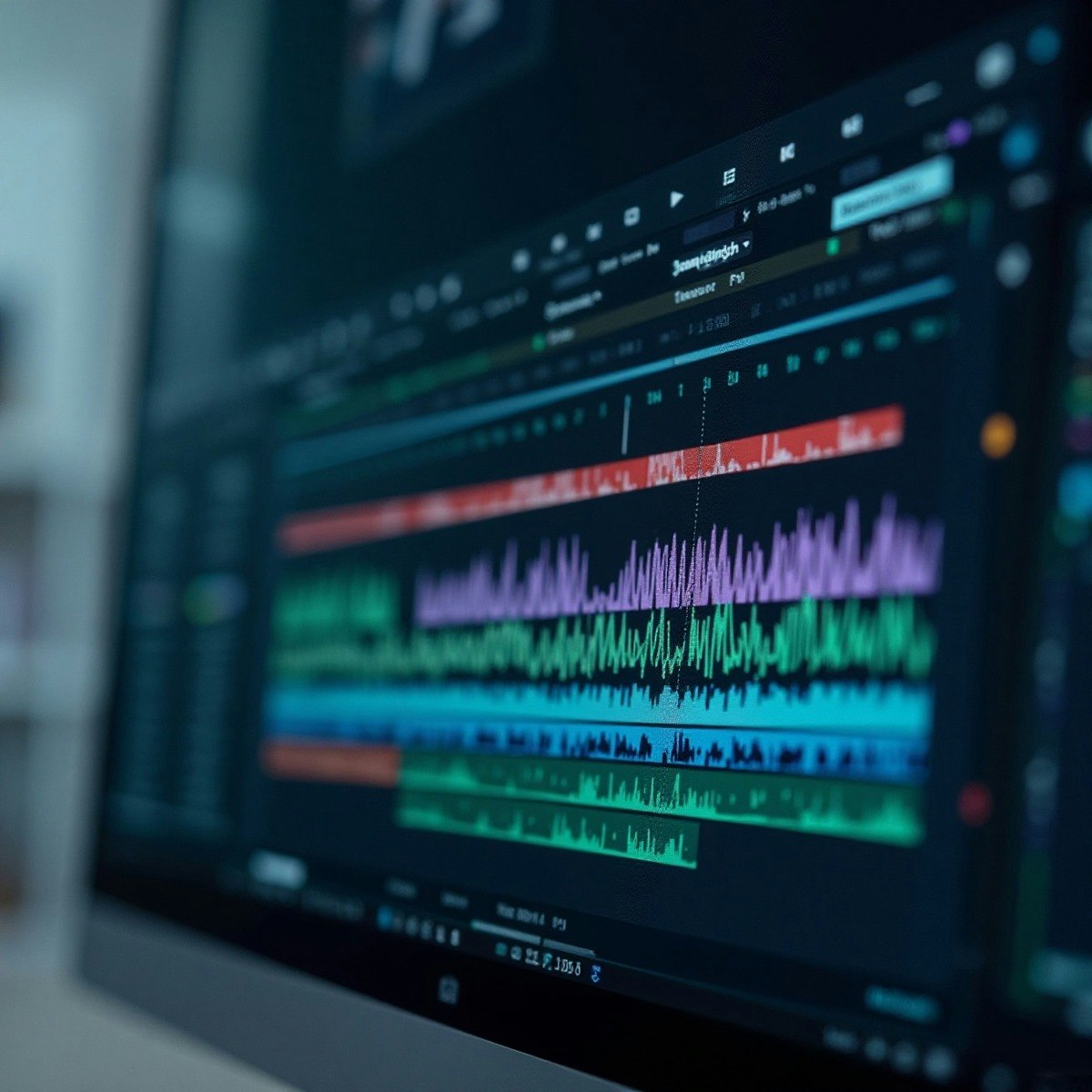
Apply Video Editing Fundamentals Using Adobe Premiere Pro
By the end of this course, learners will be able to identify key stages of video production, apply core editing tools in Adobe Premiere Pro, create visually engaging edits using effects and motion, compose professional titles and graphics, and export high-quality videos for final delivery.
This beginner-friendly course provides a structured, hands-on introduction to Adobe Premiere Pro CC, guiding learners step by step from setting up a project to producing a polished final video. Learners will gain practical experience working with timelines, clips, audio synchronization, text, effects, transitions, compositing, and motion graphics. Through progressive modules, the course builds both technical skills and visual storytelling awareness, ensuring learners understand not just how to edit, but why specific editing decisions matter.
What makes this course unique is its tool-by-tool, workflow-driven approach, combined with real-world editing techniques such as scene detection, opacity masking, green screen compositing, branding animations, and export optimization. The course is ideal for aspiring video editors, content creators, marketers, and students who want a strong foundation in professional video editing using industry-standard software.
Watch on Coursera ↗
(saves to browser)
Sign in to unlock AI tutor explanation · ⚡30
More on: AI Productivity Tools
View skill →








Related AI Lessons
⚡
⚡
⚡
⚡
Balancing AI Upskilling With Quick Execution: Tips From Tech Leaders
Forbes Innovation
Does Claude Help in Photo Editing? Here is the Honest Truth
Medium · AI
AI Video Editing Tools Are Changing Content Creation in 2026
Medium · AI
"I Got Tired of Rewriting 4 AI CLI Config Files. So I Put Setup Behind One Button"
Dev.to · CodeKing
🎓
Tutor Explanation
 DeepCamp AI