Analyze & Visualize Data Using Advanced Excel
Key Takeaways
Analyze and visualize data using advanced Excel techniques and tools
Original Description
By completing this course, learners will be able to analyze structured datasets, apply Pivot Tables for meaningful summaries, design effective charts, interpret data using advanced visualization techniques, and perform dynamic calculations using Excel equations and intelligent analysis tools.
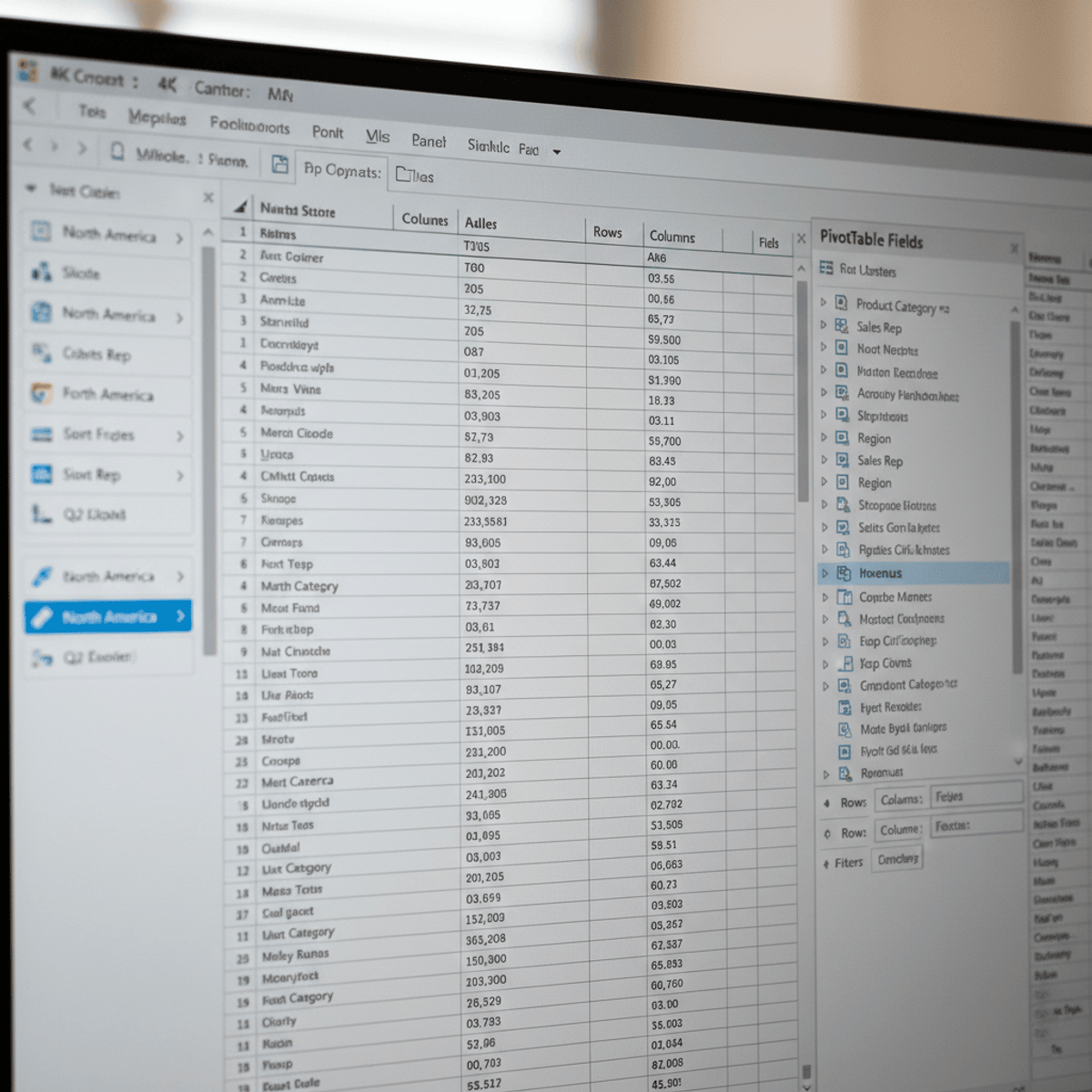
This Advanced Excel course is designed to help learners move beyond basic spreadsheet usage and develop strong analytical and visualization skills required in today’s data-driven roles. Learners will gain hands-on experience in understanding dataset structure, building Pivot Tables, and transforming raw data into clear, insightful charts. The course also explores advanced chart formatting, dataset parameters, and Excel’s smart features such as Analyze Data and recommended charts to enhance accuracy and efficiency.
What makes this course unique is its structured, outcome-driven approach that connects data preparation, visualization, and analysis into a single learning journey. Each concept is reinforced through practical examples that mirror real-world business scenarios, enabling learners to make confident, data-backed decisions. Whether for reporting, analytics, or dashboard creation, this course equips learners with practical Advanced Excel skills that are immediately applicable in professional environments.
Watch on External: Coursera ↗
(saves to browser)
Sign in to unlock AI tutor explanation · ⚡30
More on: Data Literacy
View skill →









Related Reads
🎓
Tutor Explanation

 DeepCamp AI