Analyze and Interpret Data Using Excel
Skills:
Data Literacy90%
Key Takeaways
Analyzes and interprets data using Excel's analytical tools and Analysis Toolpak
Original Description
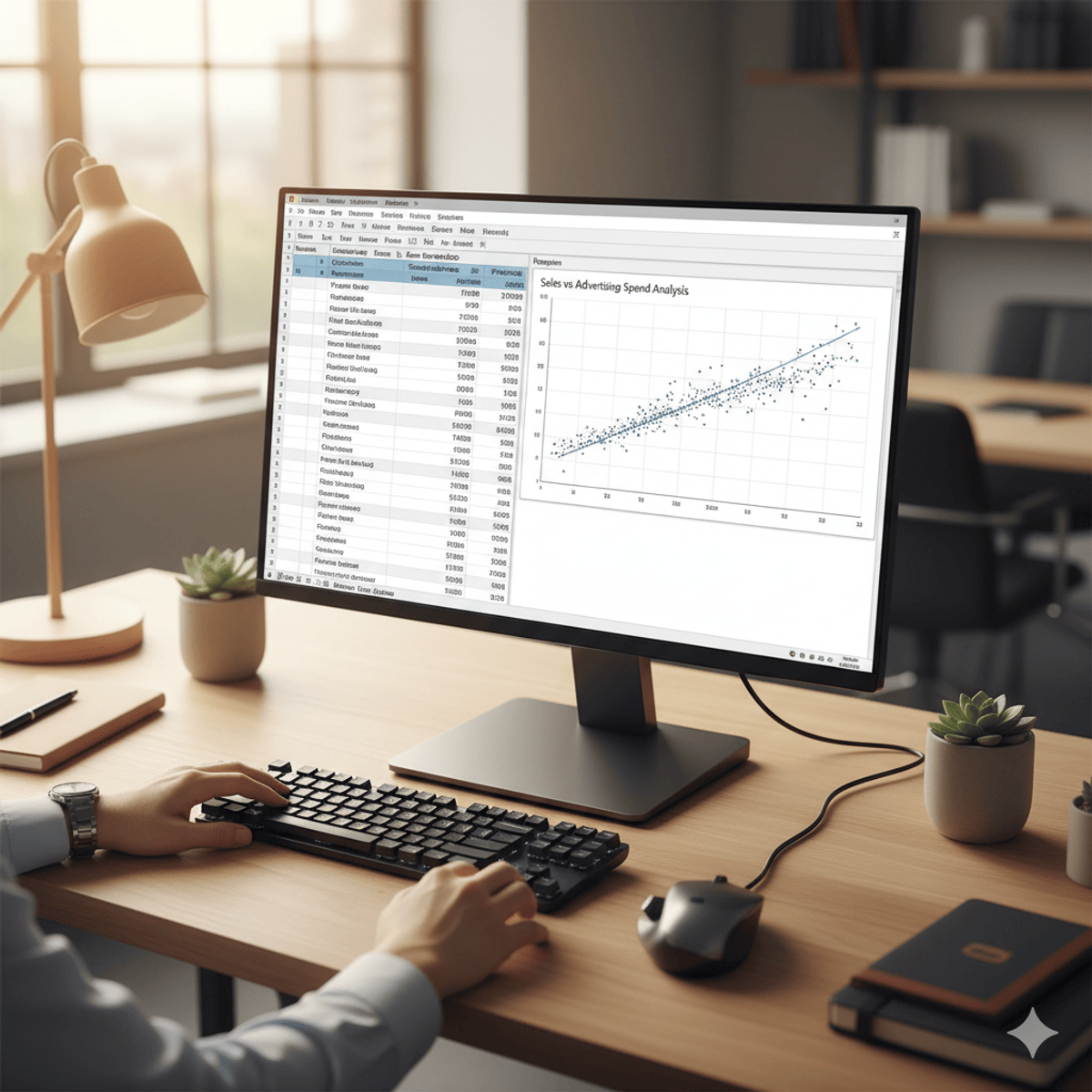
Learners will be able to activate Excel’s analytical tools, compute descriptive statistics, visualize data relationships, run regression models, and interpret statistical outputs to make informed, data-driven decisions. This course equips participants with the practical skills needed to analyze real-world datasets using Excel’s built-in functions and the Analysis Toolpak.
Through a step-by-step, application-focused approach, learners gain hands-on experience generating summary measures, exploring correlations, creating scatter plots, and executing linear regression. Each module progresses from foundational skills to advanced analytical techniques, ensuring that learners build confidence as they move from basic data preparation to interpreting statistical models.
What makes this course unique is its clear, practice-oriented structure that mirrors real workplace analytical tasks. Instead of abstract theory, every video, exercise, and lesson is designed to help learners apply Excel’s statistical capabilities immediately and accurately. By the end of the course, learners will not only understand the underlying concepts but will also be able to perform professional-quality data analysis, making them better prepared for roles in business, research, finance, and data-driven decision-making.
Watch on External: Coursera ↗
(saves to browser)
Sign in to unlock AI tutor explanation · ⚡30
More on: Data Literacy
View skill →









Related AI Lessons
⚡
⚡
⚡
⚡
Müşteri Değerini Anlamak: RFM, CLTV ve Tahmine Dayalı CRM Analitiği
Medium · Machine Learning
Müşteri Değerini Anlamak: RFM, CLTV ve Tahmine Dayalı CRM Analitiği
Medium · Data Science
Müşteri Değerini Anlamak: RFM, CLTV ve Tahmine Dayalı CRM Analitiği
Medium · Python
Surviving the Data Science Behavioral Interview
Towards Data Science
🎓
Tutor Explanation

 DeepCamp AI