Advanced Commands in Linux
Skills:
Linux & CLI90%
Key Takeaways
Utilizes advanced Linux commands for file management, troubleshooting, and process termination
Original Description
In this one-hour, project-based course, you'll learn advanced commands for the Linux command-line. You'll learn how to grab files, even Web-site, from the internet and download it, how to copy files from drives to drives locally and remotely and how to display, terminate, and troubleshoot programs and processes manually.
This guided project will introduce you to the following commands:
-wget -- Download anything from the Internet or other remote computers;
-rsync -- Synchronise files and directories locally or with a remote machine;
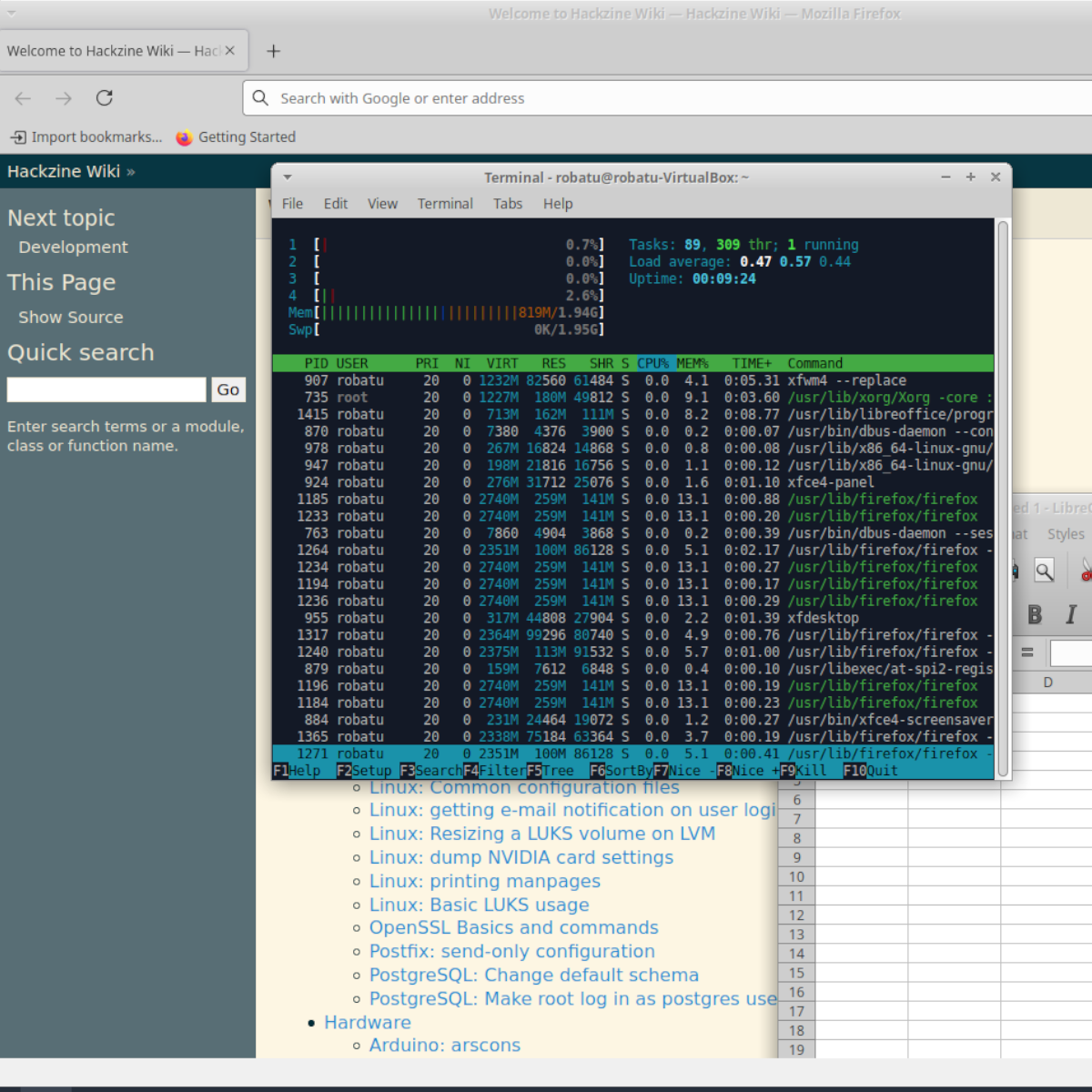
-ps, pstree, top, htop -- Monitor applications and processed running on a PC;
-kill, killall -- force the closing of troublesome applications and processes.
Watch on External: Coursera ↗
(saves to browser)
Sign in to unlock AI tutor explanation · ⚡30
More on: Linux & CLI
View skill →





![MITRE CTF 2019 - Linux [50] Escaping RBASH with SSH](https://i.ytimg.com/vi/MEGBY3XAe_4/mqdefault.jpg)


Related AI Lessons
⚡
⚡
⚡
⚡
5 Copywriting Tricks Hidden Inside Warren Buffett’s Shareholder Letters
Medium · Programming
I Thought Everyone Had Better Ideas Than Me. Then I Learned How Writers Actually Think.
Medium · AI
How to Write Persuasive Content That Builds Trust and Boosts Sales
Medium · SEO
6 Copywriting Formulas That Silently Print Money
Medium · Programming
🎓
Tutor Explanation

 DeepCamp AI