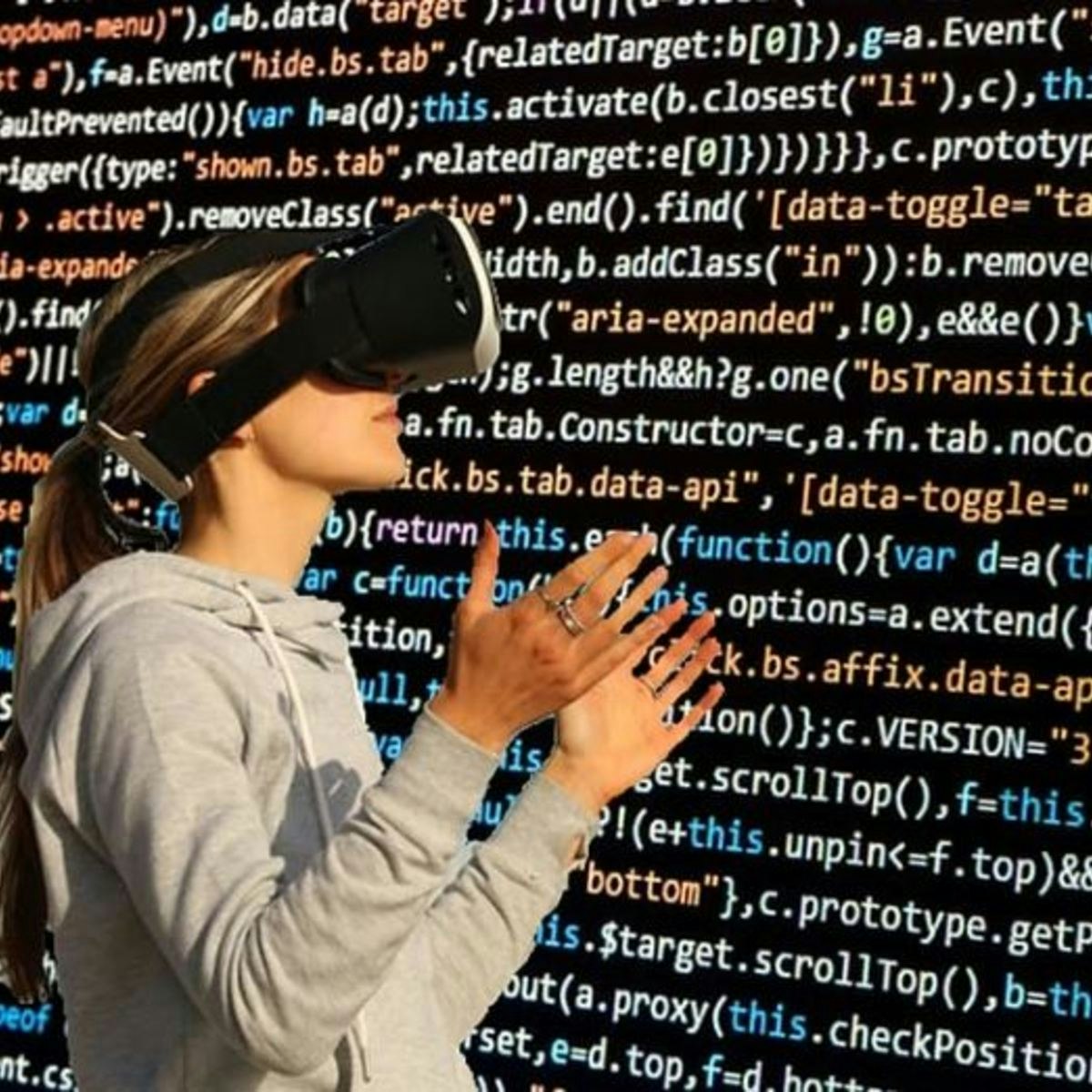
3D Interaction Design in Virtual Reality
Key Takeaways
Designs 3D interactions in Virtual Reality using immersive and interactive techniques
Original Description
This course will teach you about one of the most important aspects of VR, how you interact with a VR world. Virtual Reality is completely different from an on screen app or game. You are completely immersed in a VR world, so it doesn't make sense to interact only through buttons or menus. You will get the most out of VR if you can interact with the world just as you would with the real world: with your natural body movements. You will learn about the basic concepts and technologies of VR Interaction. You will then get hands on, learning about how to move around in VR and how to interact with the objects in your world. The course will finish with some advice from experts on VR interaction design and you will do a project where you will get real experience of developing VR Interaction.
Watch on External: Coursera ↗
(saves to browser)
Sign in to unlock AI tutor explanation · ⚡30
More on: UI Design
View skill →









Related Reads
📰
📰
📰
📰
How I made my Vue tree 10x faster without changing the UI
Medium · JavaScript
One UI 9 features Samsung users need to know
TechCabal
Crazy Egg vs. Lucky Orange: Which Tool Is Better For You?
Crazy Egg Blog
Recharts: React Data Visualization Complete Guide (2026)
Dev.to · Carlos Oliva Pascual
🎓
Tutor Explanation

 DeepCamp AI