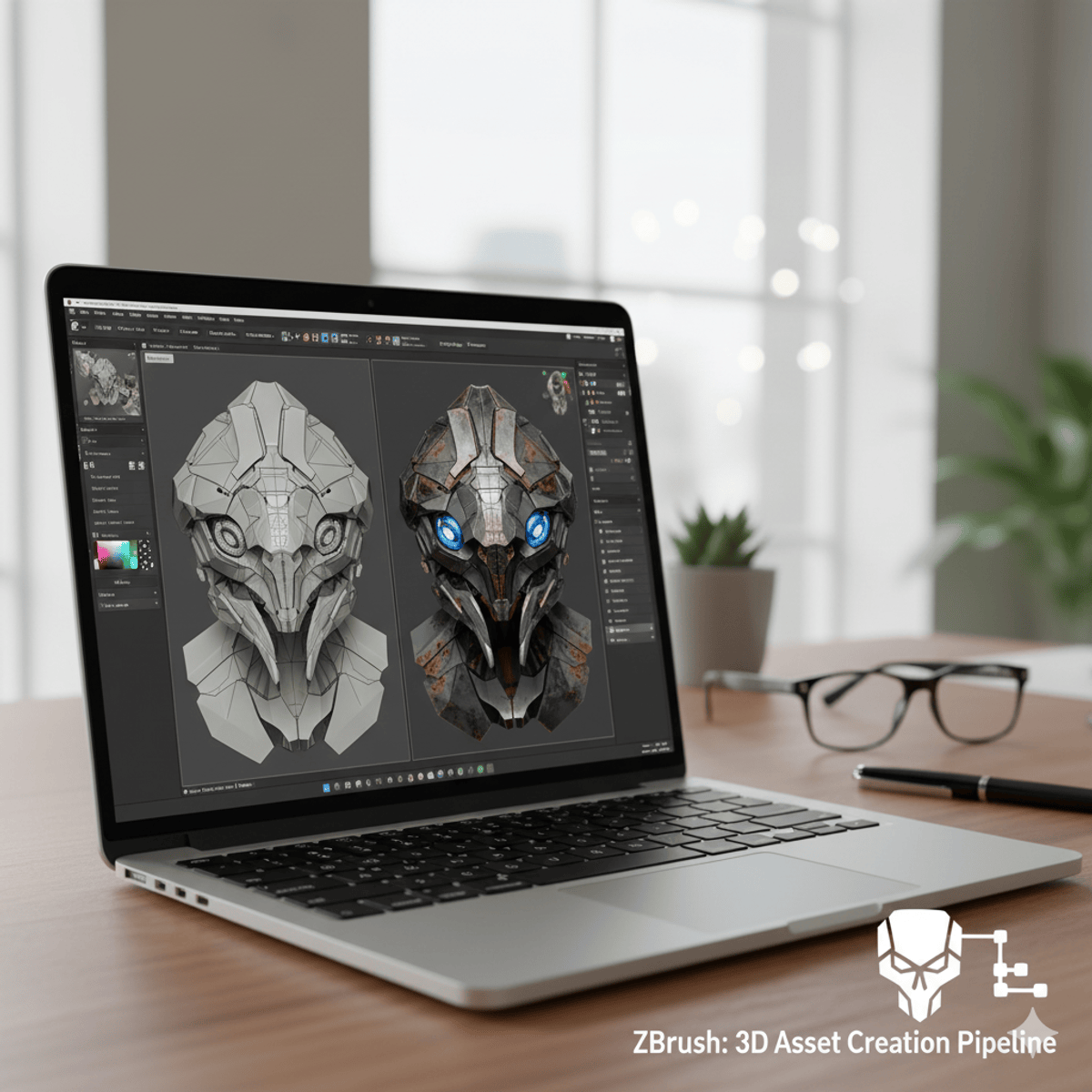
ZBrush ZModeler: Apply, Create & Render 3D Assets
Learners will identify core brushes, apply ZModeler tools, execute advanced polygon workflows, create detailed surface effects, and integrate rendering techniques to produce professional-quality 3D assets. By completing this course, students will not only gain technical skills but also develop the confidence to manage complex ZBrush projects from start to finish.
This hands-on program begins with trimming, clipping, and selection fundamentals before moving into polygon modeling with ZModeler. Learners progress through advanced features like QMesh, creasing, bridging, and polygroups, mastering efficient low-poly workflows essential for game and production pipelines. The course then explores alphas, Lazymouse, and polypainting to enhance surface detail and bring models to life with realistic color and textures. Finally, students dive into subtools, Dynamesh, Fibermesh, Arraymesh, lighting, BPR rendering, and movie-making to prepare assets for professional presentation.
What makes this course unique is its balanced progression from modeling to texturing to rendering, ensuring learners understand every stage of the 3D pipeline. By the end, participants will be able to create, refine, and present industry-ready 3D models in ZBrush, opening opportunities in game design, animation, and digital sculpting careers.
Watch on Coursera ↗
(saves to browser)
Sign in to unlock AI tutor explanation · ⚡30
Related AI Lessons
⚡
⚡
⚡
⚡
How I Built a YouTube Shorts Brief Generator with PHP and the OpenAI API (in a Few Hours)
Dev.to · James Dudley (James)
Trusting AI Over Yourself? — A Writing Challenge
Medium · AI
Best AI Writing Tools 2026 — Tested & Compared
Dev.to AI
How AI is Redefining Creativity and Productivity in 2026 (Top Tools Ranked)
Medium · AI
🎓
Tutor Explanation

 DeepCamp AI