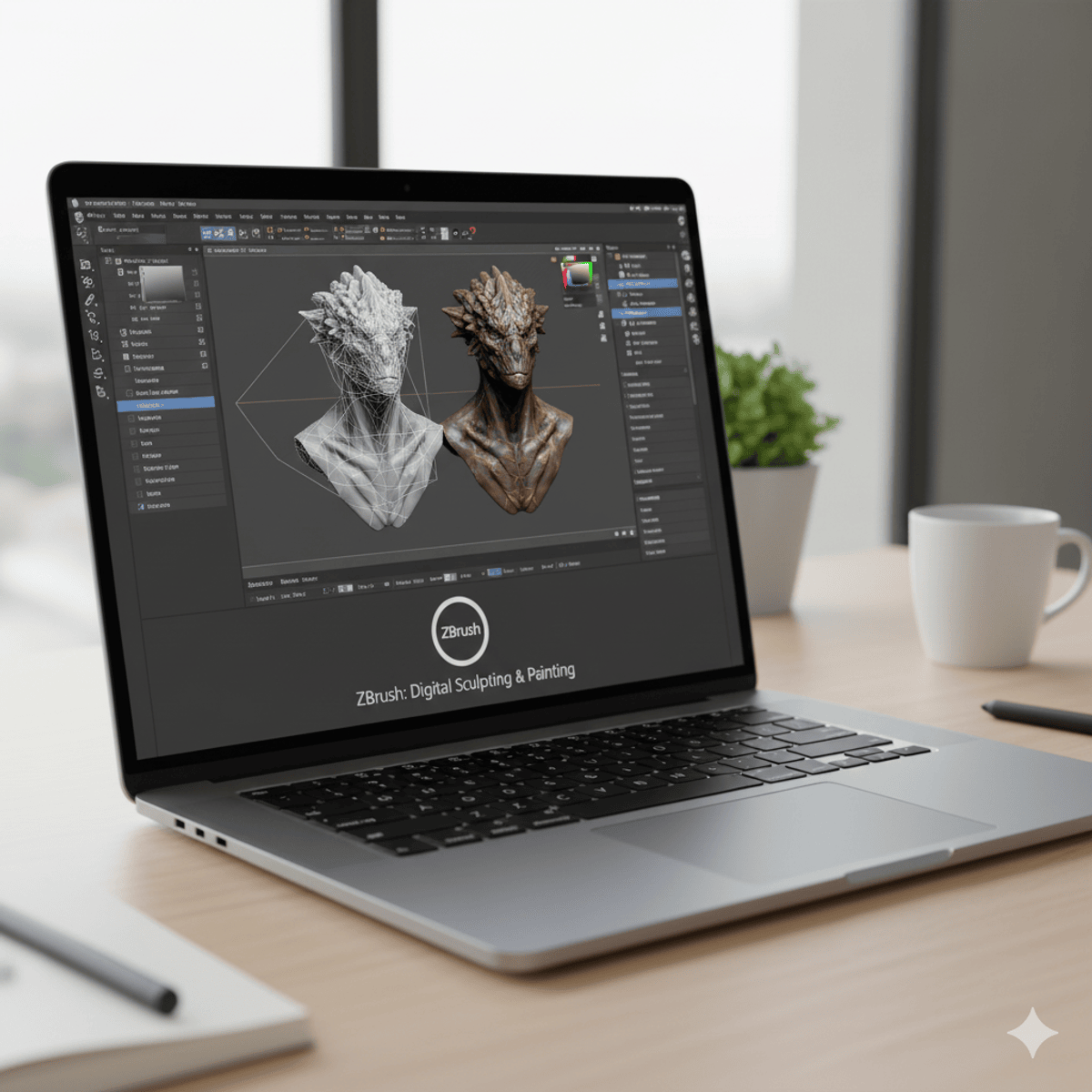
ZBrush Basics: Sculpt, Render & Finalize 3D Models
Key Takeaways
Covers the basics of ZBrush for sculpting, rendering, and finalizing 3D models
Original Description
By the end of this course, learners will be able to navigate the ZBrush interface, apply transformation and symmetry tools, manage geometry with subdivisions and layers, and implement advanced rendering, morphing, and skinning techniques.
This course provides a complete foundation in ZBrush, guiding learners from introduction to advanced features. Starting with ZBrush’s unique role in digital sculpting and painting, you will explore its interface, menus, and workflow customization. As you progress, you will master tools such as Shadowbox, XYZ planes, and subdivisions to create detailed, non-destructive models. In the advanced modules, you will gain hands-on practice with spotlight projection, clone painting, shader mixing, Morph UV, and unified skinning to finalize high-quality models for professional use.
What makes this course unique is its step-by-step approach that blends fundamental interface skills with advanced creative workflows, ensuring learners not only understand the software but also apply techniques used in movies and gaming industries. Whether you are a beginner or aspiring 3D artist, this course equips you with the skills to sculpt, refine, and render models confidently in ZBrush.
Watch on External: Coursera ↗
(saves to browser)
Sign in to unlock AI tutor explanation · ⚡30
More on: AI Design Tools
View skill →







![How to Make Youtube Thumbnail in Inkscape [2026 Full Guide]](https://img.youtube.com/vi/Ju-qqAqvRxk/mqdefault.jpg)

Related Reads
📰
📰
📰
📰
How I use python to save hours every week
Dev.to AI
What Are AI Software Solutions and How Can They Transform Your Business?
Dev.to · upwork floating infotech
AI Shorts generators you can actually edit (not a black box)
Dev.to · Reel Mint
I Wanted To Automate Website Testing Without Writing Hundreds Of Scripts. AI Changed The Approach.
Medium · AI
🎓
Tutor Explanation

 DeepCamp AI