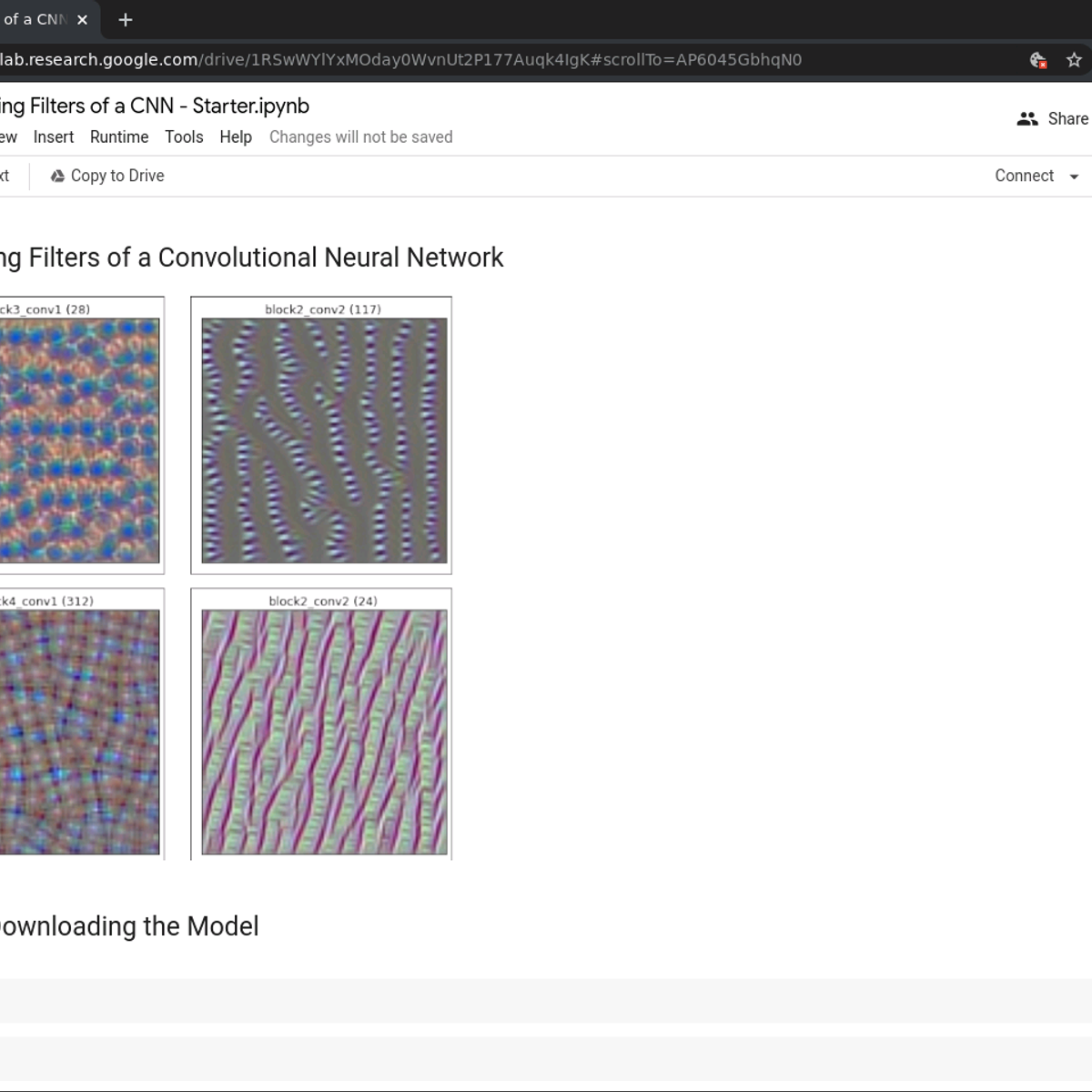
Visualizing Filters of a CNN using TensorFlow
Key Takeaways
Visualizes filters of a CNN using TensorFlow and gradient ascent
Original Description
In this short, 1 hour long guided project, we will use a Convolutional Neural Network - the popular VGG16 model, and we will visualize various filters from different layers of the CNN. We will do this by using gradient ascent to visualize images that maximally activate specific filters from different layers of the model.
We will be using TensorFlow as our machine learning framework. The project uses the Google Colab environment which is a fantastic tool for creating and running Jupyter Notebooks in the cloud, and Colab even provides free GPUs for your notebooks.
You will need prior programming experience in Python. This is a practical, hands on guided project for learners who already have theoretical understanding of Neural Networks, Convolutional Neural Networks, and optimization algorithms like gradient descent but want to understand how to use the TensorFlow to visualize various filters of a CNN.
Note: This course works best for learners who are based in the North America region. We’re currently working on providing the same experience in other regions.
Watch on External: Coursera ↗
(saves to browser)
Sign in to unlock AI tutor explanation · ⚡30
More on: CV Basics
View skill →






Related Reads
📰
📰
📰
📰
Help Choosing Neural Network Architecture for Matrix Classification
Reddit r/deeplearning
How to Choose the Best Deep Learning Model for Medical Imaging
Medium · Deep Learning
Another Way to Read Neural Geometry
Medium · Data Science
Another Way to Read Neural Geometry
Medium · Deep Learning
🎓
Tutor Explanation
 DeepCamp AI