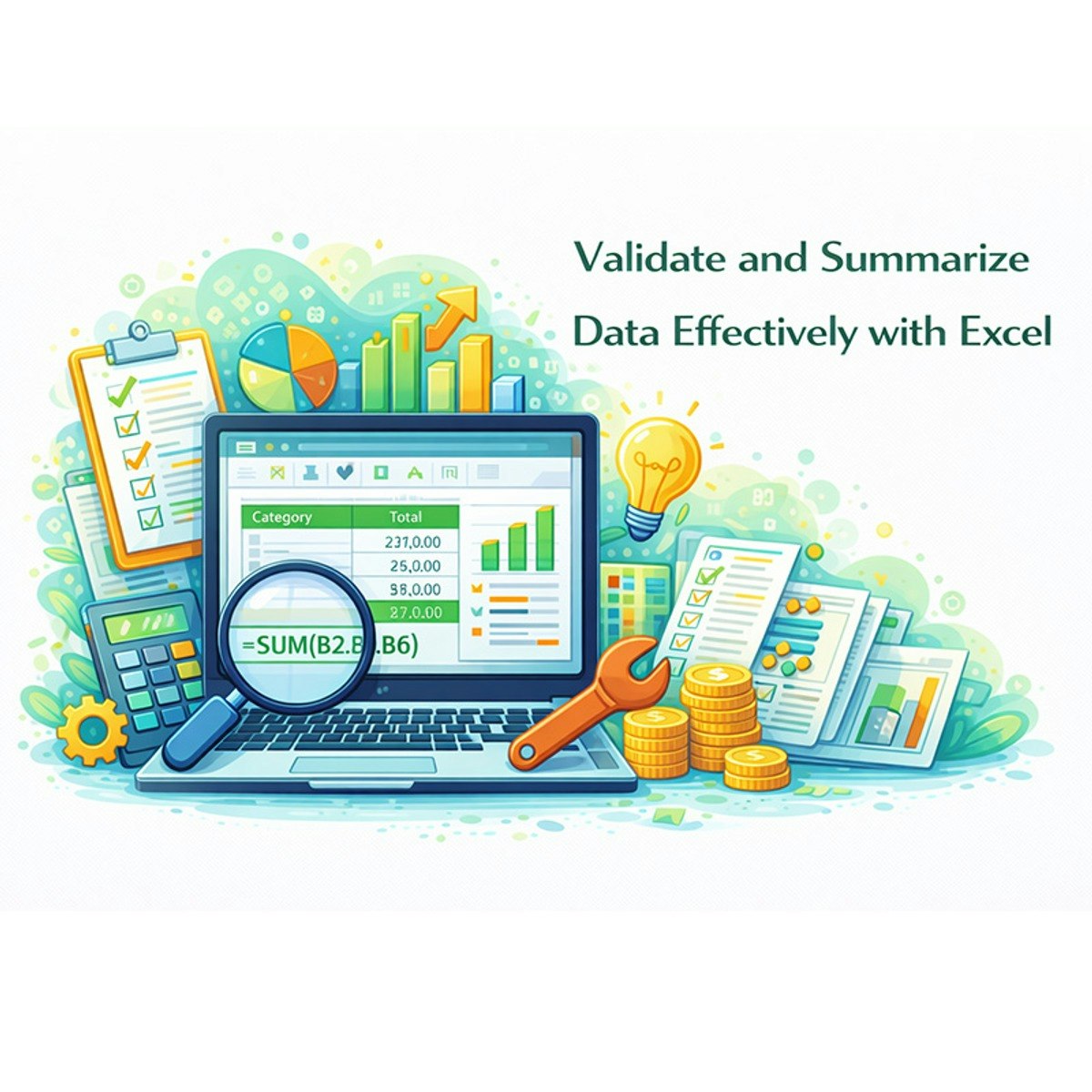
Validate and Summarize Data Effectively with Excel
Key Takeaways
Validates and summarizes data effectively with Excel
Original Description
This intermediate course, Validate and Summarize Data Effectively with Excel, is for aspiring financial analysts and business professionals who need to move beyond basic spreadsheets and master the essential Excel skills required for robust data-driven decision-making. In today's financial landscape, the ability to trust your numbers is non-negotiable. This course provides a direct path to building that trust, focusing on two critical competencies: data validation and data summarization.
You will learn to systematically assess and ensure data quality by applying functions such as COUNTBLANK to quantify missing values against predefined standards—a crucial first step in preventing costly errors like those seen in major corporate blunders. Then, you will dive deep into the power of PivotTables, transforming thousands of lines of raw financial data into clear, interactive summary reports. Through hands-on labs using real-world scenarios, you will practice aggregating, cross-tabulating, and analyzing data to uncover trends and relationships. By the end of this course, you won't just be using Excel; you'll be leveraging it to validate data integrity, analyze complex datasets efficiently, and evaluate your findings to provide the kind of reliable insights that drive strategic financial decisions.
Watch on External: Coursera ↗
(saves to browser)
Sign in to unlock AI tutor explanation · ⚡30
More on: Excel & Spreadsheets
View skill →









Related Reads
🎓
Tutor Explanation

 DeepCamp AI