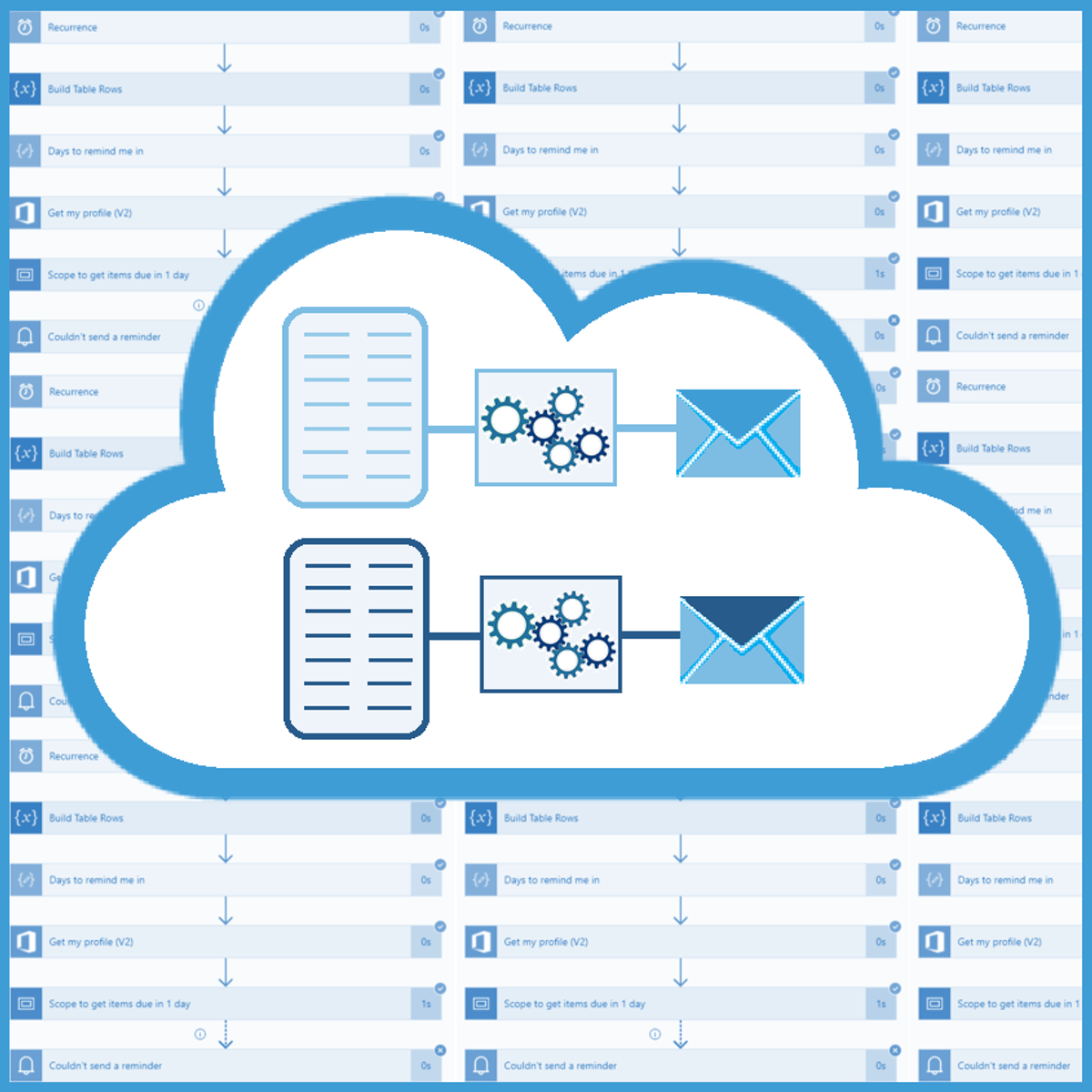
Use Power Automate & SharePoint to Automate Invoice Sending
Each company must produce invoices for their services and each invoice must be delivered to the client. Most companies have employees who are doing both tasks manually, first they create an invoice and then they send it by email to the customer. As with most other repetitive tasks, we can use Power Automate and SharePoint to automate one of those 2 tasks and that is, sending invoices by email. We just need to set up some rules, set up a SharePoint site as our data source and implement a Power Automate flow which will handle the process.
In this 40-minutes long guided project, “Use Power Automate & SharePoint to Automate Invoice Sending”, you will create a SharePoint site and list, set up a document library and create a Power Automate flow which will automate the sending of invoices to the customers. Of course, you can allow other colleagues to access and use this SharePoint site so they will be able to use your implementation as well. In the end, you won’t need to send emails to the customers manually, all you will have to do is create an invoice, name it correctly and upload it to the SharePoint document library and the Power Automate flow will do the rest.
Since this project uses Office 365 services like SharePoint and Power Apps (part of the Microsoft Power Platform), you will need access to a Microsoft account and a Microsoft 365 Developer Program subscription account. In the video at the beginning of the project you will be given instructions on how to sign up for both.
Watch on Coursera ↗
(saves to browser)
Sign in to unlock AI tutor explanation · ⚡30
Related AI Lessons
⚡
⚡
⚡
⚡
Big Tech firms are accelerating AI investments and integration, while regulators and companies focus on safety and responsible adoption.
Dev.to AI
The Cognitive Armor
Medium · AI
Microsoft Says It Added a Gigawatt of Data Center Capacity. So Where Is It?
Medium · AI
Why AI Matters in 2026: A Survival Guide for Freelancers
Dev.to · Luis betancourt
🎓
Tutor Explanation

 DeepCamp AI