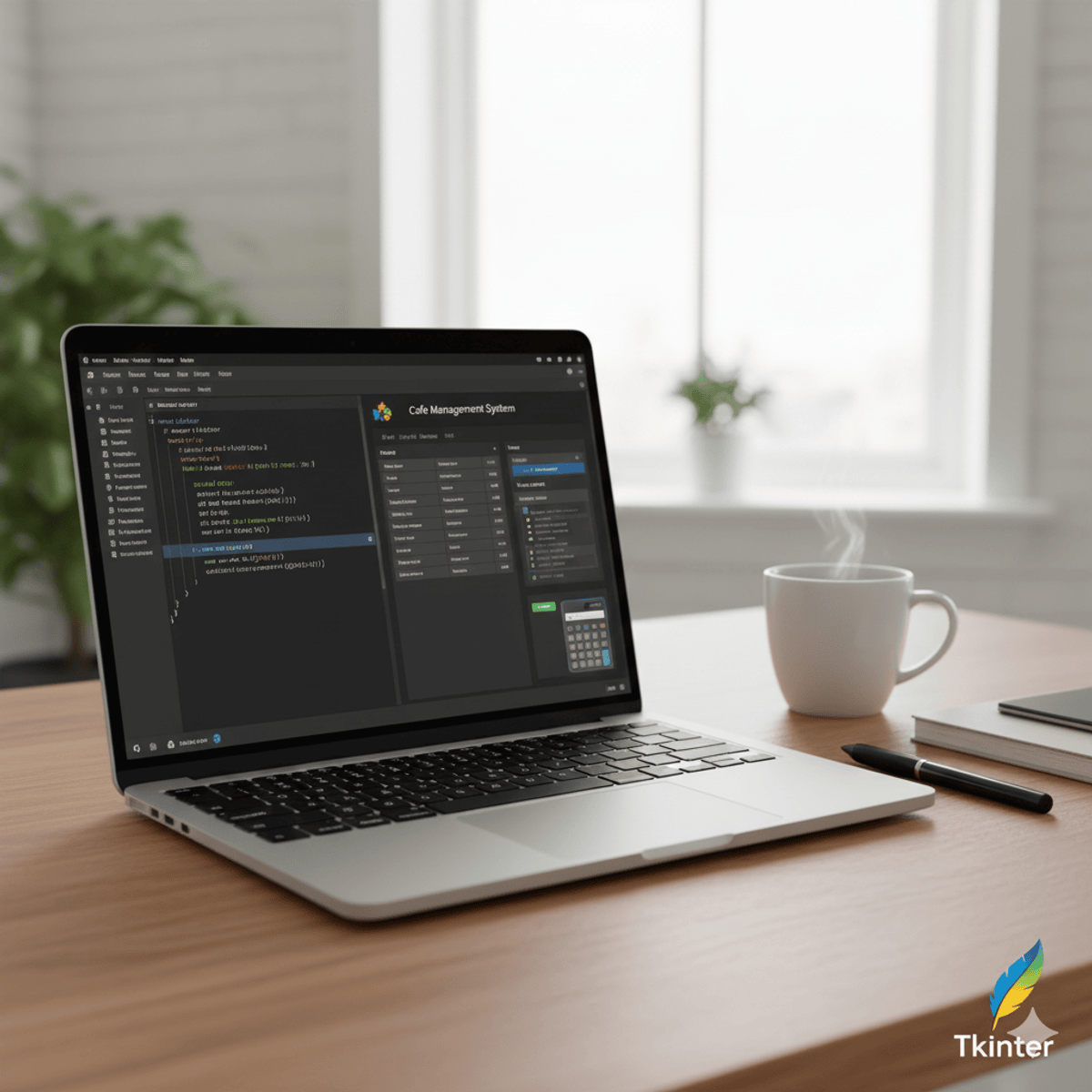
Python Tkinter: Design, Build & Integrate GUIs
Skills:
AI Pair Programming60%
Key Takeaways
Designing and building GUIs with Python Tkinter
Original Description
By the end of this course, learners will be able to design interactive Python GUI applications, apply layout managers for widget organization, implement event-driven programming, and integrate real-world projects with database connectivity. They will also gain the ability to develop calculators, cafe management systems, and advanced interfaces with pricing and receipt functions.
This course takes a structured, step-by-step approach to mastering Python GUI programming with Tkinter. Starting with foundational concepts, learners progress through layout management, event handling, and message boxes before moving to complete projects like calculators and management systems. Practical lessons ensure that each concept is directly applied in real-world scenarios, including MySQL database integration for persistent data handling.
Unlike many courses that focus solely on theory, this program emphasizes building full-fledged applications, giving learners hands-on experience with professional-grade projects. Whether you’re a beginner aiming to enhance your Python skills or a developer seeking to build desktop applications, this course equips you with the practical knowledge and problem-solving skills required to create powerful, user-friendly GUIs.
Watch on External: Coursera ↗
(saves to browser)
Sign in to unlock AI tutor explanation · ⚡30
More on: AI Pair Programming
View skill →





Related AI Lessons
⚡
⚡
⚡
⚡
Applying Scalability in Backend (CodeBuddy)
Medium · LLM
Why Every Backend Developer Should Learn Nginx Before Going to Production
Medium · DevOps
Connecting Frontend to Backend: A Backend Engineer’s Reality Check
Medium · Programming
Build Secure Authentication System Using Access and Refresh Tokens
Medium · Python
🎓
Tutor Explanation

 DeepCamp AI