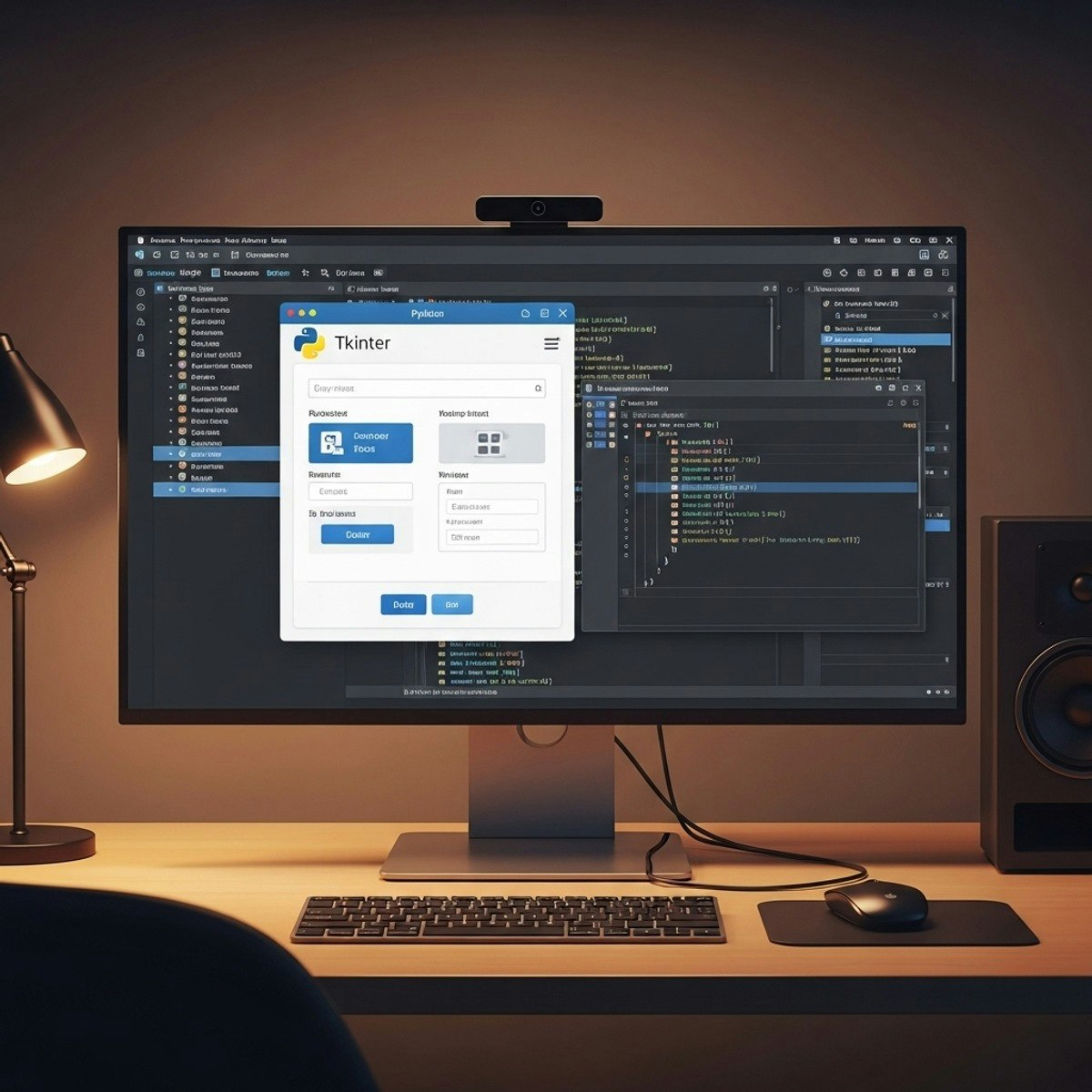
Python GUI Development: Design & Build Apps
Key Takeaways
Teaches Python GUI development using Tkinter library
Original Description
By the end of this course, learners will be able to identify core GUI concepts, design essential widgets, construct interactive forms, develop advanced navigation systems, apply structured layouts, and integrate user-friendly alerts using Python’s Tkinter library.
This hands-on course provides a complete pathway from beginner to advanced levels in Python GUI programming. Learners start by mastering foundational elements—such as buttons, labels, entry fields, and list boxes—before progressing to advanced components including menus, radio buttons, scales, spin boxes, and message boxes. Through practical examples and guided exercises, they will gain the ability to build dynamic, structured, and visually appealing desktop applications.
What makes this course unique is its structured modular design, real-world widget applications, and clear lesson-level objectives aligned with Bloom’s Taxonomy. Unlike generic tutorials, this program emphasizes not only coding but also practical design thinking—equipping learners with problem-solving skills to create professional-grade Python interfaces. Whether aiming to enhance career opportunities, strengthen Python programming expertise, or bring interactive projects to life, this course ensures learners walk away confident in designing, developing, and deploying robust GUI applications.
Watch on External: Coursera ↗
(saves to browser)
Sign in to unlock AI tutor explanation · ⚡30
Related Reads
📰
📰
📰
📰
AI Testing Tools Are Easy To Buy But Hard To Trust
Forbes Innovation
Transform Business Operations with Robotic Process Automation (RPA) Services
Medium · AI
I Didn't Expect an AI Tutor to Beat My Favorite Online Course (But It Changed How I Learn)
Dev.to AI
How to Talk to Your Database Using AI: A Practical Implementation Guide
Dev.to · Erwin Wilson Ceniza2
🎓
Tutor Explanation

 DeepCamp AI