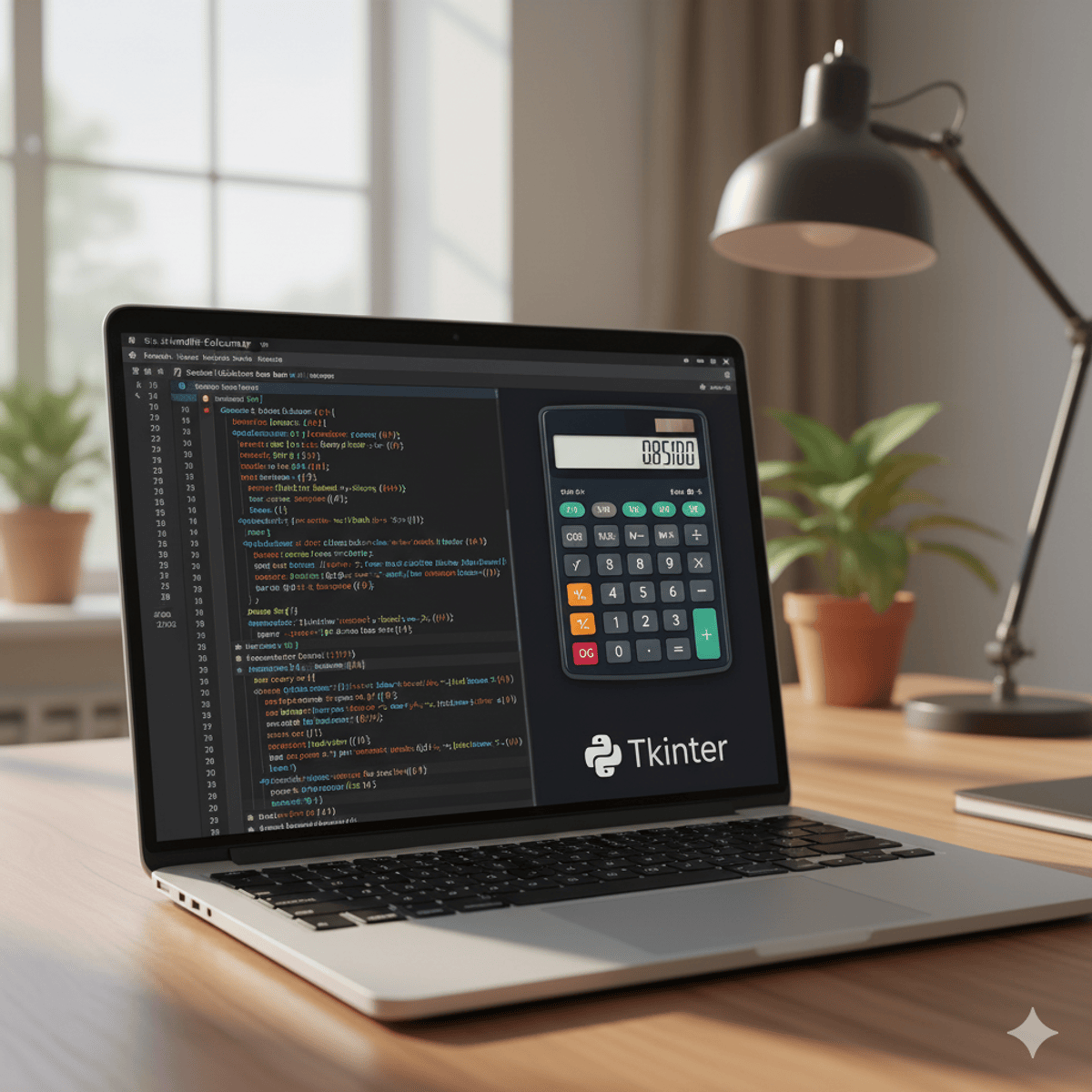
Python GUI Calculators with Tkinter: Build & Implement
Skills:
ML Maths Basics80%
By completing this course, learners will design, implement, and test both a simple and scientific calculator using Python and Tkinter. They will gain hands-on experience in setting up project environments, coding GUI components, linking buttons to logic functions, and extending applications with advanced mathematical features.
This course benefits learners by building practical programming and GUI development skills, reinforcing their understanding of core Python while teaching them how to create interactive applications. Unlike theory-heavy courses, this project-based approach allows learners to apply coding knowledge directly to a real-world calculator project.
What makes this course unique is its step-by-step progression—from foundational project setup to a fully functional scientific calculator—combined with practical demonstrations across IDEs like Jupyter and Spyder. Learners will not only strengthen their Python skills but also learn how to extend basic applications into more powerful tools. By the end, they will confidently apply Python and Tkinter to create interactive applications with real-world value.
Watch on External: Coursera ↗
(saves to browser)
Sign in to unlock AI tutor explanation · ⚡30
More on: ML Maths Basics
View skill →







Related AI Lessons
⚡
⚡
⚡
⚡
I Built 11 Models to Predict the 2026 World Cup. They Crown Four Different Champions.
Towards Data Science
The System Always Knows: Why Local Efficiency and System Performance Are Not the Same Problem
Towards Data Science
MLOps Systems: Feature Engineering: Moving Averages for Noise-Resilient Trend Signals in Python
Medium · Machine Learning
MLOps Systems: Feature Engineering: Moving Averages for Noise-Resilient Trend Signals in Python
Medium · Python
🎓
Tutor Explanation
 DeepCamp AI