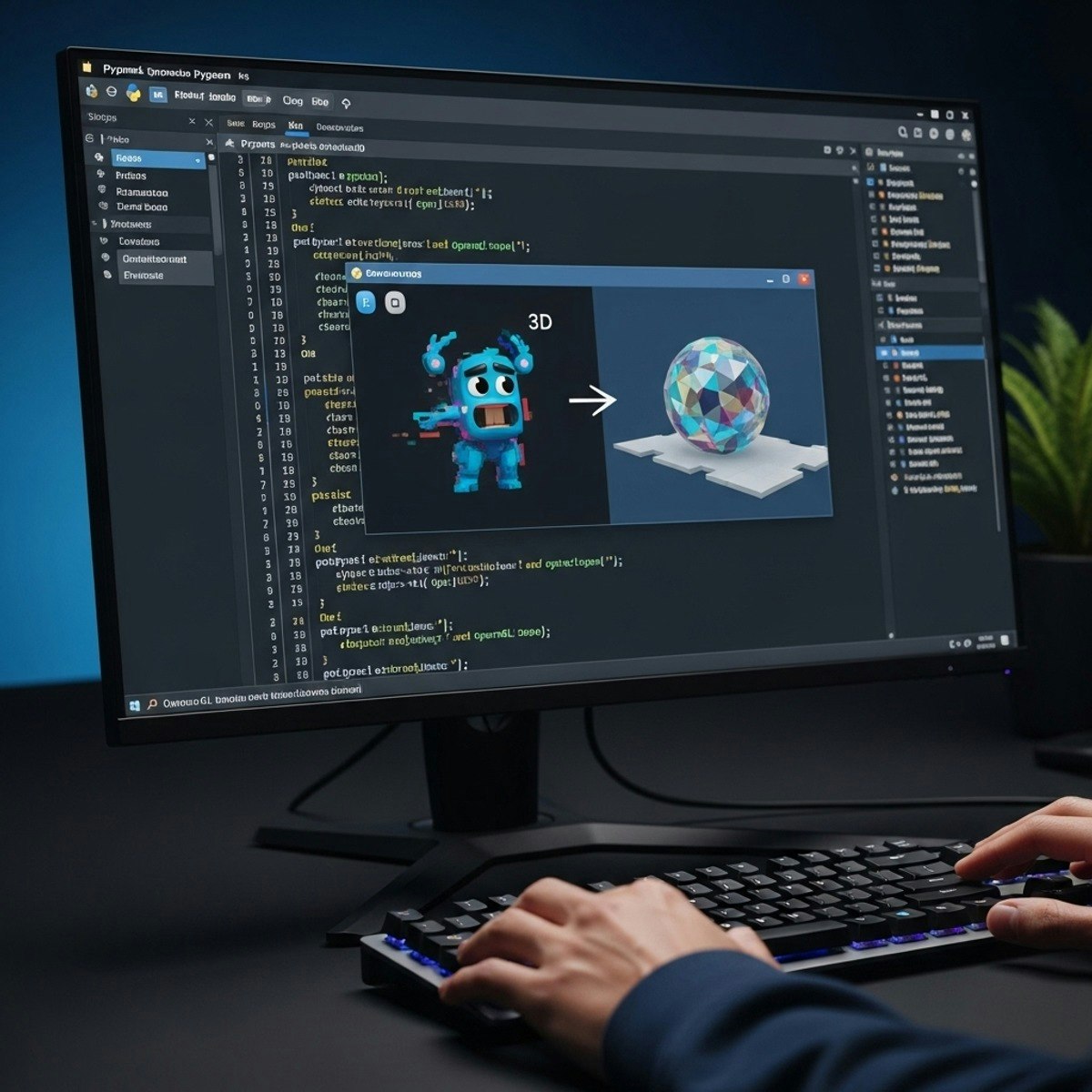
Python Game Development: Design, Animate & Render
Key Takeaways
Implements sprite mechanics, integrates sound effects, and renders 3D objects using Python libraries such as Pygame, Tkinter, and OpenGL
Original Description
Upon completion of this course, learners will be able to implement sprite mechanics, integrate sound effects, design GUI interfaces, and render 3D objects using Python libraries such as Pygame, Tkinter, and OpenGL. By mastering these skills, students will not only build engaging 2D games but also expand into interactive 3D environments, gaining the confidence to design advanced projects.
This advanced-level course benefits learners by bridging the gap between 2D game basics and full-scale interactive applications. Participants will start by developing smooth sprite animations with sound integration and then progress to designing functional GUIs that enhance gameplay. Finally, they will enter the world of 3D rendering, learning how to create, animate, and display immersive objects using OpenGL.
What makes this course unique is its step-by-step project-driven approach, which blends theory with hands-on coding. Learners will see their code evolve into a fully interactive game, gaining practical, portfolio-ready experience. With a focus on real-world application, the course empowers students to analyze, design, and implement game mechanics that mirror professional development practices.
Watch on External: Coursera ↗
(saves to browser)
Sign in to unlock AI tutor explanation · ⚡30
Related AI Lessons
⚡
⚡
⚡
⚡
Had my Frontend Developer interview with Capgemini (Application Developer) today, and I wanted to…
Medium · JavaScript
10 Frontend Developer Tools to Boost Productivity in 2026
Medium · Programming
10 Frontend Developer Tools to Boost Productivity in 2026
Medium · JavaScript
The US Frontend Engineer Market in 2026: A Data-Driven Reality Check (and the Bias That Stops Us Seeing It)
Dev.to AI
🎓
Tutor Explanation

 DeepCamp AI