Python Game Development: Build & Design with Pygame
Key Takeaways
Building and designing games with Python and Pygame
Original Description
By the end of this course, learners will be able to design interactive characters, implement event-driven logic, develop modular functions, and create a polished GUI using Python and Pygame. They will not only understand how to set up and structure a game but also gain the ability to extend and refine features for professional-quality projects.
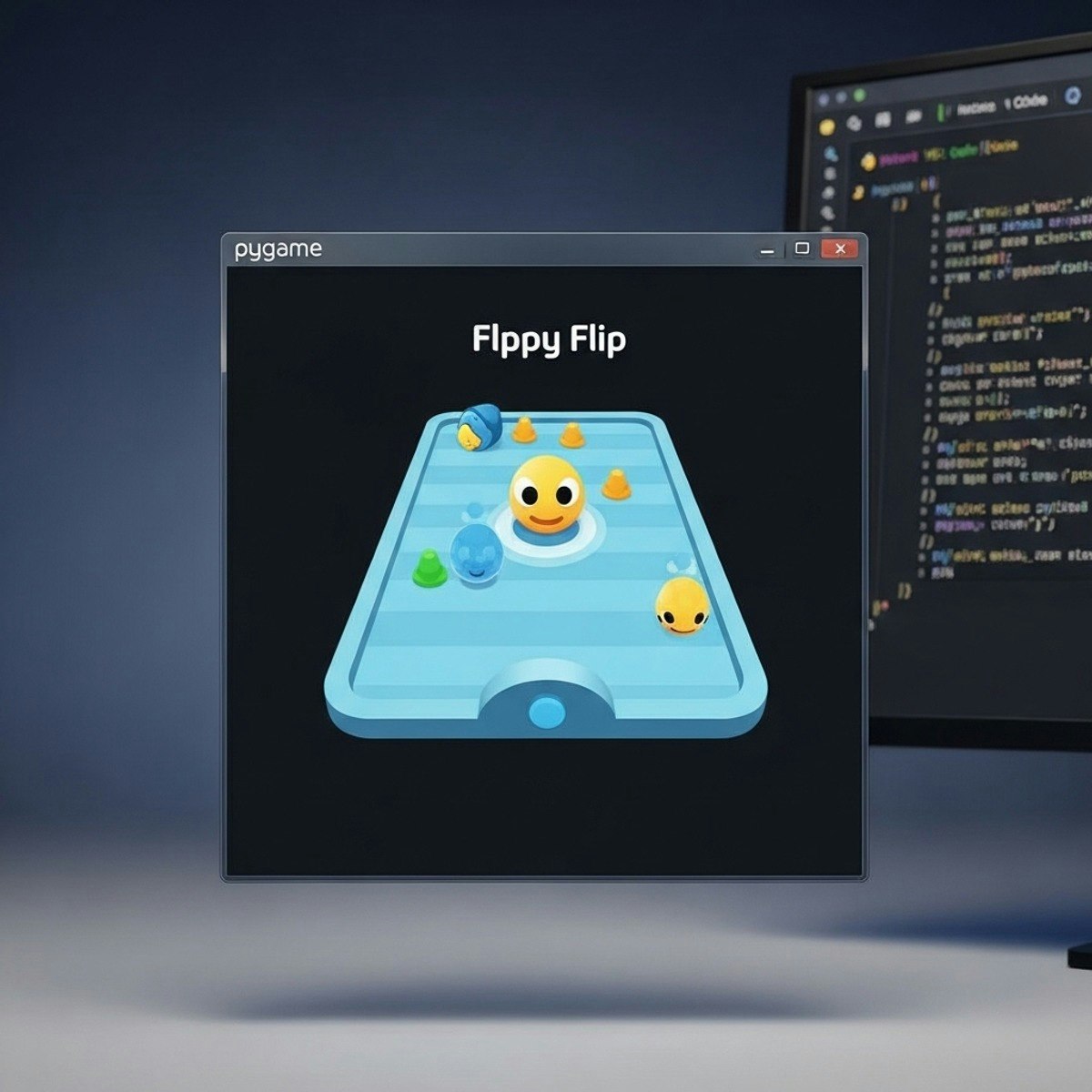
This hands-on course guides learners step by step through the Flippy Flip game case study, offering practical experience in coding, debugging, and optimizing a complete game from scratch. With structured modules, you will progress from foundational concepts—such as importing libraries, initializing Pygame, and building the main game loop—to advanced techniques like handling user events, resizing sprites, and designing custom graphical user interfaces.
Unlike generic tutorials, this course emphasizes real-world coding practices, modular design, and interactive gameplay mechanics, ensuring that learners acquire both technical skills and creative problem-solving abilities. Whether aspiring developers, hobbyists, or educators, participants will walk away with a finished game project, the confidence to build their own, and the practical knowledge to apply Python game development skills effectively.
Watch on External: Coursera ↗
(saves to browser)
Sign in to unlock AI tutor explanation · ⚡30
Related AI Lessons
⚡
⚡
⚡
⚡
How to Create a Second Version of Yourself Inside Obsidian Using AI (Step-by-Step Guide)
Medium · ChatGPT
How to prepare for Spain civil service TIC exam using AI in 2026
Dev.to · David García
Going Viral! How I Created AI Kissing Videos Step by Step Easily Using AIAI.com
Medium · AI
How to prepare TIC teacher exams in Spain with AI (oposiciones 2026)
Dev.to AI
🎓
Tutor Explanation

 DeepCamp AI