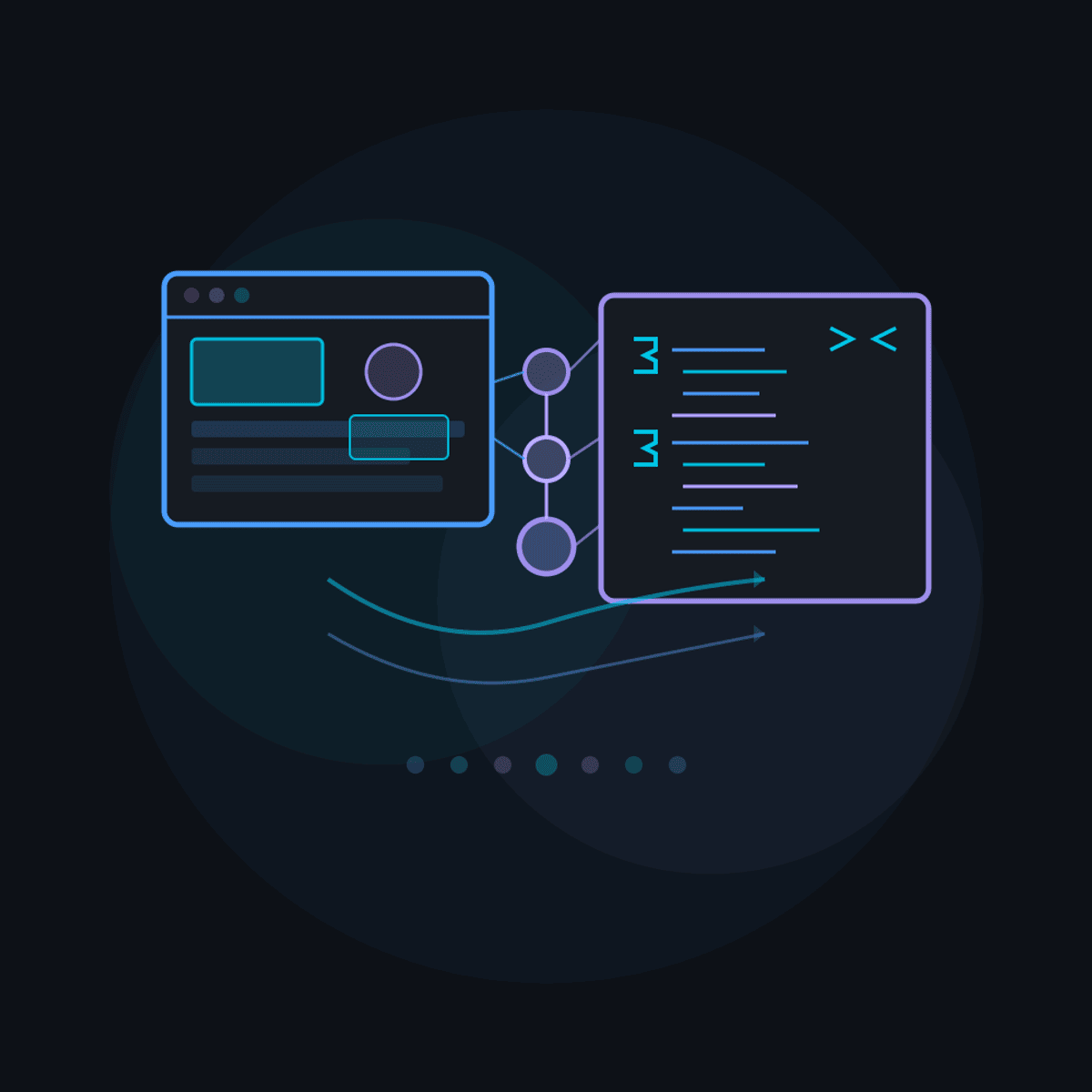
Multi-modal AI
Learn to build production applications by combining visual and textual inputs with AI coding tools. You will explore multi-modal programming where screenshots, images, and text serve as inputs for AI-assisted code generation, and set up development environments configured for visual AI workflows. The course covers prompt engineering with visual context to improve code generation accuracy, and hands-on development with GitHub Copilot in VS Code for inline suggestions and chat-based interactions. You will build a complete project using live reload and browser developer tools for rapid feedback between AI generation and visual output. The iterative development module teaches documentation-driven design where documentation guides AI toward desired outcomes, image-based iteration for refining generated code through visual comparison, and automated checks and validations that maintain quality through development cycles. You will learn to identify and overcome common iteration challenges including regression and context drift. The advanced module covers Model Context Protocol for connecting AI tools with external capabilities, Playwright for browser automation and visual testing, and Playwright MCP for AI-driven browser interactions that validate web applications directly. By completing this course, you will be able to convert screenshots into production code through iterative, automated, multi-modal AI workflows.
Watch on External: Coursera ↗
(saves to browser)
Sign in to unlock AI tutor explanation · ⚡30
More on: Agentic Coding
View skill →




Related AI Lessons
⚡
⚡
⚡
⚡
How AI Copy Trading Works: A Technical Deep Dive into the Next Generation of Derivatives Trading
Medium · AI
The end of the programmer: 26 predictions I dare you to break
Dev.to · Ad Soares
Software Engineering Just Changed Its Fundamental Premise.
Medium · Machine Learning
If You Skip the Map, AI Builds You a Maze
Medium · Programming
🎓
Tutor Explanation
 DeepCamp AI