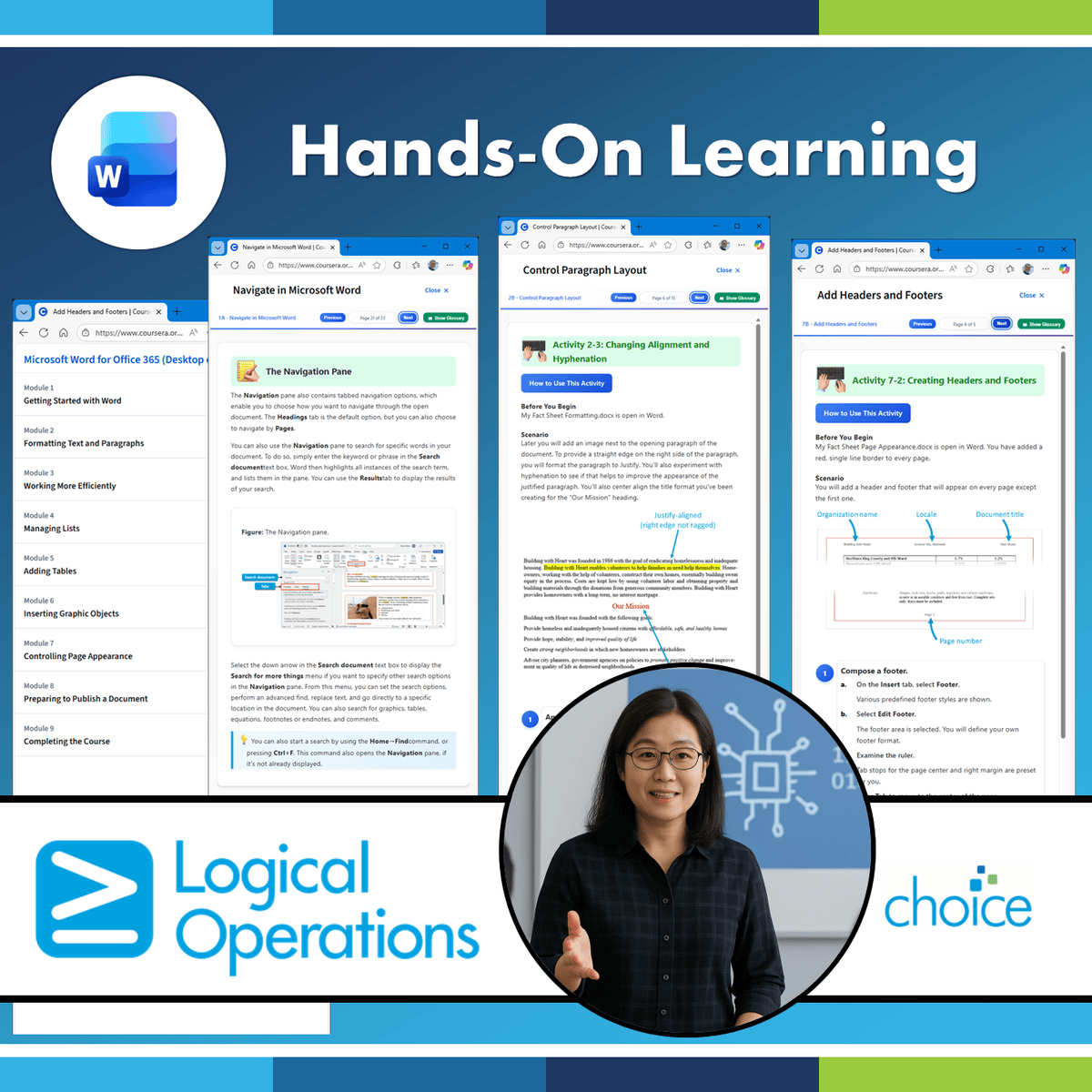
Microsoft Word for Office 365 (Desktop or Online): Part 1
Skills:
AI Productivity Tools80%
These days, most people take electronic word processing for granted. While we may still
write out our grocery lists with pen and paper, we expect to use a computer to create the
majority of our documents. It's impossible to avoid word-processing software in many areas
of the business world. Managers, lawyers, clerks, reporters, and editors rely on this software
to do their jobs. Whether you are an executive secretary or a website designer, you'll need to
know the ins and outs of electronic word processing.
Microsoft® Word is designed to help you move smoothly through the task of creating
professional-looking documents. Its rich features and powerful tools can make your work
easy, and even fun. In this course, you'll learn how to use Word on the desktop to create
and edit simple documents; format documents; add tables and lists; add design elements and
layout options; and proof documents.
Note: Most Office users perform the majority of their daily tasks using the desktop version
of the Office software, so that is the focus of this training. The course material will also
enable you to access and effectively utilize many web-based resources provided with your
Microsoft 365 subscription. This includes brief coverage of key skills for using Word for the
Web and OneDrive. Helpful notes throughout the material alert you to cases where the
online version of the application may function differently from the primary, desktop
version.
This course may be a useful component in your preparation for the Microsoft Word
(Microsoft 365 Apps): Exam MO-110 and Microsoft Word Expert (Microsoft 365
Apps): Exam MO-111 certification exams.
This course is intended for those with a basic understanding of Microsoft® Windows® and
who need to learn foundational Word skills, such as creating, editing, and formatting
documents; inserting simple tables and creating lists; and employing a variety of techniques
for improving the appearance and accuracy of document content.
In this course, you w
Watch on Coursera ↗
(saves to browser)
Sign in to unlock AI tutor explanation · ⚡30
More on: AI Productivity Tools
View skill →








Related AI Lessons
⚡
⚡
⚡
⚡
The ABCs of reading medical research and review papers these days
Medium · LLM
#1 DevLog Meta-research: I Got Tired of Tab Chaos While Reading Research Papers.
Dev.to AI
How to Set Up a Karpathy-Style Wiki for Your Research Field
Medium · AI
The Non-Optimality of Scientific Knowledge: Path Dependence, Lock-In, and The Local Minimum Trap
ArXiv cs.AI
🎓
Tutor Explanation

 DeepCamp AI